
Master CS2 bot management with essential commands, practical strategies, and advanced optimization techniques
Understanding Bot Roles in CS2
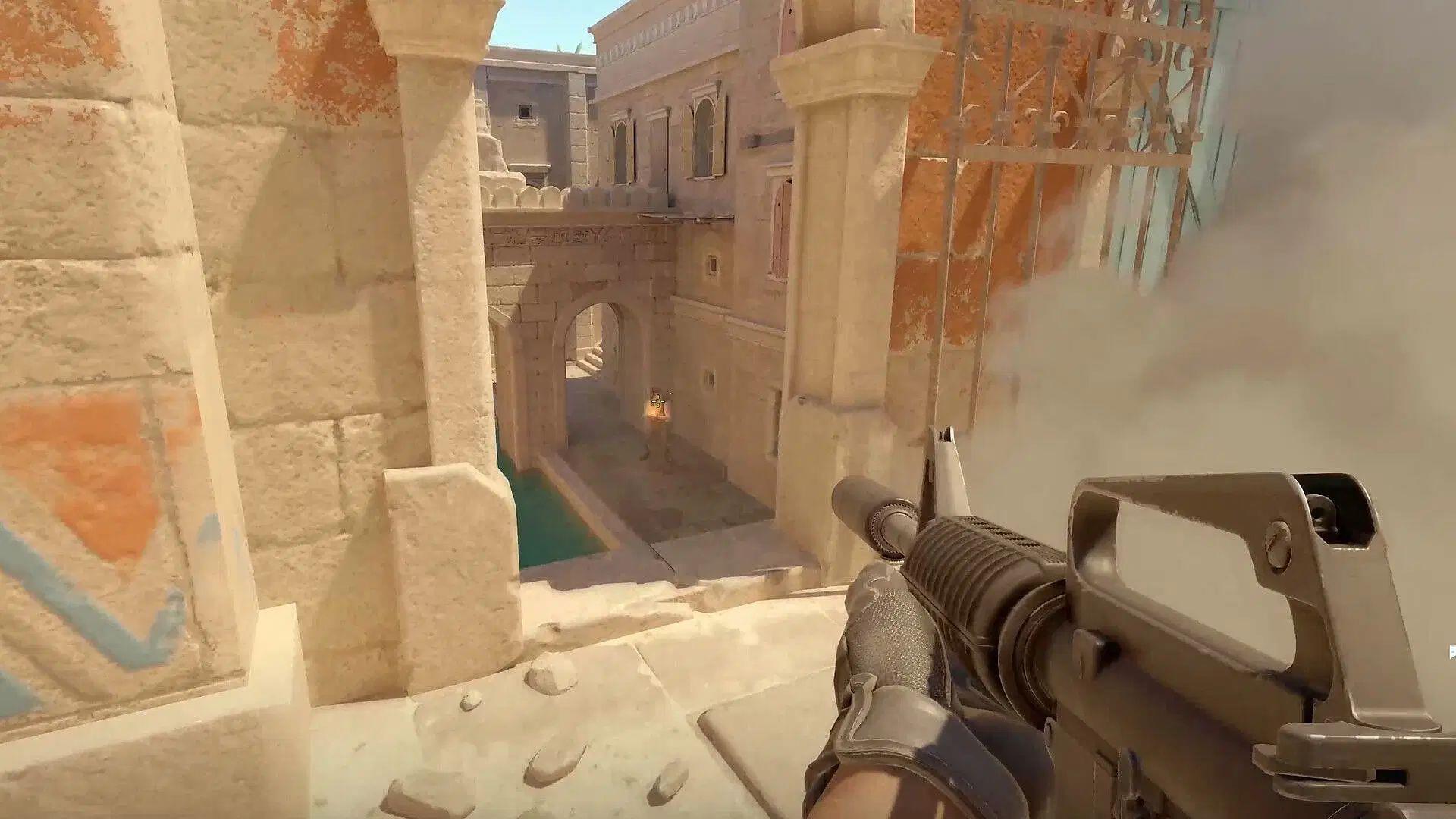
When learning how to manage bots in CS2, it’s crucial to understand their strategic value in training environments. While artificial intelligence opponents don’t contribute meaningfully to competitive online matches, they serve as invaluable tools for developing individual skills and team coordination. Creating custom Counter-Strike 2 practice scenarios or setting up offline deathmatch sessions for warm-up routines requires mastering bot control mechanics.
Proper bot management enables players to design highly specific training regimens that target weak areas in their gameplay. Whether you’re practicing spray control, learning smoke lineups, or developing entry fragging techniques, customized bot scenarios provide consistent, repeatable practice conditions that accelerate skill development.
Essential Bot Removal Commands
Executing the correct sequence of bot removal commands in CS2 transforms your practice sessions from chaotic to controlled. The fundamental ‘bot_kick’ command serves as your primary tool for clearing artificial opponents from both factions in the game. When you need surgical precision in managing your training environment, utilize these specialized commands:
For complete environment reset, combining ‘bot_kick_ct’ and ‘bot_kick_t’ ensures a pristine training canvas. Many players overlook that these commands work in both offline practice and community server environments, providing flexible training options across different gameplay contexts.
Advanced Bot Control Techniques
Beyond simple removal, advanced bot manipulation in CS2 unlocks sophisticated training methodologies. The console provides powerful behavioral modification commands that transform basic target practice into dynamic learning environments. Master these essential control parameters:
Strategic combination of these commands enables complex training setups. For example, placing stationary bots at common defensive positions while setting difficulty to maximum creates ideal pre-fire practice scenarios. Advanced players often use ‘bot_stop’ intermittently during movement drills to simulate unexpected engagements.
Practical Application Scenarios
Implementing structured bot training routines in CS2 requires understanding practical applications for these commands. Effective warm-up sessions typically begin with removing all existing bots using ‘bot_kick’, then strategically placing controlled opponents at specific map locations. This approach allows players to practice common engagement angles and develop muscle memory for key positions.
For team practice, coordinate bot management to simulate realistic opponent behavior. Set bot_difficulty to 2 for medium challenge during strategy development, then increase to 3 when testing execution under pressure. The ‘bot_place’ command becomes particularly valuable for recreating specific post-plant situations or retake scenarios that require precise utility usage and coordinated pushes.
Remember that bot management commands work seamlessly with other console directives. Combine bot control with weapon restrictions, movement parameters, and economy settings to create comprehensive training environments that address multiple skill aspects simultaneously.
Common Mistakes and Optimization Tips
Avoiding common bot management errors in CS2 significantly improves training efficiency. Many players incorrectly format command syntax, forgetting that console commands require precise spacing and parameter placement. Always ensure you’re using the correct command format – for example, ‘bot_kick t’ instead of ‘bot_kick_t’ will not function properly.
Performance optimization involves understanding command execution timing. Input bot removal commands during freeze time or between rounds to avoid gameplay disruption. For large-scale bot clearance, execute team-specific commands sequentially rather than individually removing each bot to minimize performance impact.
Advanced optimization includes creating custom configuration files with predefined bot management sequences. Save frequently used command combinations as aliases or bind them to specific keys for rapid execution during practice sessions. This approach transforms complex bot management into single-button operations, allowing you to focus on skill development rather than console navigation.
For additional technical guidance: Best CS2 Console Commands you need to know
Troubleshooting assistance: CS2 server uses different class tables error: Possible reasons and fixes
No reproduction without permission:GameCDjnh » How to remove bots in CS2 Master CS2 bot management with essential commands, practical strategies, and advanced optimization techniques