
Comprehensive troubleshooting guide to fix the CS2 update disabled error and restore game functionality
Understanding the CS2 Update Disabled Error
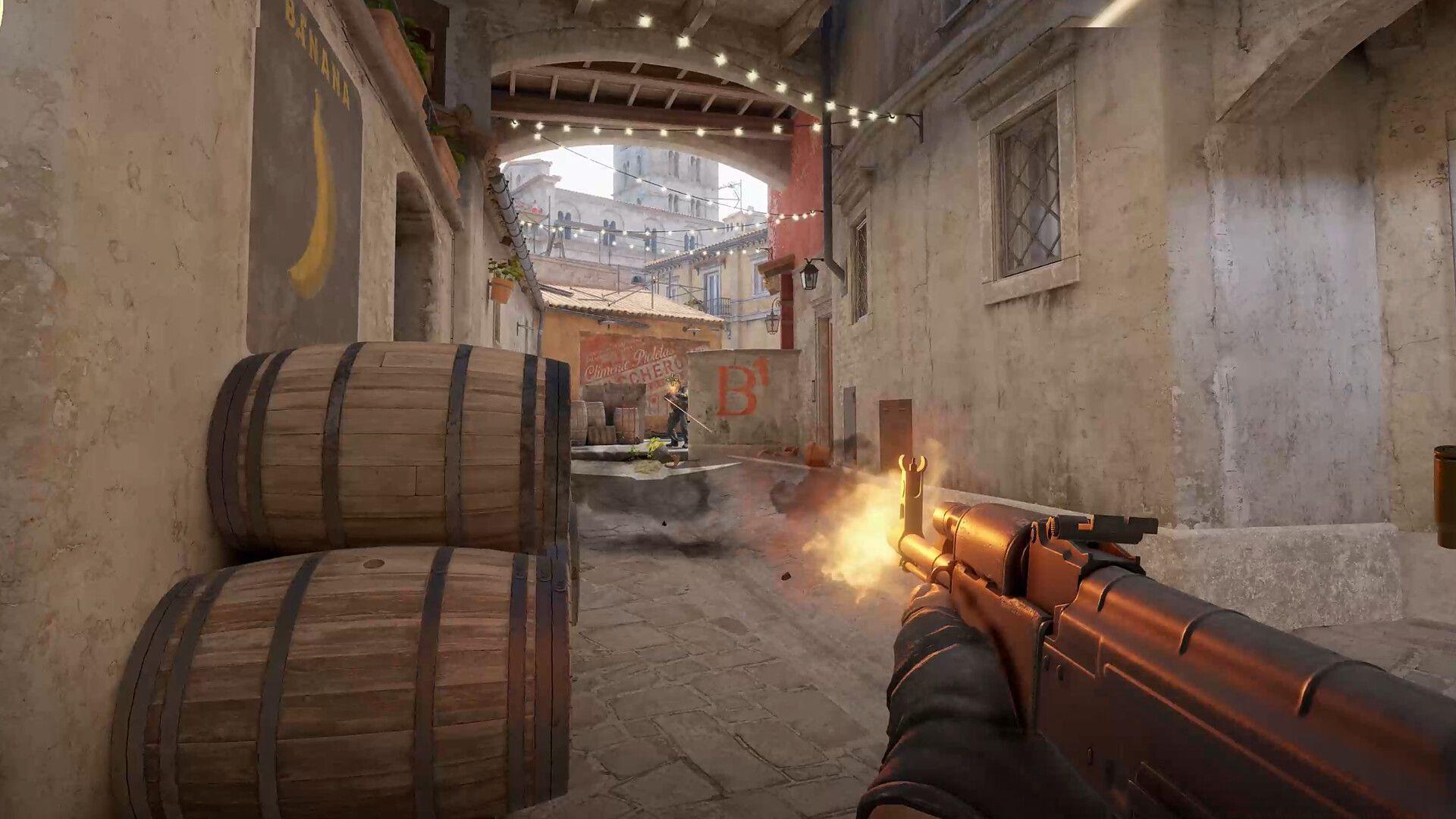
Global player communities continue reporting the persistent CS2 update disabled error that emerged around Premier Season 3’s launch timeframe. This technical disruption prevents gamers from accessing current game versions, creating widespread frustration among the competitive Counter-Strike community.
The error manifests prominently within Steam’s interface, displaying persistent notifications adjacent to CS2’s library entry that block download and update functionalities. Players encounter complete update obstruction despite repeated attempts to refresh or restart the process.
Resolution typically involves straightforward troubleshooting procedures, though understanding the underlying causes enhances success rates. Corrupted local files, Steam client conflicts, and network configuration issues represent the most frequent triggers for this update blockade.
Primary Solution: File Verification Method
File integrity verification stands as the most reliable initial approach for resolving the CS2 update disabled error. This process systematically scans all game components, replacing damaged or missing files with fresh copies from Steam’s servers. The automated repair mechanism addresses corruption issues stemming from incomplete downloads, disk errors, or software conflicts.
Read more: All changes in the CS2 Premier Season 3 update
Execute the verification sequence through these precise steps:
- Initiate Steam client and authenticate with your credentials
- Navigate to the Games Library section within the interface
- Right-click Counter-Strike 2’s entry to access contextual options
- Select the ‘Properties’ configuration panel
- Access the ‘Installed Files’ management tab
- Activate the ‘Verify integrity of game files’ diagnostic tool
Completion typically requires 5-15 minutes depending on system specifications and connection speed. The verification tool provides progress indicators and summary reports upon finishing. Successful execution should eliminate the update error and restore normal game functionality.
Advanced Solution: Alternate Account Method
When standard file verification proves ineffective, the secondary account method provides an alternative pathway. This technique circumvents profile-specific corruption by reinstalling CS2 through a different Steam identity, then transferring access back to your primary account.
Check out: CS2 server uses different class tables error: Possible reasons and fixes
Implement this advanced solution through these sequential actions:
- Completely uninstall Counter-Strike 2 from your system
- Perform full logout from your current Steam account
- Authenticate using an alternative or borrowed Steam account
- Download and install CS2 through the substitute account
- Log out completely after installation concludes
- Re-authenticate using your original primary account
This methodology frequently resolves deeply embedded update conflicts that standard tools cannot detect. The fresh installation establishes clean game files while maintaining your progress and inventory through Steam’s cloud synchronization features.
Additional Troubleshooting Strategies
Beyond primary solutions, several supplementary techniques can enhance resolution probability. Network configuration often contributes to update failures, making connection troubleshooting equally important as file repairs.
You might be interested in: How to remove bots in CS2
Essential supplementary actions include:
- Clearing Steam’s download cache through Settings > Downloads
- Restarting your networking equipment and Steam client completely
- Checking Steam server status through official status pages
- Ensuring adequate free space exceeds CS2’s total size requirements
- Temporarily disabling security software that might block updates
- Running Steam with administrative privileges for one session
Preventative measures significantly reduce recurrence risks. Maintain regular file verification habits, keep Steam updated, and avoid interrupting downloads once initiated. These practices establish stable update environments less prone to disabling errors.
That concludes our comprehensive guidance for resolving the CS2 update disabled error. For additional gaming technical support, continue following Sportskeeda’s esports section for ongoing coverage.
No reproduction without permission:GameCDjnh » CS2 update disabled error: Possible reasons and fixes Comprehensive troubleshooting guide to fix the CS2 update disabled error and restore game functionality