
Complete guide to preloading Wuthering Waves 2.6 with storage tips and troubleshooting solutions
What’s New in Version 2.6
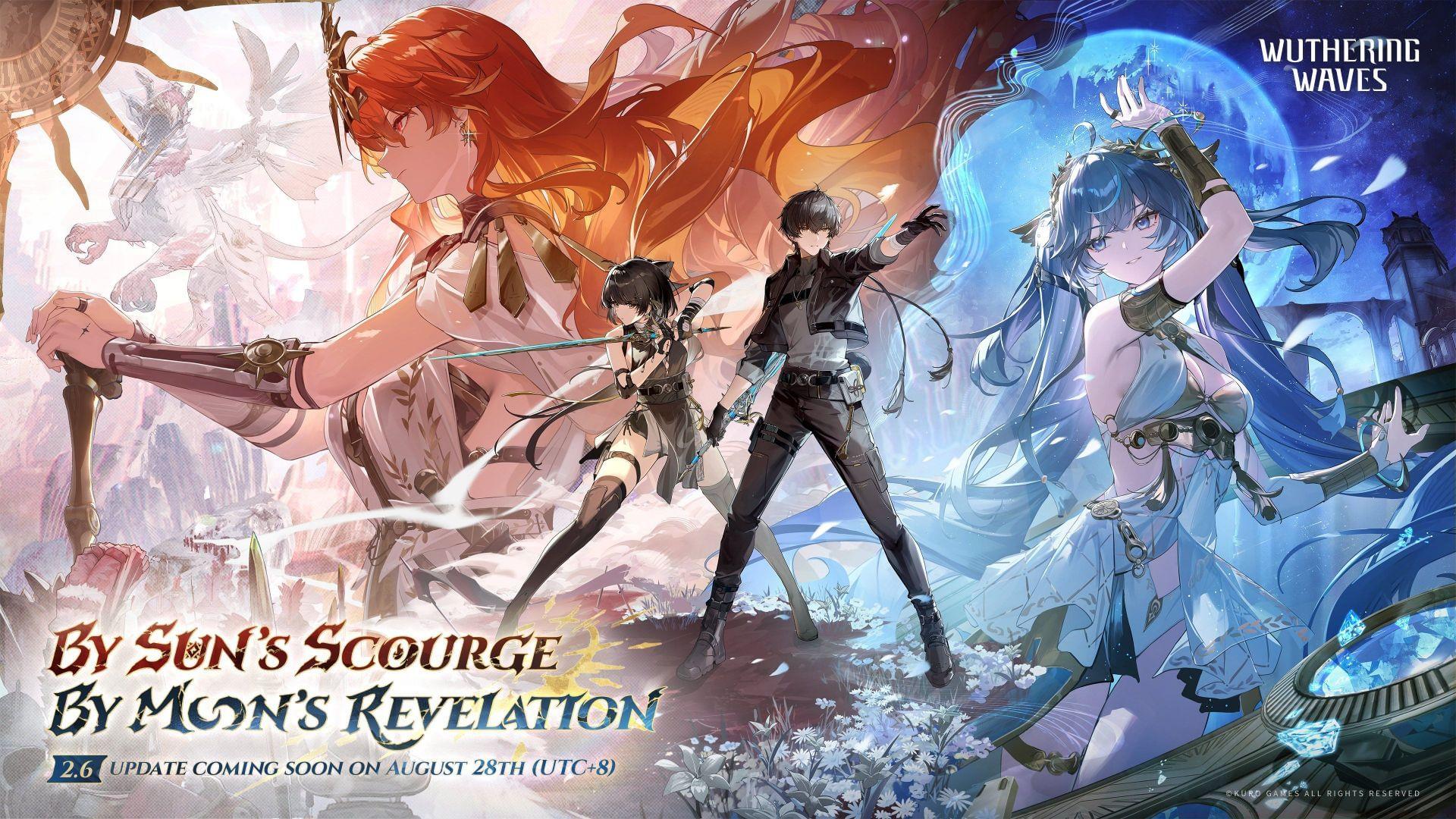
The preload phase for Wuthering Waves 2.6 has commenced across all compatible platforms, enabling users to download essential game files before the official update deployment. This substantial patch represents a significant milestone for the game’s evolving narrative and character roster. Players can anticipate the debut of Ephor of Septimont, Augusta, alongside progression in the Rinascita arc’s main storyline chapters.
Storage allocation requirements vary by platform:
Platform-Specific Preload Instructions
PC Preinstallation Procedure:
Mobile Device Setup:
Important Platform Limitation Notice: Preloading functionality is exclusively available through the official Wuthering Waves launcher on PC platforms. Steam platform users cannot access preload capabilities and must await the official August 28, 2025 release date for update availability.
Advanced Preload Strategies
Storage Optimization Techniques: Beyond the basic requirements, consider maintaining additional free space for optimal performance. Solid-state drives (SSDs) significantly accelerate decompression speeds compared to traditional hard drives. For mobile users, temporarily transferring media files to cloud storage or external devices can create the necessary space buffer.
Network Configuration Recommendations: Schedule downloads during off-peak hours for improved bandwidth availability. Wired Ethernet connections provide more stable download speeds than wireless alternatives. If encountering slow download rates, restarting your router or pausing other bandwidth-intensive applications may improve performance.
Troubleshooting Common Preload Issues: If the preload button remains unavailable, verify your game client is updated to the latest version. Storage allocation errors often result from insufficient system permissions or fragmented storage. Mobile users should ensure their operating system meets the minimum requirements and that battery optimization settings aren’t interfering with background downloads.
Post-Download Preparation: After completing the preload, avoid modifying game files or clearing cache until the maintenance period concludes. Keep your device connected to power during the actual update process to prevent installation interruptions.
No reproduction without permission:GameCDjnh » Wuthering Waves 2.6 preload guide and size for PC, Android, and iOS Complete guide to preloading Wuthering Waves 2.6 with storage tips and troubleshooting solutions