
Master Ghost of Yotei cinematic modes with expert activation tips and director-inspired visual enhancements
Understanding the Cinematic Experience
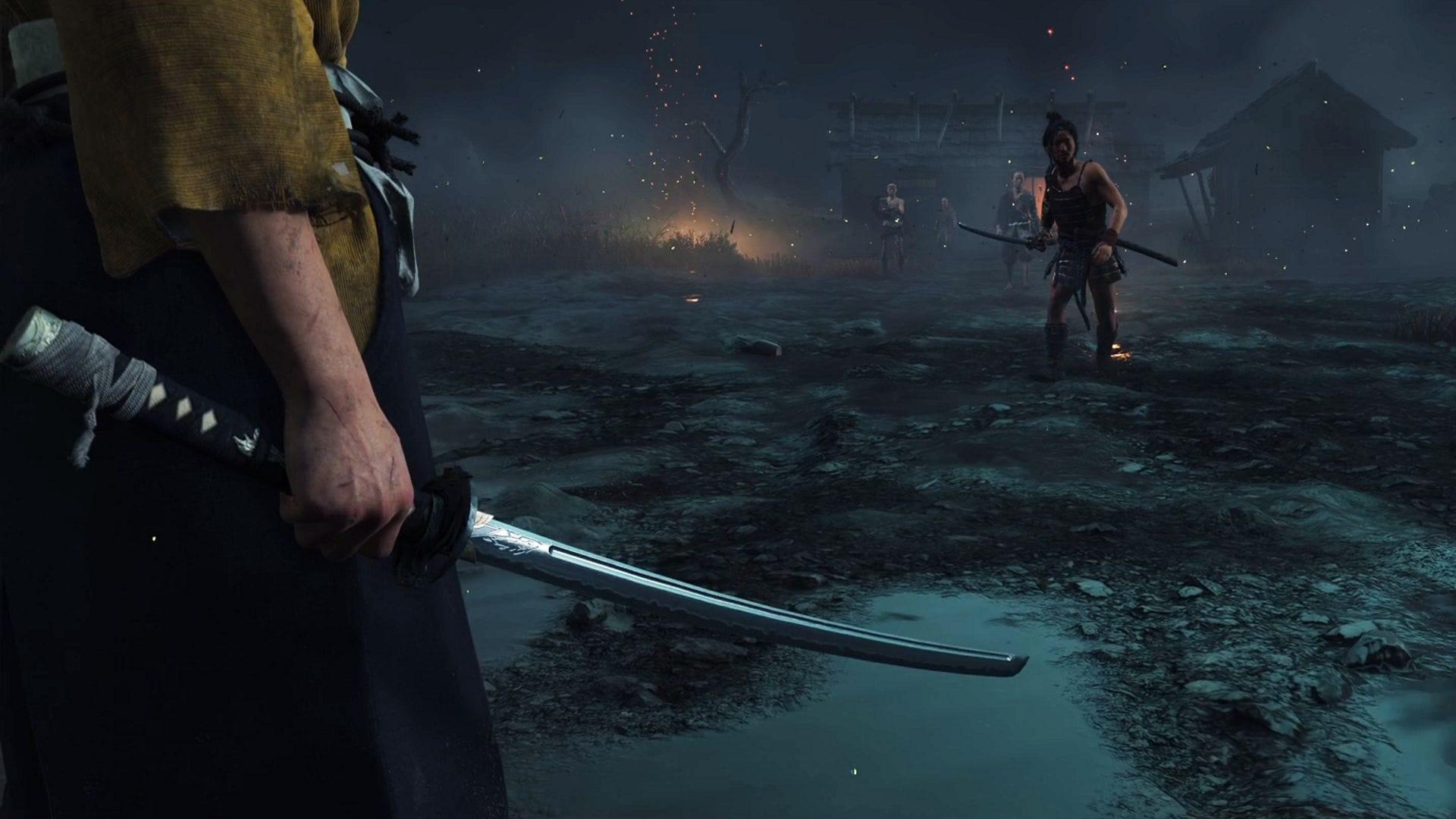
Ghost of Yotei presents multiple cinematic mode options that fundamentally transform your visual journey through Ezo’s stunning landscapes. Each carefully crafted mode draws inspiration from iconic Japanese filmmakers, allowing players to experience the game through distinct artistic lenses that highlight different aspects of the narrative and environment. These visual transformations serve as tribute to cinematic masters while maintaining the core gameplay mechanics intact.
Understanding that visual style impacts emotional engagement, Sucker Punch designed these modes to enhance immersion without altering challenge progression. The cinematic filters and camera work create unique atmospheric conditions that can dramatically shift how you perceive the world of Ezo, making repeat playthroughs feel fresh and visually distinct.
Director Mode Deep Dive
Kurosawa Mode: Classic Cinematic Elegance
Kurosawa Mode excels during daylight combat sequences and landscape exploration, where the monochromatic treatment emphasizes composition and movement. The filter intensifies weather effects, making rain and fog particularly atmospheric while maintaining clear visual readability for combat situations.
Miike Mode: Intense Action Focus
The Miike-inspired approach transforms standard battles into chaotic, close-quarters experiences where environmental details become more pronounced. The altered camera angles demand greater spatial awareness during fights, effectively increasing perceived difficulty despite unchanged enemy statistics.
Watanabe Mode: Atmospheric Exploration
This mode shines during exploration and narrative moments, where the original soundtrack creates a contemplative atmosphere perfect for soaking in Ezo’s beauty. The audio-visual synergy makes traveling between locations feel like moving through animated sequences from Watanabe’s acclaimed works.
While all three cinematic approaches introduce transformative elements, the fundamental challenge level remains consistent throughout your adventure. Miike Mode’s camera adjustments do create more demanding combat scenarios by limiting visibility and requiring quicker reaction times to environmental threats.
Kurosawa and Watanabe modes preserve standard camera behavior while implementing their distinctive aesthetic treatments. For relaxed exploration sessions, Watanabe Mode provides the ideal accompaniment with its soothing lo-fi soundtrack that enhances the meditative quality of traversing Ezo’s diverse regions.
Practical Implementation Guide
If you’re ready to transform your Ghost of Yotei experience with these director-inspired visual styles, follow this straightforward activation process:
Critical implementation note: The game restricts activation to one cinematic mode simultaneously, requiring manual switching between styles. Changes apply instantly without needing to reload areas or restart missions.
Optimization Strategies
For optimal performance, consider activating cinematic modes after completing initial tutorial sections to fully appreciate their impact on Ezo’s diverse environments. Performance remains consistent across all modes, though Miike Mode’s particle effects during combat may slightly impact frame rates on base console hardware.
Experiment with each mode in different weather conditions and times of day to discover how lighting and atmospheric effects interact with the visual filters. Kurosawa Mode particularly shines during thunderstorms, while Watanabe Mode creates magical moments during sunset sequences.
Advanced Usage Tips
Scene-Specific Recommendations
Strategic mode switching enhances specific gameplay moments dramatically. Employ Kurosawa Mode for major story battles and duels to emphasize the cinematic gravity of these encounters. Switch to Miike Mode when clearing enemy camps for intensified combat feedback, then transition to Watanabe Mode during exploration phases to enjoy the lo-fi soundtrack while traveling between objectives.
For photography mode enthusiasts, Kurosawa Mode creates stunning black-and-white compositions perfect for dramatic screenshots, while Watanabe Mode offers vibrant color palettes ideal for capturing Ezo’s natural beauty.
Common Mistakes to Avoid
Many players overlook the audio components when selecting modes – Watanabe Mode’s soundtrack significantly enhances the exploration experience beyond its visual elements. Avoid sticking to one mode exclusively; the true value emerges from adapting your visual style to match current gameplay activities.
Don’t assume cinematic modes affect game difficulty settings – enemy behavior and statistics remain identical across all visual styles. The perceived challenge changes come from camera adjustments in Miike Mode rather than mechanical alterations.
Also read: What is Watanabe Mode?
Check out: Ghost of Yotei review
This comprehensive guide covers everything from basic activation to advanced strategic implementation of Ghost of Yotei’s cinematic modes.
Check out more gaming news and updates:
No reproduction without permission:GameCDjnh » All cinematic modes in Ghost of Yotei and how to turn them on Master Ghost of Yotei cinematic modes with expert activation tips and director-inspired visual enhancements