
Essential Nintendo Switch 2 day-one update unlocks critical features and ensures optimal console performance from launch
Understanding the Switch 2 Day-One Update
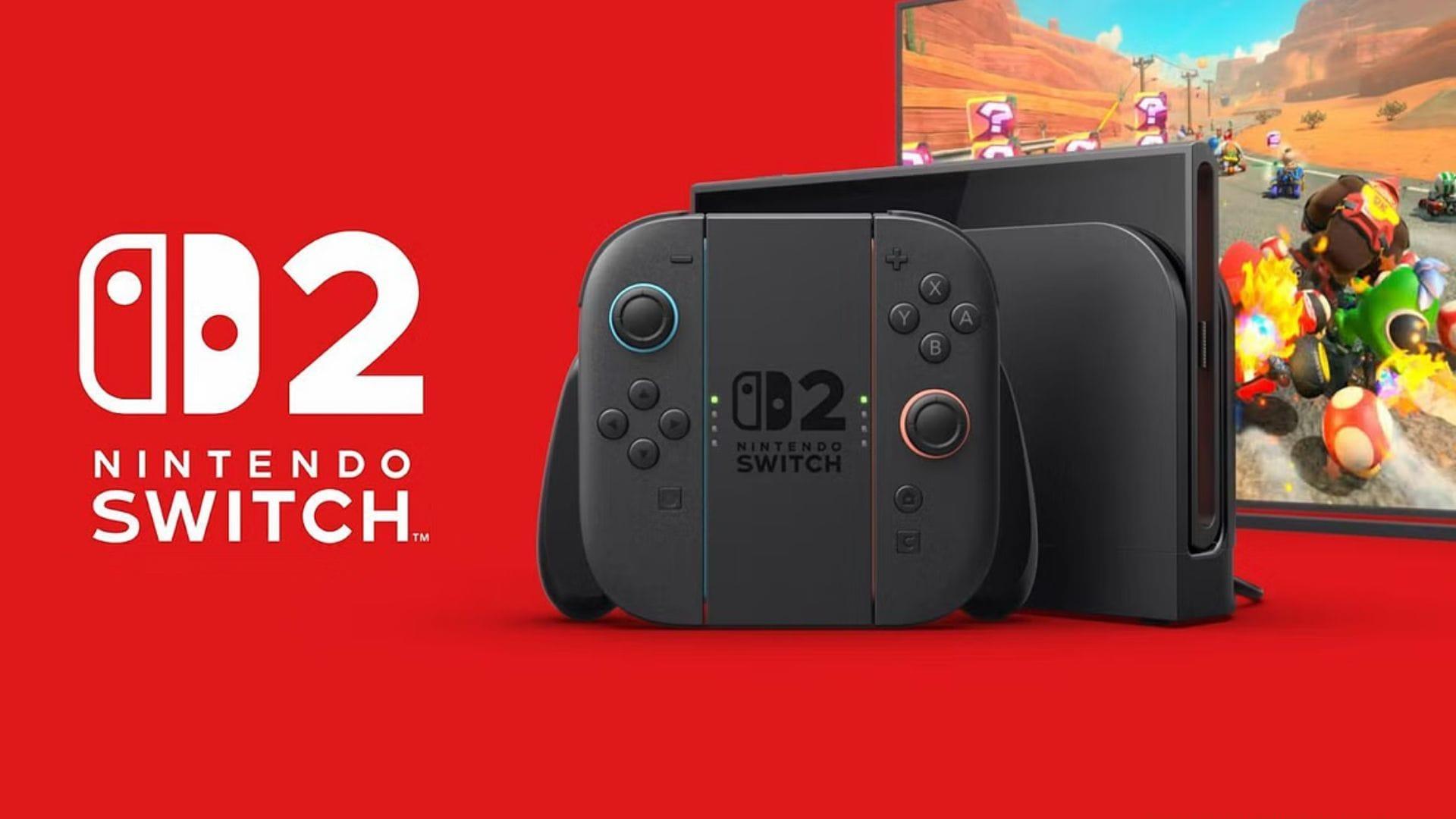
The Nintendo Switch 2 launches globally on June 5, 2025, accompanied by its inaugural system software release—version 20.1.1. This essential day-one patch functions as the activation key for the console’s complete feature set, transforming your device from basic hardware to a fully operational gaming platform. Every Switch 2 owner must complete this installation during their initial setup to access the system’s comprehensive capabilities.
Unlike optional updates that enhance existing features, this foundational update establishes the operational framework for your console. It’s comparable to installing an operating system on a new computer—without it, the hardware remains largely non-functional for its intended purposes.
Key Features Unlocked by Version 20.1.1
- System news integration delivers real-time alerts and developer communications directly to your home screen interface
- Cross-console data migration facilitates seamless transfer of user profiles and game data between Switch 2 units
- Virtual game card implementation enables digital activation and management of game licenses without physical media
- Nintendo eShop gateway provides immediate access to digital game purchases, demos, and downloadable content
- Game News channel offers curated updates from publishers and development studios with personalized content feeds
- Media sharing capabilities allow uploading screenshots and video clips to social platforms and cloud storage
- Mobile app synchronization connects with Parental Controls and Nintendo Switch Online applications for comprehensive device management
The 20.1.1 update serves as the gateway to essential gaming functions that define the Switch 2 experience. Core capabilities including game execution, cloud backup services, multiplayer connectivity, and media access through card-based systems remain completely inaccessible until this installation completes. Consider this update the digital key that unlocks your console’s true potential.
Advanced users should note that this update also establishes the security framework for future digital rights management and anti-piracy measures, ensuring long-term system integrity.
Setup Process and Best Practices
During initial console configuration, the system automatically detects and prompts for the 20.1.1 update installation. This seamless integration into the setup workflow ensures no user can accidentally bypass this critical step. The process typically requires 15-25 minutes depending on internet connection speed.
As Nintendo’s next-generation hybrid gaming platform, the Switch 2 relies on this foundational update to establish compatibility with upcoming game releases and online services. It creates the architectural basis for all subsequent content delivery and network functionality throughout the console’s lifecycle.
Whether you’re exploring launch titles or configuring your Nintendo account, the 20.1.1 update guarantees your system operates at full capacity from the moment you power it on. This preparation ensures optimal performance whether playing in handheld, tabletop, or docked modes.
Professional tip: Ensure stable Wi-Fi connectivity during installation and avoid interrupting the process to prevent potential system corruption that might require factory resetting.
Advanced Tips and Common Pitfalls
Optimization Strategies: For the fastest update experience, connect via 5GHz Wi-Fi networks and temporarily pause other bandwidth-intensive activities. Wired ethernet connections through the dock provide even more reliable installation speeds.
Common Setup Mistakes: Many users mistakenly believe they can defer this update—don’t make this error. The system deliberately blocks access to core features until 20.1.1 installs completely. Attempting to skip this update will leave you with a functionally limited console.
Performance Enhancement: After update completion, restart your Switch 2 manually to ensure all background services initialize properly. This simple step resolves many post-update performance quirks and ensures optimal memory allocation.
Storage Management: The update requires approximately 2GB of free system storage. If using a microSD card, ensure it’s properly formatted and inserted before beginning the installation process to avoid storage allocation errors.
Read more Nintendo Switch 2-related articles:
Pokemon Scarlet and Violet: All Nintendo Switch 2 features
5 games you should consider buying for Nintendo Switch 2 at launch
All Nintendo Switch 2 Game Upgrade Pack prices revealed
No reproduction without permission:GameCDjnh » Nintendo Switch 2 20.1.1 update patch notes: Everything you need to know Essential Nintendo Switch 2 day-one update unlocks critical features and ensures optimal console performance from launch