
Master Elden Ring Nightreign multiplayer with expert strategies, team coordination tips, and advanced expedition tactics
Understanding Nightreign’s Multiplayer Foundation
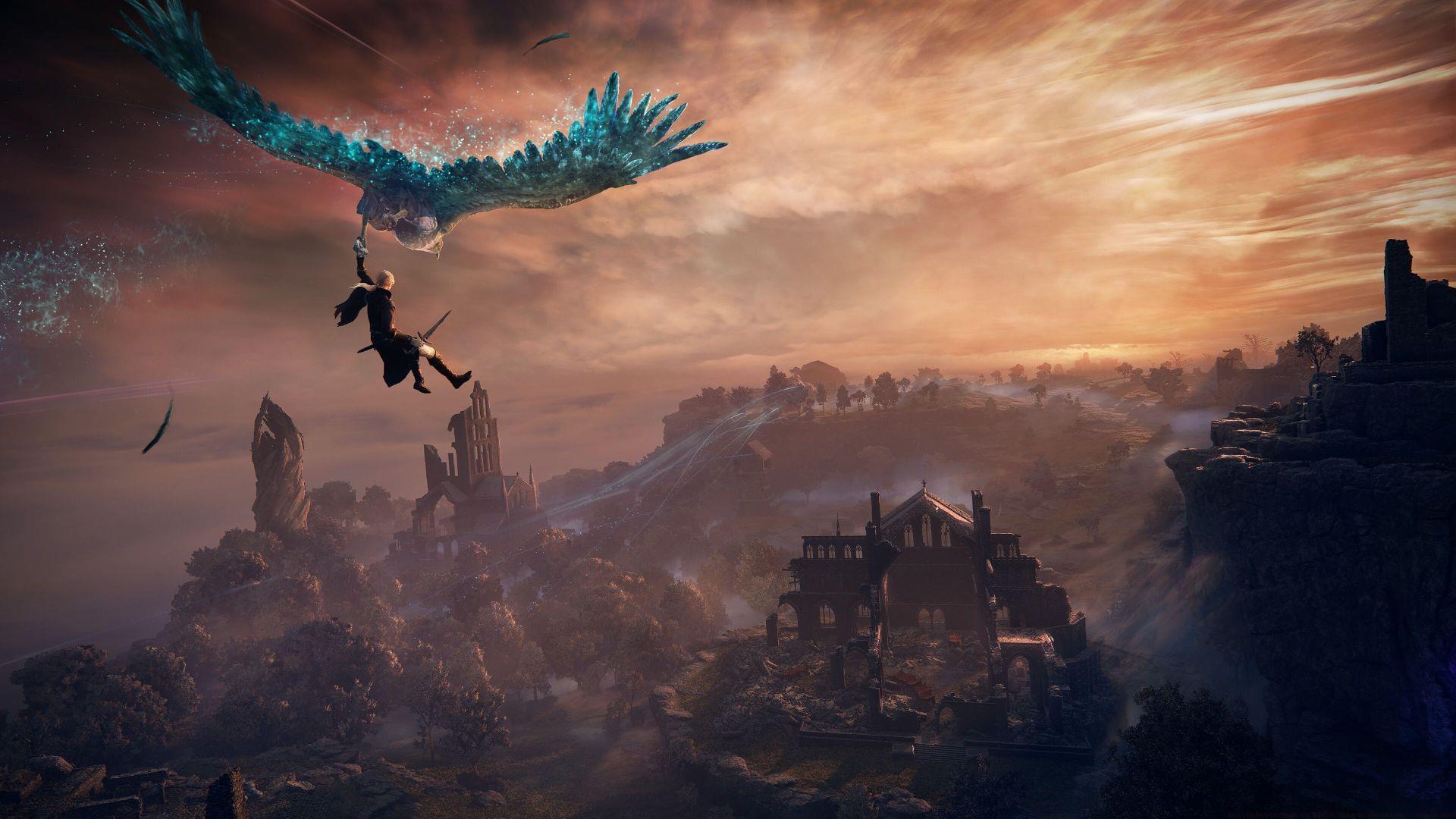
While Elden Ring Nightreign offers satisfying solo adventures, its combat mechanics and enemy encounters are specifically calibrated for cooperative multiplayer experiences. This roguelite adaptation of FromSoftware’s acclaimed open-world masterpiece brings together adversaries from across the studio’s storied history. As a SoulsBorne title emphasizing team-based gameplay, beginners often encounter challenges when organizing sessions with companions.
Currently, Elden Ring Nightreign’s multiplayer functionality restricts parties to three participants maximum. This means if you’re playing with just one companion, the system will automatically matchmake for a third random ally. The development team has confirmed that two-player expeditions will arrive in a forthcoming patch, addressing this limitation directly.
In the interim period before the official update releases, community-created modifications exist that enable two-person squad configurations outside the standard matchmaking framework.
Essential Note: The Roundtable Hold becomes accessible immediately after concluding the introductory tutorial section.
Step-by-Step Expedition Setup Process
Initiating cooperative adventures with friends requires navigating to the central table within the Roundtable Hold, where the “Commence Expedition” prompt becomes available. Activating this option reveals the expedition configuration interface. Proceed to “Matchmaking Settings” adjacent to the “Target” selection panel (utilize shoulder buttons on gamepads or F1/F2 keys on keyboards).
Two primary methods exist for assembling your squad in Elden Ring Nightreign’s multiplayer mode:
- Choose the “Invite Members” function to directly select companions from your platform’s friend roster.
- Establish a custom multiplayer password. When allies enter this identical code, they automatically join your session. The group password feature enables visibility of community interactions like bloodstains and phantom appearances from players sharing that password.
Partial friend groups are also supported—if you invite one companion, the remaining slot populates through random matchmaking.
Pro Tip: Always coordinate password usage with your entire team beforehand to prevent connection issues. Double-check that everyone inputs the password exactly, including capitalization and special characters.
Common Mistake to Avoid: Don’t forget to set your expedition type before inviting friends. Many players accidentally start solo expeditions when they intended cooperative sessions, requiring restarting the entire process.
Advanced Multiplayer Strategies & Optimization
Access the Commence Expedition interface and choose from available boss encounters. Selecting multiple adversaries simultaneously accelerates the matchmaking procedure when incorporating random teammates.
When coordinating with friends, note that you can select boss encounters that your allies haven’t yet unlocked in their progression. This allows experienced players to guide newcomers through challenging content they couldn’t access alone.
Advanced Team Composition Strategy: Balance your party with complementary roles—include at least one tank-focused character to draw aggro, one damage dealer for eliminating threats quickly, and one support player for healing and buffs. This trinity approach significantly improves expedition success rates.
Performance Optimization: Ensure all party members have their game updated to the latest version and maintain stable internet connections. Connection issues often stem from version mismatches or unstable networks rather than game server problems.
Communication Tactics: While Nightreign lacks native voice chat, established groups use external communication apps for real-time coordination. Call out enemy attacks, coordinate consumable usage, and plan tactical retreats during intense encounters.
Platform Compatibility & Solo Play Options
Currently, cross-platform functionality remains unavailable, though cross-generation play enables collaboration within console families. This permits PlayStation 4 and PlayStation 5 users to join forces, similarly connecting Xbox One and Xbox Series X|S players.
Solo expeditions represent a viable alternative in Nightreign, eliminating dependence on random teammates. However, this mode lacks the balance refinements of cooperative expeditions, with enemy health representing the sole adjustment. To configure a single-player session, navigate to Expedition Type within Matchmaking Settings and choose “Single Player.” Successful activation changes the initiation prompt to “Commence Solo Expedition.”
Solo Mode Considerations: While playing alone removes team coordination challenges, it significantly increases difficulty since enemy mechanics were designed with multiple targets in mind. Solo players should focus on hit-and-run tactics and master perfect dodging to survive encounters balanced for groups.
Future Update Expectations: Industry analysts anticipate expanded multiplayer options based on FromSoftware’s update patterns with previous titles. The confirmed duo expedition update will likely arrive within the next major patch cycle.
No reproduction without permission:GameCDjnh » Multiplayer mode in Elden Ring Nightreign, explained Master Elden Ring Nightreign multiplayer with expert strategies, team coordination tips, and advanced expedition tactics