
Comprehensive troubleshooting guide and optimization strategies for Helldivers 2 Xbox issues
Introduction to Xbox Compatibility Challenges
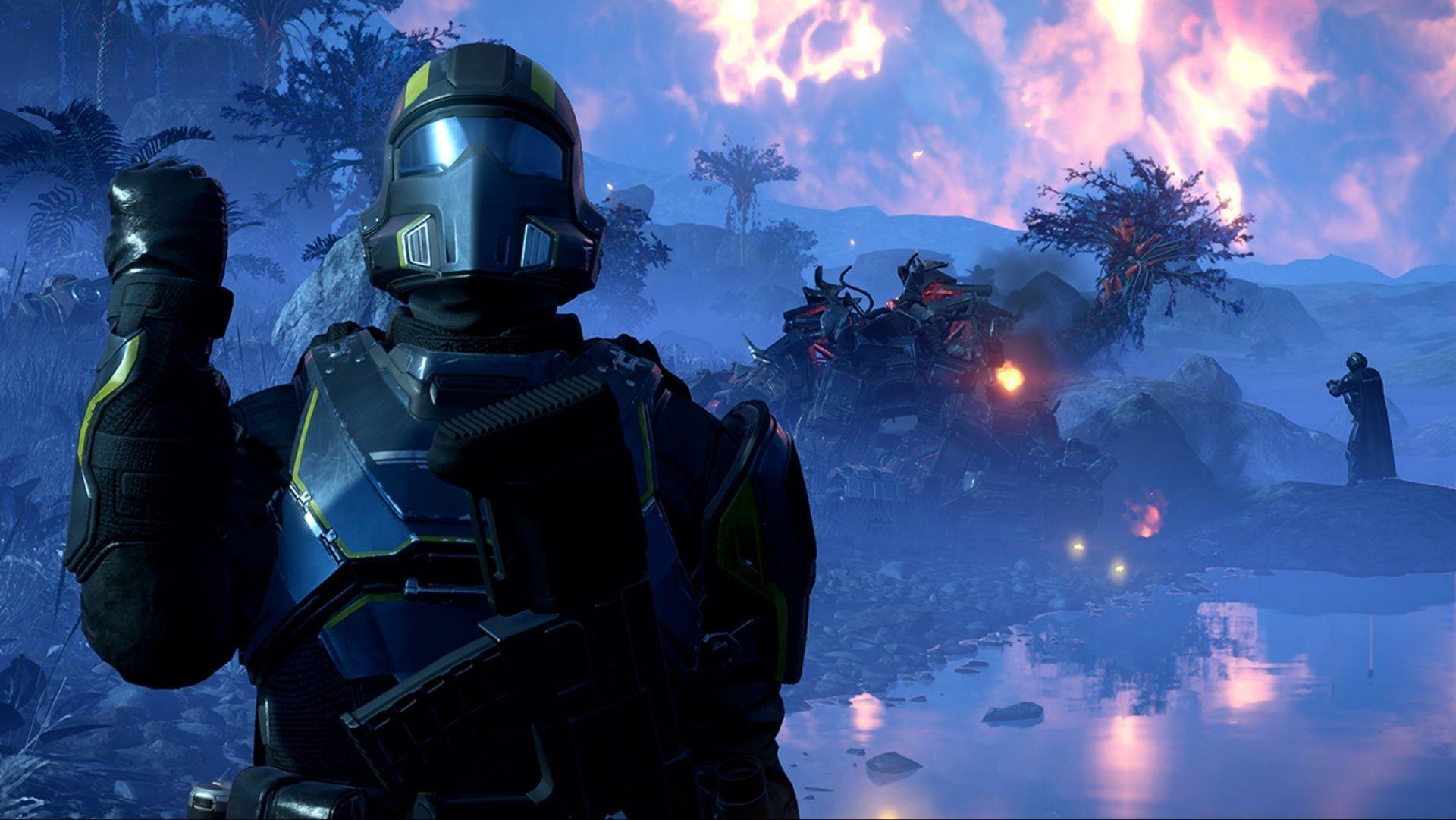
Helldivers 2 has made its debut on the Xbox Series X|S platform, though numerous players are encountering operational difficulties when attempting to run the game. These technical challenges can prove particularly vexing and typically stem from multiple potential causes. When the issue originates from user-side configurations, implementing targeted troubleshooting approaches can often provide resolution. However, server-related complications demand patience until infrastructure services are fully restored.
Essential Xbox Console Troubleshooting Steps
Basic troubleshooting methods frequently yield significant results. Should the game fail to initialize or become unresponsive, initiate a comprehensive restart sequence for your Xbox console. This fundamental approach addresses temporary system anomalies and accumulated cache data that might interfere with proper game execution.
Restarting your console serves multiple purposes: it purges temporary files, reinitializes background operations, and potentially implements any queued system updates. Gaming professionals consistently recommend beginning with this straightforward procedure before progressing to more complex solutions.
Network instability or insufficient bandwidth can disrupt connections to game servers. Validate your internet connection’s stability, and for optimal outcomes, power cycle your networking equipment before subsequent attempts. Consider using wired Ethernet connections rather than Wi-Fi for enhanced reliability during intensive gaming sessions.
Also read: When does Helldivers 2 x Halo ODST release?
Given the recent platform release, development teams frequently deploy incremental patches designed to enhance gameplay smoothness. To verify available updates, navigate through the following interface path:
My games & apps > Manage > Updates
Additionally, ensure your console operating system remains current. To perform this verification:
Settings > System > Updates
Advanced Performance Optimization Techniques
For players seeking enhanced performance, several optimization strategies can significantly improve your Helldivers 2 experience. Configure your Xbox network settings to prioritize gaming traffic by enabling Quality of Service (QoS) features if supported by your router. This ensures gaming packets receive transmission priority over other network activities.
Adjust your console’s power mode to ‘Instant-on’ rather than ‘Energy-saving’ to maintain quicker resume capabilities and background updates. However, be aware that this setting might contribute to cache accumulation over extended periods, necessitating periodic full shutdowns.
Manage your console storage effectively by maintaining at least 10-15% free space on your internal drive. Performance degradation often occurs when storage approaches capacity limits. Consider moving older games to external storage to preserve optimal performance for current titles like Helldivers 2.
Server Status Monitoring and Community Resources
When server infrastructure experiences downtime, user-side interventions prove ineffective. Regrettably, Helldivers 2 lacks a specialized Xbox server status portal, though you can consult the official Xbox support website to determine whether console services are experiencing disruptions.
Beyond official channels, multiple community resources provide real-time server status information. The Helldivers 2 subreddit and dedicated Discord servers frequently feature user-reported status updates and outage confirmations. Monitoring these platforms can provide quicker awareness of widespread issues than relying solely on official communications.
During peak gaming hours (typically evenings and weekends), server load frequently increases substantially. If encountering connectivity problems during these periods, consider adjusting your play schedule or attempting connection during off-peak hours when server demand decreases.
Comprehensive Reinstallation Guide
Should previous methodologies prove unsuccessful, the most definitive—though time-intensive—solution involves complete game removal and fresh installation. This process eliminates potentially corrupted game files and guarantees a pristine installation environment.
Before uninstalling, ensure your game progress is securely backed up via cloud saves. Xbox automatically syncs save data when connected online, but verifying this functionality provides peace of mind. The reinstallation process typically requires 30-60 minutes depending on your internet connection speed.
Following reinstallation, allow the game to fully update before attempting gameplay. Launch the title once and remain on the main menu for several minutes to ensure all background initialization processes complete. This often resolves lingering issues that might persist if rushing into gameplay immediately after installation.
That concludes our comprehensive examination of Helldivers 2 operational challenges on Xbox platforms.
Check out our other articles surrounding Helldivers:
No reproduction without permission:GameCDjnh » Helldivers 2 not working on Xbox: Possible fixes and reasons Comprehensive troubleshooting guide and optimization strategies for Helldivers 2 Xbox issues