
Complete guide to playing Delta Force Mobile on PC with enhanced performance and tactical advantages
Introduction to Delta Force Mobile PC Experience
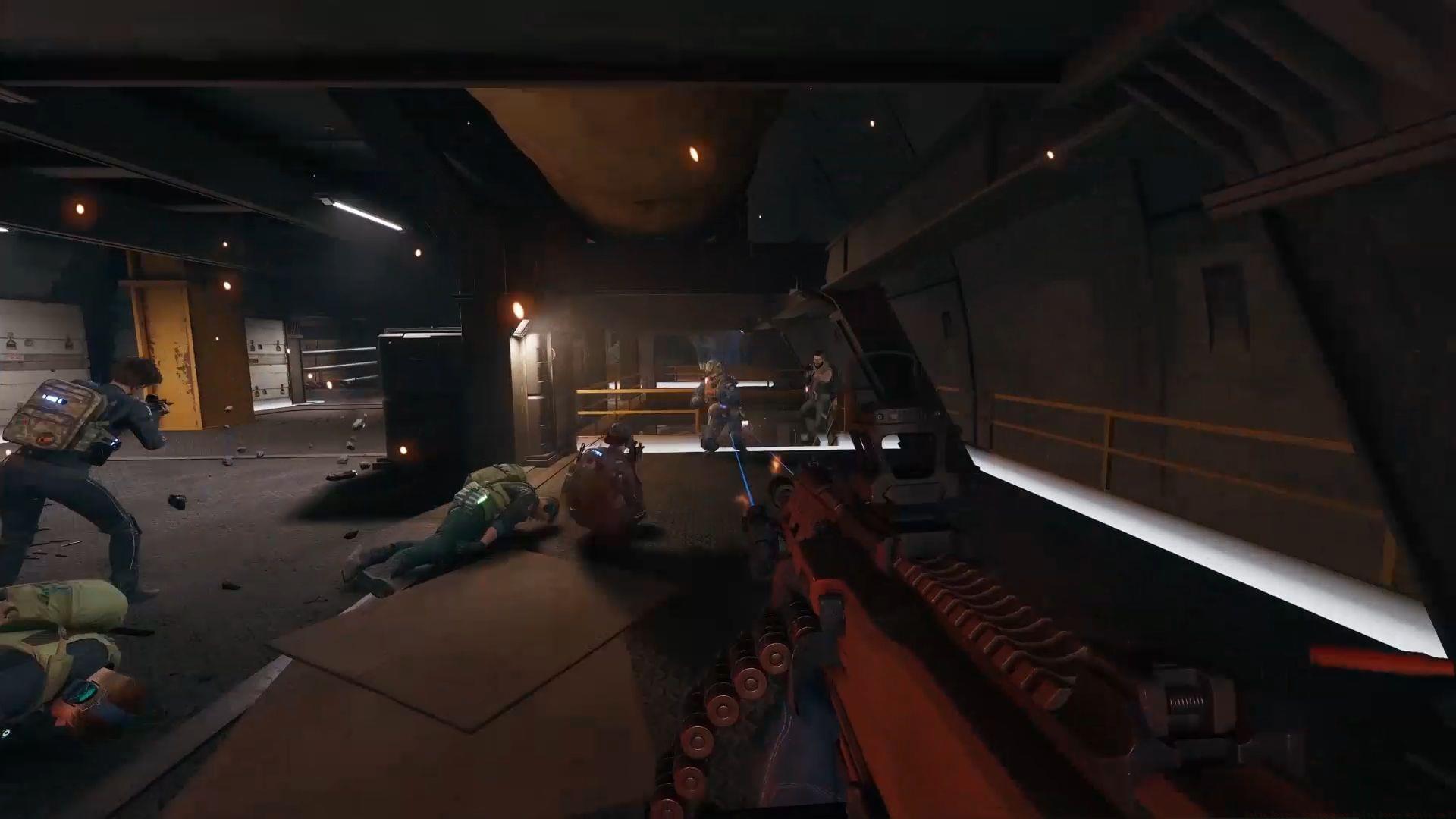
Delta Force Mobile on PC transforms the mobile tactical shooter into a full-fledged desktop gaming experience that serious players will appreciate. This transition from handheld to computer screen unlocks numerous advantages for tactical gameplay enthusiasts who demand precision and performance. The shift to larger displays and traditional input methods fundamentally changes how you engage with this iconic military franchise.
Playing on PC provides significant benefits including enhanced visual clarity for spotting distant enemies, precise mouse aiming for critical shots, and comfortable keyboard controls for complex tactical maneuvers. These advantages become particularly crucial in competitive matches where split-second decisions determine victory or defeat.
Step-by-Step Installation Guide
- Download Google Play Games for PC: Navigate to the official Google Play Games portal at https://play.google.com/googleplaygames. Select the “Install” button to acquire the necessary application files for your computer system. Ensure you download the version compatible with your operating system specifications.
- Configure the application platform: Execute the downloaded installation file to initiate the setup sequence. Carefully follow all displayed instructions to properly establish Google Play Games on your computer. The duration varies based on your hardware capabilities and internet speed, typically completing within 3-7 minutes.
- Complete platform initialization: Allow the installation process to finalize completely. Background downloads of essential framework components may occur to ensure optimal platform functionality. Avoid interrupting this phase to prevent corruption.
- Authentication and game discovery: After successful installation, authenticate using your Google credentials. The complete Google Play Games library becomes accessible. For immediate access to Delta Force Mobile, either search for “Delta Force” in the platform’s search interface or utilize this direct link: https://play.google.com/pc-store/games/details?id=com.proxima.dfm&pcampaignid=dev-launch-delta-force
Related coverage: Delta Force PC and Mobile release timing details
Performance Optimization Tips
Maximize your Delta Force Mobile PC performance by adjusting several key settings. Begin with graphics configuration: set texture quality to High while maintaining stable frame rates, enable anti-aliasing for cleaner edges, and adjust shadow details based on your GPU capabilities. These visual enhancements significantly improve target acquisition and environmental awareness.
Control customization represents your greatest advantage on PC. Map tactical functions to easily accessible keys, configure mouse sensitivity for precise aiming, and establish quick-switch weapon keybinds. Consider purchasing a gaming mouse with adjustable DPI settings to fine-tune your aiming precision during different combat scenarios.
Network optimization ensures responsive gameplay. Use wired Ethernet connections when possible, close bandwidth-intensive background applications, and consider gaming VPN services if experiencing regional latency issues. Monitor your ping during matches and avoid peak internet usage hours for competitive play sessions.
Common Issues and Solutions
Many players encounter installation obstacles that can be easily resolved. If Google Play Games fails to install, verify your system meets minimum requirements: Windows 10 version 2004 or later, SSD with 10GB free space, 8GB RAM, and compatible graphics card. Administrative privileges are often required during installation.
Performance problems typically stem from outdated drivers or conflicting software. Regularly update your graphics drivers, disable unnecessary background processes, and adjust in-game settings to match your hardware capabilities. If experiencing stuttering, reduce shadow quality and post-processing effects first.
Connectivity issues may arise from firewall restrictions or DNS problems. Configure Windows Defender to allow Google Play Games through the firewall, use Google’s DNS servers (8.8.8.8 and 8.8.4.4), and restart your router before competitive sessions. These simple steps resolve most network-related problems.
Advanced Tactical Advantages
The PC platform provides distinct tactical benefits that mobile players cannot easily replicate. Mouse aiming delivers pixel-perfect precision for headshots and long-range engagements, while keyboard controls allow rapid access to equipment and communication functions. These input advantages translate directly to improved kill-death ratios and mission success rates.
Develop strategic gameplay approaches that leverage your hardware advantages. Use the wider field of view to monitor multiple angles simultaneously, customize control schemes for specific game modes, and utilize audio enhancements to detect enemy movements more accurately. These subtle advantages accumulate throughout matches.
Explore additional Delta Force Mobile coverage:
- Understanding DF Mobile free-to-play mechanics
- Campaign mode features and mission structure
- Controller support compatibility details
- Cross-platform functionality explained
- Regional server availability schedules
No reproduction without permission:GameCDjnh » Delta Force: How to play Delta Force Mobile on PC Complete guide to playing Delta Force Mobile on PC with enhanced performance and tactical advantages