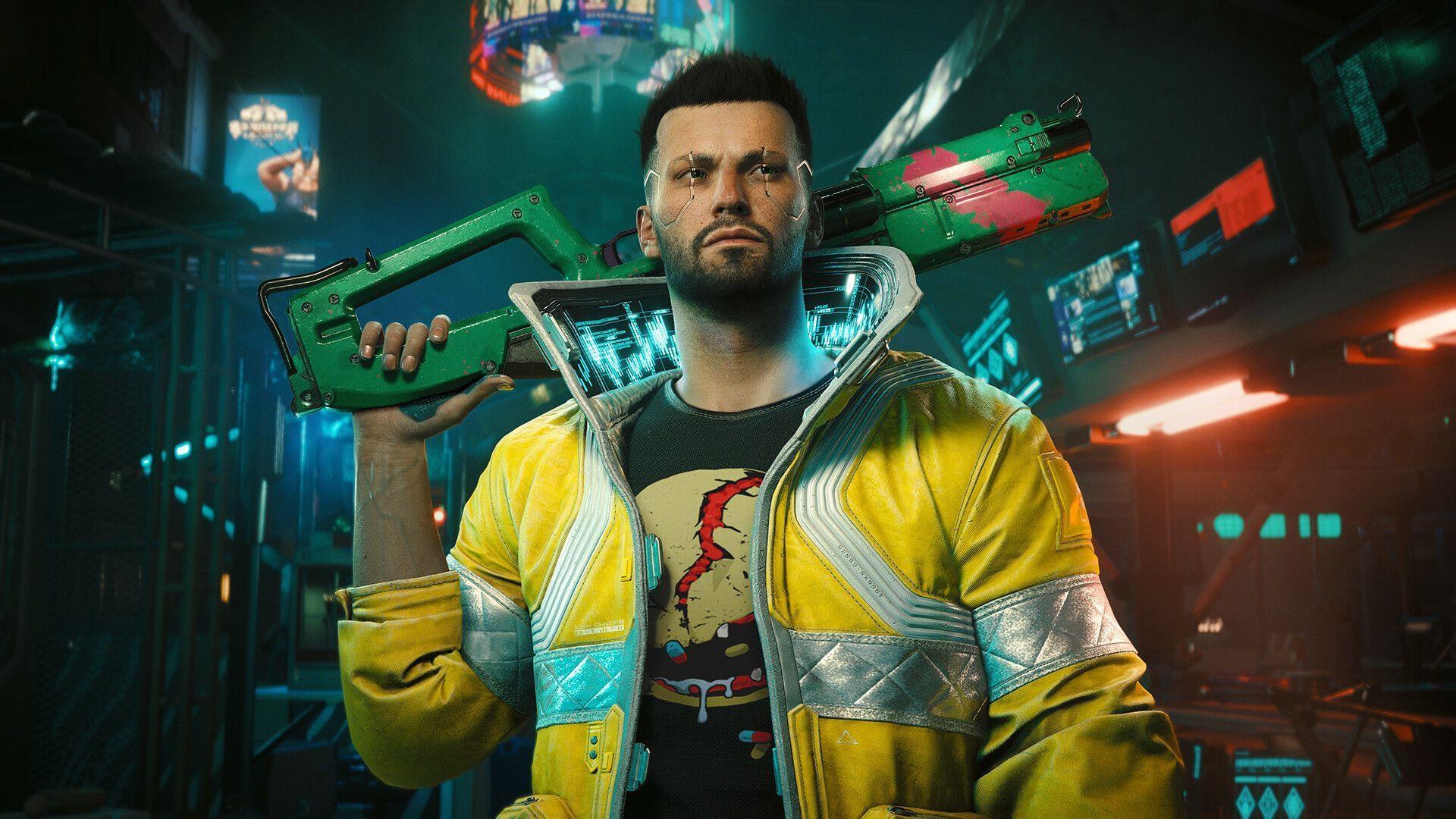
Comprehensive guide to Cyberpunk 2077 Update 2.3’s new vehicles, photo mode enhancements, and performance optimizations
Introduction and Release Overview
Highly anticipated 2.3 update arrives soon (Image via CD Projekt Red)
Highly anticipated 2.3 update arrives soon (Image via CD Projekt Red)
The long-awaited Cyberpunk 2077 Update 2.3officially releases on July 17, 2025, generating massive excitement throughout the gaming community. This substantial content drop was showcased during CD Projekt Red’s official livestream event, revealing extensive enhancements coming to Night City. Complete patch documentation for version 2.3 is now accessible on the developer’s website, presenting numerous significant improvements worth exploring.
Pro Tip: Prepare for the update by completing key side missions beforehand to immediately access new vehicle content upon release.
New Vehicle Acquisition Guide
Four brand-new transportation options arrive with detailed acquisition requirements:
Yaiba ARV-Q340 Semimaru: Obtain through a fresh side mission chain (unlock prerequisite: finish The Hunt and The Beast In Me questlines). A subsequent mission enables the CrystalCoat customization feature for this model.
Rayfield Caliburn “Mordred”: Earn via new assignment (unlock requirement: complete The Beast in Me: Badlands, The Beast in Me: Santo Domingo, Transmission, and Search and Destroy missions).
Yaiba ASM-R250 Muramasa: Acquire through specialized mission (unlock conditions: own one Yaiba vehicle, purchase minimum three vehicles via AUTOFIXER, and finish Reported Crime: You Play with Fire…). Failed missions allow later AUTOFIXER purchase.
Chevillon Legatus 450 Aquila: Directly available through AUTOFIXER purchasing system.
Strategic Insight: Prioritize completing The Beast in Me questlines first, as they unlock multiple vehicle opportunities simultaneously.
Additional vehicle system enhancements include:
AutoDrive: This sophisticated autonomous navigation system transports players to selected destinations. Without set waypoints, it conducts scenic tours through Night City’s districts. Enter any owned vehicle while positioned on roadway and hold H (PC) or Left Stick (consoles) to engage. System deactivates during combat encounters or severe vehicle damage.
Cinematic Camera for AutoDrive: Hold Q (PC) or D-Pad Right (consoles) to initiate. Relax and experience breathtaking cinematic perspectives of Night City during automated transit.
Self-driving Delamain cabs become available on-demand. Access the vehicle summoning interface, choose “Delamain Cab” from available options to request transportation. Feature activates after finishing Don’t Lose Your Mind assignment and obtaining Delamain communication.
Rayfield’s CrystalCoat now extends to partner manufacturer vehicles, including motorcycle models. Additionally, hacker identity Cosmetic_Troll developed an unauthorized CrystalCoat version for budget vehicle applications. Certain modified nomad transports and mission-specific vehicles remain incompatible.
Resolved problem where distinctive color schemes malfunctioned on Mizutani Shion MZ1 and MZ2 variants.
Fixed issue where unique color application failed on Villefort Deleon “Vindicator” model.
Introduced 27 additional NPC spawn options in Photo Mode, incorporating Rita Wheeler, Cassel twins, fixer characters, Dum Dum, iguana companion, Brendan, and additional personalities.
Players can now toggle between alternate costume sets for Photo Mode spawned NPCs.
Can switch between V’s stored Wardrobe outfits within Photo Mode interface.
Added confirmation dialog when exiting Photo Mode to prevent unintended closure after perfect shot configuration.
Enhanced Look-At Camera customization parameters, including eye-only tracking instead of full body orientation.
Light sources now generate around camera perspective rather than player character.
Implemented spotlight mesh outline and off-screen indicator for improved visibility management.
Enhanced light manipulation speed using controller inputs.
Added multiple fresh stickers and framing options, including signature quotes and artistic overlays transforming screenshots into Night City postcards – ideal for sharing City of Dreams memories.
Upgraded Depth of Field implementation and relocated to Camera settings tab.
Introduced new Color Balance section, enabling custom filter creation.
Weather options: incorporate rainfall, acid precipitation, fog conditions, sandstorms, pollution effects, and clear skies.
Time of Day: modifies temporal setting within Photo Mode environment.
Frame Forward: progresses through unlimited frames for perfect moment capture.
Game Speed: permits in-game time progression during Photo Mode activation.
Creative Tip: Use the new Color Balance tab to create signature filter presets that match Night City’s distinct visual aesthetic.
Gameplay Improvements and Bug Fixes
Substantial quality-of-life and technical enhancements:
The game now automatically detects inverted mouse configurations and adjusts interface prompts accordingly.
Added toggle option for aiming down sights. Navigate to Settings then proceed to Controls section.
Cyberpsycho Sighting Bloody Ritual: The “Crack the ritualist’s shard” mission objective now correctly removes from Journal after completion.
Sex on Wheels: Now properly displays in Journal following message reception from Jake Estevez.
Shot by Both Sides: Corrected problem where specific dialogue selection during Bree conversation generated unnamed, iconless Inventory items.
Shot by Both Sides: Fixed issue where elevator panel lacked lower level access button.
Resolved problem where controller usage in Trauma Drama caused character to shoot upward instead of forward.
Players can now acquire additional Cyberware Capacity Shards if previously missed within designated drop limits.
Fixed malfunction causing automatic weapons to fire below intended rate.
Resolved issue where Official BARGHEST Tac Vest failed to drop from scripted Airdrop events.
The level 60 Engineer perk no longer triggers EMP explosions outside combat or vehicle entry.
Implemented option to replay gameplay tutorial anytime. Access through Settings then Controls tab.
Added functionality to dismiss Johnny Silverhand after brief observation when he occupies passenger seat. He acknowledges the hint and vacates the seat for several days.
Fixed problem where V’s Radioport audio randomly interrupted by nearby NPC Radioports.
Resolved issue where History by Gazelle Twin and Trash Generation played excessively loud compared to other radio tracks.
Corrected HDR calibration preview to accurately reflect selected settings, with improved “Tone-Mapping Midpoint” description clarity.
Updated End User Licence Agreement. Players must re-accept when loading game post-update.
Addressed multiple visual problems including missing, clipping, or floating texture elements.
Fixed various localization issues across multiple languages.
Common Mistake Avoidance: Always check your Journal after mission updates, as several fixes address tracking issues that previously caused progression blocks.
PC Performance Upgrades
PC gaming enhancements include:
Integrated support for AMD FidelityFX Super Resolution 4 compatible with qualifying AMD graphics cards. The FSR 4 selection remains unavailable in-game until appropriate AMD driver installation. Note: driver releases scheduled for future date.
Added compatibility for AMD FidelityFX Super Resolution Frame Generation 3.1 supporting qualified hardware. Now functions with any upscaling technology.
Implemented support for Intel XeSS 2.0, featuring XeSS Frame Generation on compatible systems.
Added HDR10+ GAMING certification for Intel GPUs. To activate, display must support the technology (Find My Display) with “Game Mode” enabled. The HDR10+ GAMING toggle located in Settings under Video tab.
Fixed problem where DLSS Super Resolution Preset silently reverted from CNN to Transformer model after game restart, despite interface displaying CNN model as active.
Enhanced DLSS Super Resolution Preset tooltip information in Settings to assist players selecting optimal configuration for their setup.
Added capability to transfer mouse cursor between displays during Windowed Borderless mode.
Increased maximum save file capacity from 12 MB to 15 MB.
Now possible to reassign key binding for vehicle exit using Stuntjock perk.
Optimization Tip: For best performance, update your graphics drivers immediately after the 2.3 update to ensure compatibility with new FSR and XeSS technologies.
Console-Specific Enhancements
Console platform improvements:
Implemented VRR (Variable Refresh Rate) compatibility for PlayStation 5 and Xbox Series X|S systems.
Resolved issue where environmental foliage failed to properly respond to weather conditions on PlayStation 5.
Performance Note: Enable VRR in your console settings for smoother framerates during intense combat sequences and high-speed vehicle sections.
These comprehensive modifications represent the complete Cyberpunk 2077 2.3 update patch notes. The game’s official website contains additional detailed information.