
Optimizing The Last of Us Part 2 on Steam Deck with performance settings and practical gameplay tips
Steam Deck Compatibility Overview
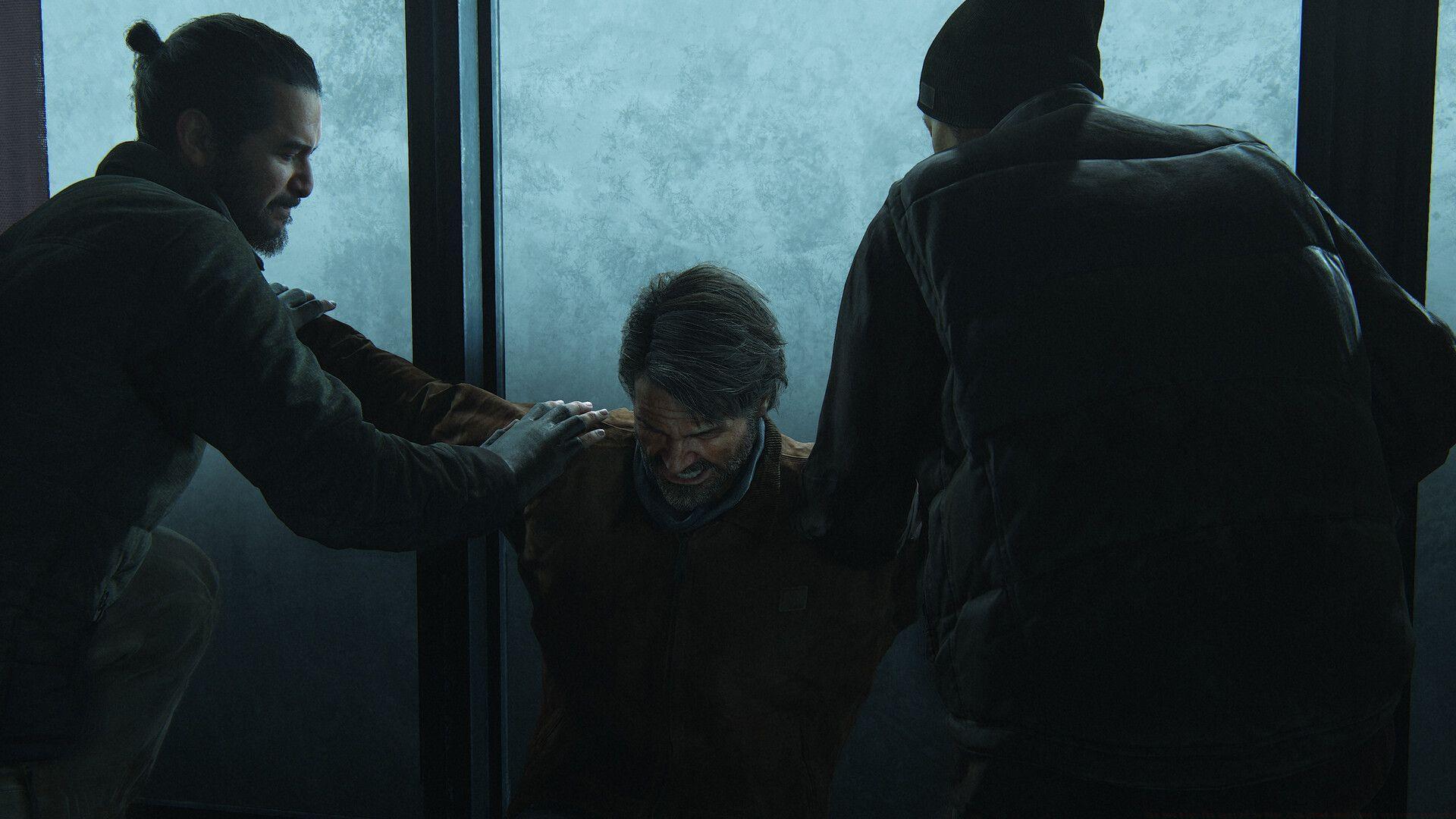
PC gamers can finally experience The Last of Us Part 2 on handheld devices following its recent Steam release. Originally launched as a Remastered edition for PlayStation consoles in 2024, this critically acclaimed title has now expanded to PC platforms, including full compatibility with Valve’s Steam Deck. The game’s Steam store page confirms official support for the handheld, ensuring optimized performance right out of the gate.
For Steam Deck users, this represents a significant milestone – being able to play one of PlayStation’s most visually demanding titles on a portable device. The verification status means Naughty Dog and Valve have collaborated to ensure the game runs smoothly on the handheld’s hardware, though some manual optimization may still be required for the best experience.
Optimized Graphics Settings Breakdown
To achieve the ideal balance between visual quality and performance on Steam Deck, these settings have been tested extensively. The configuration targets stable 40-50 FPS gameplay while maintaining the game’s cinematic presentation.
- Display Mode: Fullscreen
- Display Resolution: 1280×1080
- Frame Generation: Off
- Upscale Method: FSR 3.1.0
- Upscale Quality: Dynamic
- Dynamic Resolution Scaling: 30
- Dynamic Objects Level of Detail: High
- Characters Level of Detail: Medium
- Environments Level of Detail: Low
- Dynamic Objects Texture Quality: High
- Characters Texture Quality: High
- Environments Texture Quality: High
- Visual Texture Quality: High
- Texture Filtering: Trilinear
- Spotlights Shadow Resolution: Medium
- Point Lights Shadow Resolution: Medium
- Directional Shadow Resolution: Low
- Directional Shadow Distance: Low
- Screen Space Shadows: Low
- Screen Space Shadows Quality: Low
- Dynamic Screen Space Shadows: On
- Contact Shadow Quality: Medium
- Image Based Lighting: On
- Bounced Lighting: Off
- Ambient Occlusion: Quality
- Screen Space Reflections: Low
- Real-Time Reflections Quality: Low
- Real-Time Clouds Shadow Reflections: Off
- Screen Space Sub-Surface Scattering: Cinematics only
- Refraction Quality: Medium
- Motion Blur Quality: Low
- Motion Blur Intensity: 5
- Particle Density: Low
- Volumetric Effects Quality: Low
- Lens Flare: Full resolution
- Chromatic Aberration Intensity: 10
- Film Grain Intensity: 10
- Lens Dirt Intensity: 10
Key Optimization Insights: The 1280×1080 resolution combined with FSR 3.1 upscaling provides the best clarity-to-performance ratio. Character textures remain at High quality to preserve facial animations and emotional storytelling, while environmental details are reduced to maintain framerate. Disabling bounced lighting and reducing particle effects significantly improves performance during combat sequences.
Advanced Performance Strategies
Beyond the in-game settings, several Steam Deck system adjustments can enhance your The Last of Us Part 2 experience. These advanced techniques address common performance hurdles and extend battery life for longer gaming sessions.
Battery Life Optimization: Expect approximately 2-3 hours of gameplay with default settings. To extend this, limit the TDP to 12W and set GPU clock to 1400MHz. The game remains playable at 30 FPS with these restrictions, potentially doubling your battery duration during less demanding narrative sections.
Common Performance Issues: Many players report occasional stuttering during area transitions and intense combat scenarios. This is normal due to shader compilation. Pre-caching shaders through Steam and allocating sufficient VRAM in the BIOS (4G mode) can minimize these interruptions. Additionally, playing while docked may require different settings to maintain performance on external displays.
Pro Tips for Better Gameplay: Save frequently during exploration segments as the Deck’s sleep mode can sometimes cause checkpoint issues. Use the rear paddles for frequently used actions like dodging and crafting to maintain combat fluidity. Consider lowering environmental texture quality further if experiencing crashes in dense urban areas like Seattle downtown sections.
Also read: All voice actors that we know of from The Last of Us 2
For more gaming news and guides related to The Last of Us Part 2, stay tuned to Sportskeeda.
No reproduction without permission:GameCDjnh » Can you play The Last of Us Part 2 on Steam Deck? Best settings provided Optimizing The Last of Us Part 2 on Steam Deck with performance settings and practical gameplay tips