
Comprehensive troubleshooting guide for Vampire The Masquerade Bloodlines 2 crashes with advanced optimization strategies
Understanding Bloodlines 2 Crash Issues
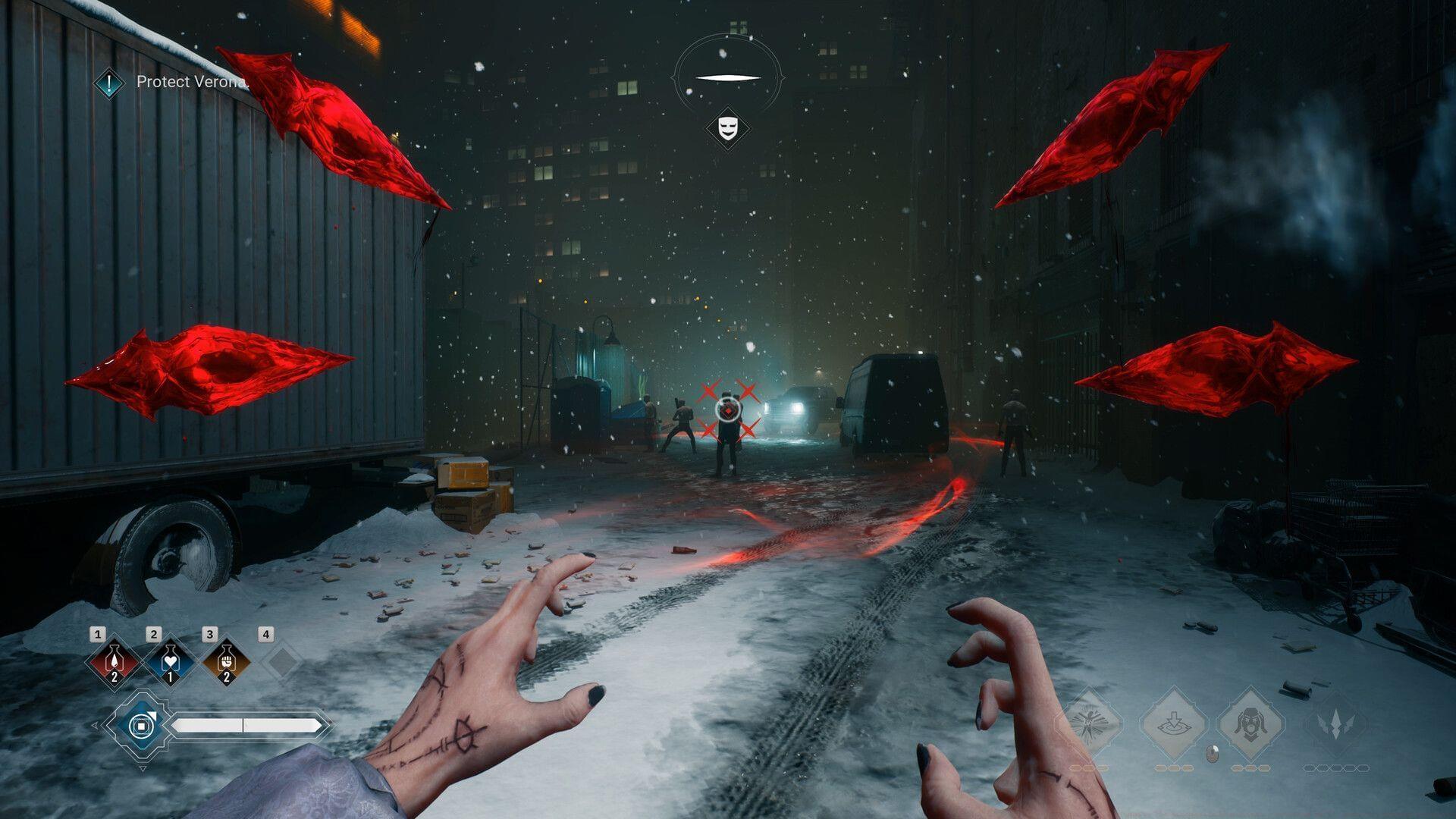
Many PC gamers have reported instances of Vampire The Masquerade Bloodlines 2 crashing unexpectedly, creating frustrating interruptions during gameplay sessions. The Chinese Room and Paradox Interactive’s highly anticipated RPG launched globally on October 21, 2025, and players naturally prefer immersive vampire storytelling over technical troubleshooting.
Game crashes typically manifest in several distinct patterns: sudden freezes followed by closure, black screen transitions to desktop, or complete system lockups requiring hard resets. Understanding these patterns helps identify whether the issue stems from hardware limitations, software conflicts, or game-specific bugs.
When crashes originate from within the game’s code itself, players must await developer intervention through official patches. The development team continuously monitors crash reports and typically releases hotfixes addressing the most critical stability issues identified by the player community.
Related reading: How to change FOV in Vampire The Masquerade Bloodlines 2
Immediate Crash Resolution Methods
Below you’ll find practical workarounds to address Vampire The Masquerade Bloodlines 2 crashing on PC issues, organized from simplest to most technical solutions:
1) Perform Complete System Restart
Initiate with a full system reboot, which remains surprisingly effective for resolving temporary memory leaks and resource conflicts. This basic troubleshooting step clears system caches, terminates background processes consuming resources, and resets application states. For optimal results, perform a proper shutdown rather than a quick restart, ensuring all system components fully reset before relaunching the game.
Additional reading: How to disable motion blur in Vampire The Masquerade Bloodlines 2
2) Update Graphics Drivers Systematically
Given that Vampire The Masquerade Bloodlines 2 represents cutting-edge gaming technology, your graphics card requires current driver support for stable operation. Outdated GPU drivers frequently cause compatibility issues, performance degradation, and outright crashes with newly released titles.
Download the most recent NVIDIA GeForce or AMD Radeon drivers directly from manufacturer websites, avoiding third-party update utilities. Perform a clean installation when possible, which removes previous driver remnants that might conflict with new versions. Post-installation, reboot your system before testing game stability.
Further exploration: All outfits in Vampire The Masquerade Bloodlines 2 and how to unlock them
3) Verify Game File Integrity
Network interruptions, storage issues, or download corruption during installation can compromise game files, leading to persistent crashing. Utilize Steam’s built-in verification tool to scan for and replace damaged game components automatically.
Access this feature through Steam Library → Right-click Vampire The Masquerade Bloodlines 2 → Properties → Local Files → Verify Integrity of Game Files. The client will identify corrupted data, download fresh copies, and restore complete functionality without affecting your save data or settings.
Potential related issue: Vampire The Masquerade Bloodlines 2 not launching on Steam error: Possible reasons and fixes
Advanced Technical Solutions
When basic troubleshooting fails, advanced techniques often resolve persistent Vampire The Masquerade Bloodlines 2 crashing issues:
System Resource Management
Monitor system resources through Task Manager (Ctrl+Shift+Esc) while running the game. Look for memory leaks, CPU spikes, or disk usage at 100% – these indicate underlying system issues. Close unnecessary background applications, especially browser tabs, streaming software, and other resource-intensive programs competing for system assets.
Graphics Configuration Optimization
Adjust in-game graphics settings strategically. Begin by lowering shadow quality, anti-aliasing, and post-processing effects, which disproportionately impact stability. Disable ray tracing if enabled, as this feature frequently causes instability on systems with marginal hardware specifications.
Windows and DirectX Updates
Ensure your Windows operating system receives all current updates, particularly those related to DirectX and gaming performance. Outdated system components often conflict with modern game engines, resulting in unexplained crashes during intensive scenes or transitions.
Administrative Privileges and Compatibility
Run both Steam and Vampire The Masquerade Bloodlines 2 with administrative privileges, which can resolve permission-related crashes. For systems running older Windows versions, experiment with compatibility modes, though this remains less common with recent game releases.
Developer Support and Community Resources
When all independent troubleshooting attempts prove unsuccessful, engage official support channels for specialized assistance with Vampire The Masquerade Bloodlines 2 crashing problems.
Official Support Contact
Reach out to Paradox Interactive’s customer support team through their official website, providing detailed information about your system specifications, crash timing patterns, and error messages if available. Include diagnostic files when possible, as these dramatically accelerate troubleshooting.
Community Knowledge Bases
Participate in official forums and community Discord servers where players share verified solutions for specific crash scenarios. Often, other users have encountered identical issues and discovered workarounds not yet documented in official channels.
Update Monitoring
Regularly check for game updates through your Steam client, as developers continuously release patches addressing stability concerns reported by the player base. Enable automatic updates to ensure you receive fixes as soon as they become available.
If you found this guide helpful, explore these additional Vampire The Masquerade Bloodlines 2 resources:
No reproduction without permission:GameCDjnh » Vampire The Masquerade Bloodlines 2 crashing on PC: Possible reasons and fixes Comprehensive troubleshooting guide for Vampire The Masquerade Bloodlines 2 crashes with advanced optimization strategies