
Complete PC system requirements for RoadCraft with optimization tips and performance benchmarks
Introduction to RoadCraft and Pre-Order Details
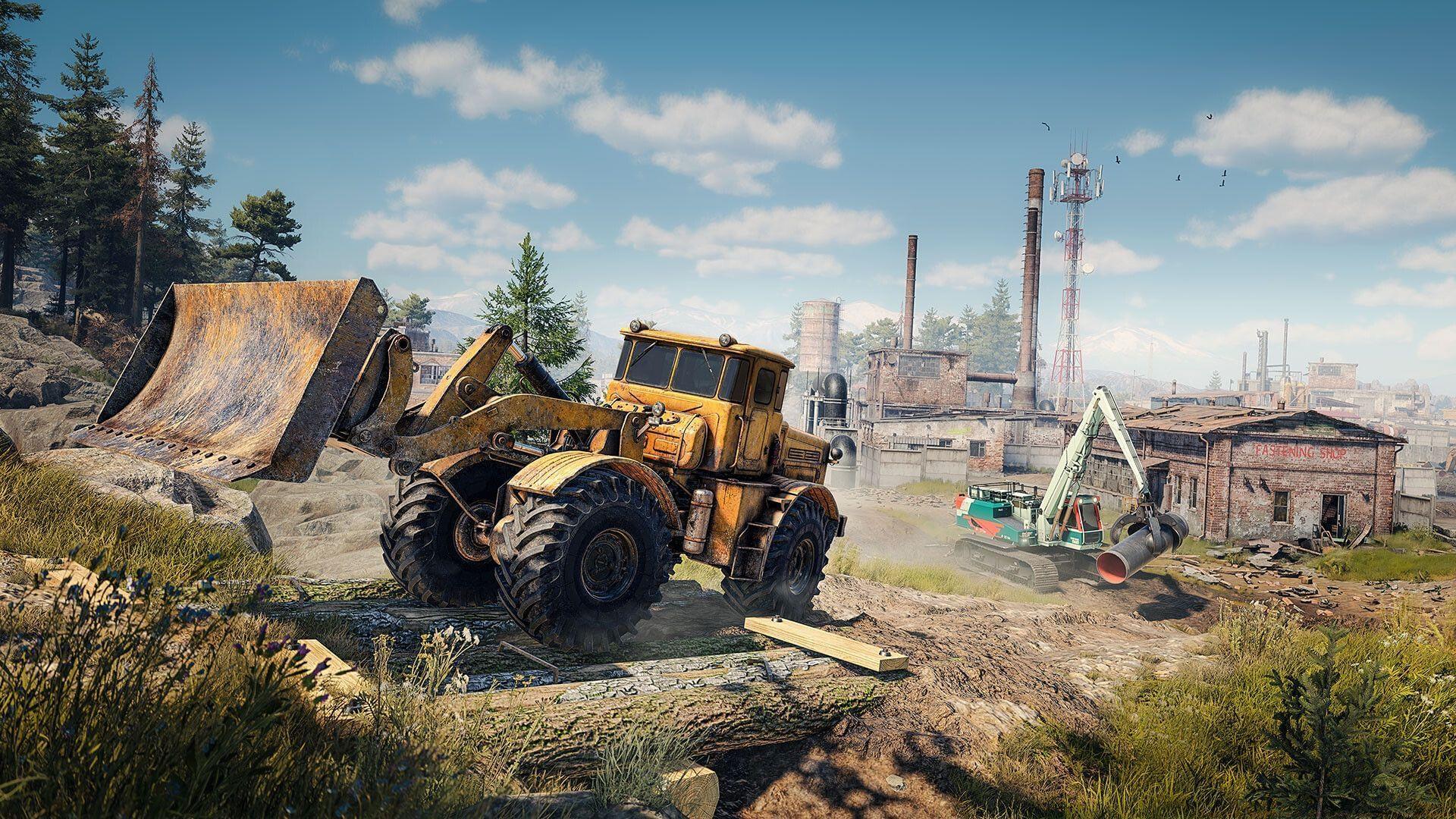
RoadCraft represents an innovative fusion of construction simulation and automotive customization, scheduled for worldwide release on May 20, 2025. This title combines intricate building mechanics with detailed vehicle simulation, appealing to gamers who enjoy creative construction games alongside realistic driving experiences. The developers have opened pre-orders featuring two distinct editions: the Standard Edition providing core gameplay access, and the Rebuild Edition containing exclusive customization options and early-access vehicle blueprints.
Understanding the hardware requirements is essential for optimizing your RoadCraft experience. The game’s dual focus on complex building physics and detailed vehicle mechanics demands specific hardware configurations to achieve smooth performance.
Minimum System Requirements Breakdown
The baseline configuration ensures RoadCraft runs at playable frame rates, targeting 30 FPS at 1920×1080 resolution with graphics settings dialed down to Low presets. This configuration prioritizes accessibility while maintaining visual fidelity adequate for enjoyable gameplay.
- Requires a 64-bit processor and operating system
- OS: Windows 10 (18362 min)/11 64-bit
- Processor: AMD Ryzen 5 1500X / Intel Core i5-8400
- Graphics: AMD Radeon RX 590 / Nvidia GeForce GTX 1060 / Intel ARC A580
- Storage: 40 GB available space
- Additional Notes: SSD required / 30 FPS in 1920×1080 with “Low” preset.
The processor requirements emphasize multi-core performance to handle the game’s physics calculations for both construction and vehicle systems. The Ryzen 5 1500X and Core i5-8400 provide sufficient processing power for basic simulation tasks. Graphics cards like the RX 590 and GTX 1060 deliver adequate performance for 1080p gaming, though players should expect occasional frame drops during intensive building sequences or complex vehicle customization scenes.
Memory configuration is particularly important – while 8GB meets the absolute minimum, this leaves little overhead for background applications. Players running streaming software, voice chat, or multiple browser tabs may experience performance degradation with only 8GB RAM installed.
Recommended System Requirements Analysis
For the optimal RoadCraft experience, the recommended specifications target smooth 60 FPS gameplay at 1080p resolution with High graphics presets enabled. This configuration ensures fluid performance during demanding construction sequences and maintains visual quality for immersive vehicle detailing.
- Requires a 64-bit processor and operating system
- OS: Windows 10 (18362 min)/11 64-bit
- Processor: AMD Ryzen 7 5800X / Intel Core i5-12600K
- Graphics: AMD Radeon RX 6600 XT / Nvidia GeForce RTX 3060 / Intel ARC B580
- Storage: 40 GB available space
- Additional Notes: SSD required. 60 FPS in 1920×1080 with the “High” preset.
The upgraded processors provide significant performance headroom for complex physics calculations and AI routines. The Ryzen 7 5800X and Core i5-12600K excel at handling multiple simulation threads simultaneously, which is crucial when managing elaborate construction projects alongside detailed vehicle systems. Graphics cards in this tier, particularly the RTX 3060 and RX 6600 XT, deliver consistent frame rates even during graphically intensive scenes with multiple vehicles and complex structures.
The 16GB RAM recommendation addresses RoadCraft’s memory-intensive nature, particularly when handling large construction projects or multiple vehicle designs simultaneously. This additional memory prevents stuttering and loading delays when accessing different game areas or switching between building and driving modes.
Performance Optimization Strategies
Beyond meeting the basic specifications, several optimization strategies can significantly enhance your RoadCraft experience. Understanding which settings impact performance most dramatically helps achieve better frame rates without sacrificing visual quality unnecessarily.
Graphics Settings Priority: Shadow quality and anti-aliasing typically consume substantial GPU resources. Consider reducing shadow resolution to medium and using FXAA instead of MSAA for better performance. Texture quality has minimal impact on modern GPUs with sufficient VRAM, so keep this setting high for better visual clarity.
SSD Performance Benefits: The mandatory SSD requirement directly impacts loading times and asset streaming. NVMe SSDs provide faster level loading and reduce texture pop-in during rapid transitions between construction and driving modes. Traditional SATA SSDs still offer significant improvements over mechanical hard drives.
Common Performance Pitfalls: Many players overlook background applications consuming system resources. Close unnecessary browser tabs, disable overlays from other applications, and ensure your graphics drivers are updated specifically for RoadCraft. The game’s construction physics are CPU-intensive, so avoid running other demanding applications simultaneously.
Hardware Upgrade Guidance: If choosing between component upgrades, prioritize graphics cards for visual quality improvements and processors for smoother physics calculations. RAM upgrades from 8GB to 16GB provide the most noticeable performance improvement for minimal investment, particularly during complex building sequences.
Also read: RoadCraft pre-order guide: Editions and bonuses
For more gaming news and guides, stay tuned to Sportskeeda.
No reproduction without permission:GameCDjnh » RoadCraft: Release date, platforms, and system requirements Complete PC system requirements for RoadCraft with optimization tips and performance benchmarks