
Comprehensive guide to fixing Ready or Not Serialization Error with mod management strategies
Understanding the Serialization Error
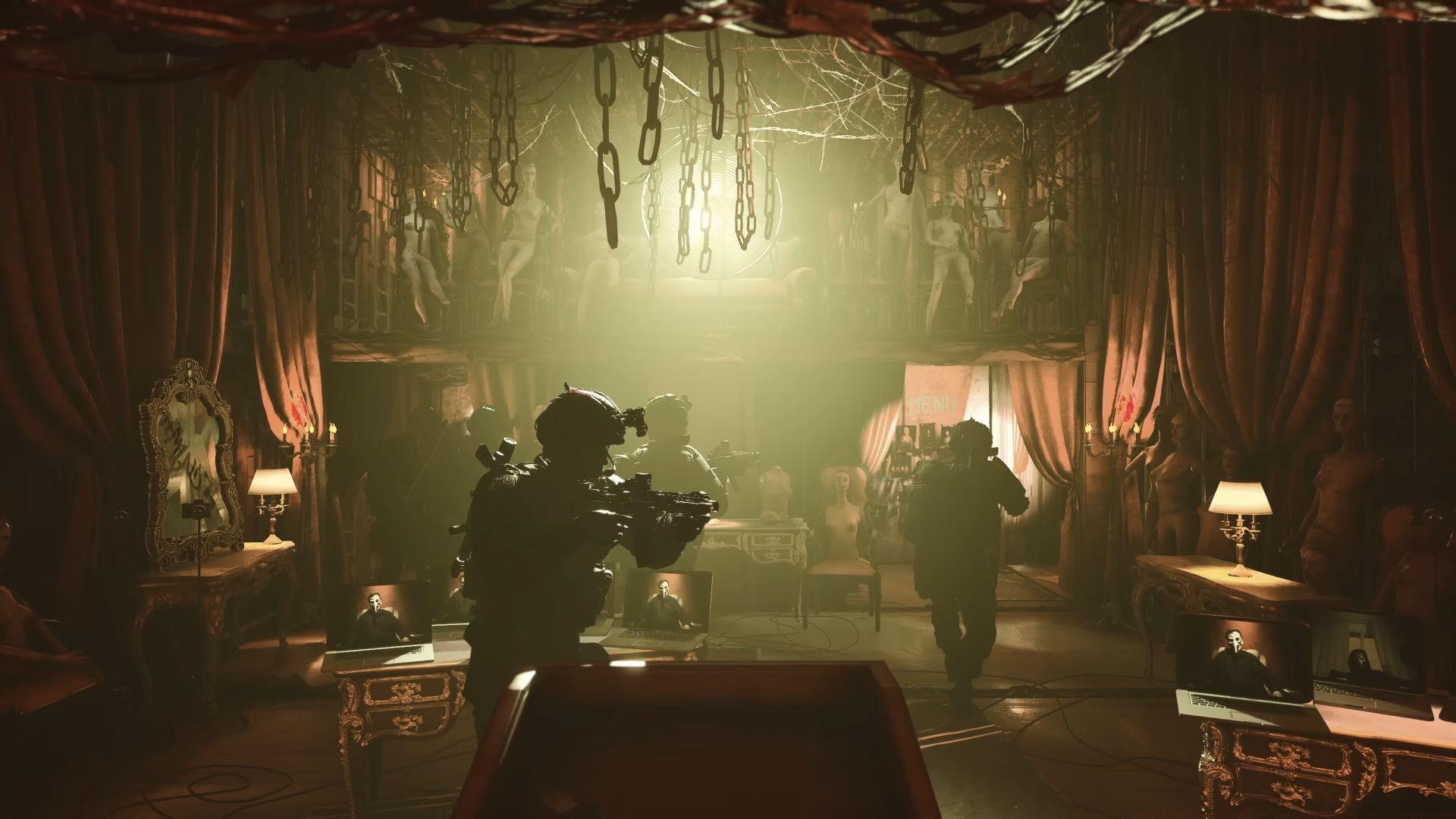
Encountering the Serialization Error: Action Needed in Ready or Not disrupts gameplay at the worst moments, typically appearing with the warning “Corrupt data found, please verify your installation.” This technical issue primarily affects players using mods or those who recently updated the game, creating frustrating interruptions during intense tactical operations.
Also read: Ready or Not cross-platform in 2025
The error occurs when game data fails to serialize properly during loading processes, often due to incompatible modifications or corrupted installation files. Understanding the root causes helps implement effective solutions without unnecessary game reinstallation. Most instances stem from mod compatibility issues, particularly those not optimized for Unreal Engine 5’s current architecture.
Mod Management Solutions
When troubleshooting the Serialization Error, mods should be your initial focus for resolution. Outdated modifications represent the most frequent trigger for data corruption issues in Ready or Not. Follow this systematic approach to safely manage your mod installations:
This comprehensive removal process ensures all mod-related files are deleted from your installation. After completion, launch Ready or Not to verify whether the Serialization Error has been resolved. Many players discover this single step fixes their gameplay issues immediately.
Also read: All soft objectives in Ready or Not missions
For players committed to using modifications, implement strategic reinstallation practices: Only download mods from reputable sources with recent update histories. Prioritize modifications updated after July 2024 for Unreal Engine 5 compatibility. Install each mod individually and test game functionality between installations to identify problematic content immediately.
File Verification Process
Steam’s integrated file verification tool provides reliable diagnosis for installation corruption. When the error message specifically suggests verifying your installation, this should be your second troubleshooting step after mod management. The systematic process ensures all game components are intact and functional:
Steam will automatically scan all game files, identifying corrupted or missing components. The platform then downloads replacement files for any problematic elements detected during the scan. Once completed, launch Ready or Not to determine if the Serialization Error persists. This method resolves many file-related issues without full reinstallation.
Also read: What are the censorship changes in Ready or Not?
Advanced users should consider creating backup copies of their save files before performing verification. While Steam’s process typically preserves progress, unexpected issues can occasionally occur during file replacement. Store backups in a separate directory to ensure your mission progress and unlocked content remains secure throughout troubleshooting.
Advanced Troubleshooting
When previous solutions prove ineffective, complete game reinstallation becomes necessary. This comprehensive approach ensures you begin with a pristine installation free from corrupted data or conflicting modifications. Before proceeding, confirm you’ve exhausted all other troubleshooting methods to avoid unnecessary download times.
Also read: How many missions are in Ready or Not?
For players determined to use modifications after reinstallation, adopt these preventative strategies: Maintain a documented list of all installed mods with version numbers and update dates. Regularly check mod repositories for compatibility patches following game updates. Consider using mod management tools that automatically detect conflicts between modifications before they cause gameplay issues.
The Serialization Error in Ready or Not typically appears more severe than its actual impact. Most instances resolve through methodical troubleshooting rather than complex technical solutions. Consistent mod maintenance and regular file verification can prevent most occurrences, ensuring uninterrupted tactical gameplay sessions.
Also read: How to use voice chat in Ready or Not
Proactive gamers should establish a maintenance routine including monthly file verification and mod compatibility checks. This preventative approach minimizes disruption during gameplay sessions and ensures optimal performance. Keeping modifications updated specifically for Unreal Engine 5 compatibility represents the most effective long-term strategy for error prevention.
Follow Sportskeeda for more updates:
No reproduction without permission:GameCDjnh » Ready or Not: Ready or Not Serialization Error: Action Needed: Possible fixes and reasons Comprehensive guide to fixing Ready or Not Serialization Error with mod management strategies