
Complete guide to unlocking exclusive PS5 rewards and Twitch drops in Battlefield 6 Open Beta
PS5 Exclusive Advance Party Skin: What You Need to Know
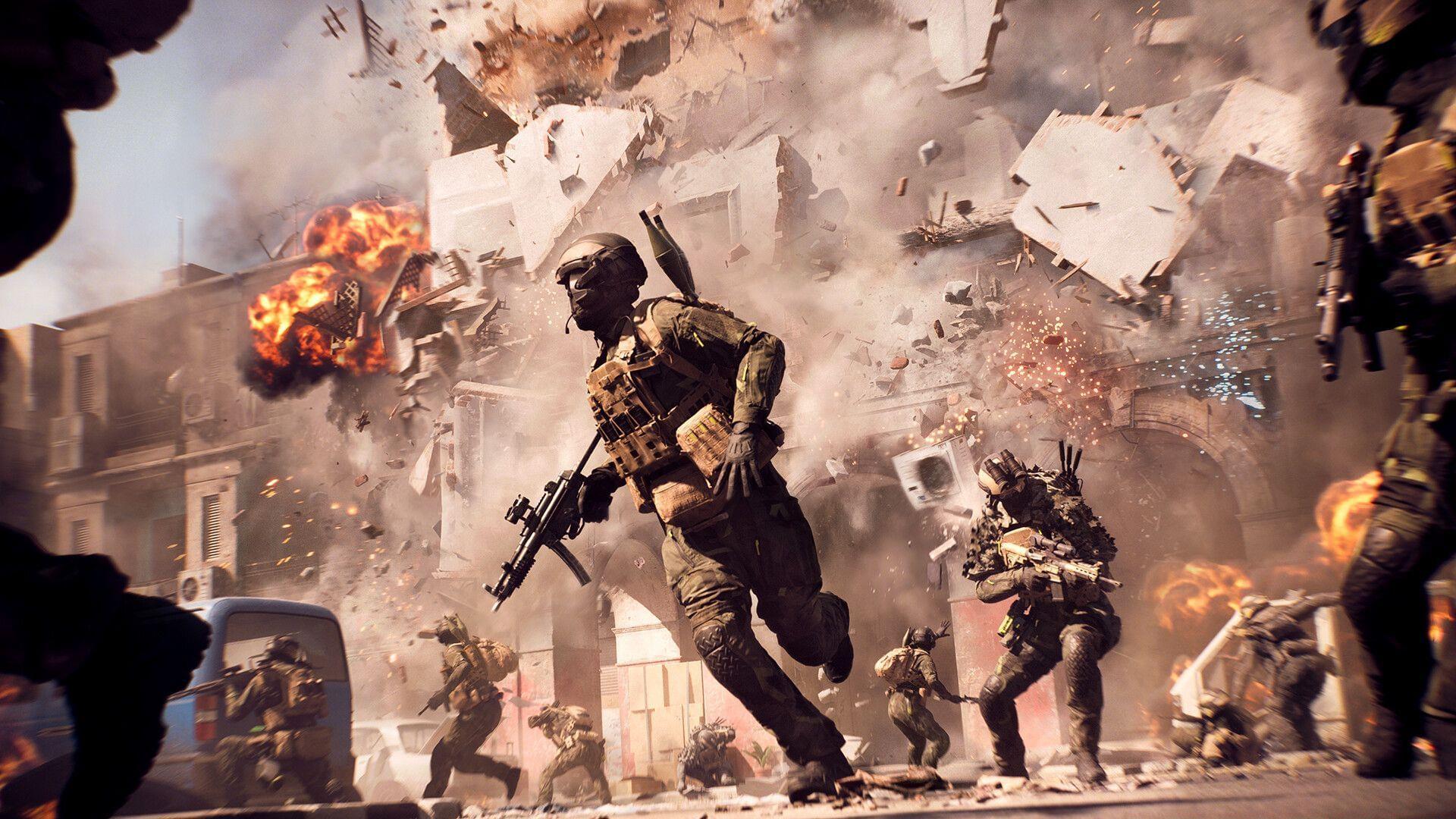
Playing Battlefield 6 online with your PlayStation 5 requires an active PS Plus membership, as confirmed through official PlayStation store listings. Beyond this standard requirement, Electronic Arts has implemented a special incentive program specifically for PS5 and PS5 Pro participants in the ongoing testing phase. This exclusive cosmetic reward appears to be a platform-specific bonus that doesn’t extend to PC or Xbox participants in the beta program.
The timing of when you’ll see your reward can vary significantly. Some players report receiving the item immediately upon launching the game, while others need to complete several matches before it appears in their inventory. This variance is normal and doesn’t indicate any issues with your account or progression.
Step-by-Step Unlocking Process for PS5 Players
- Download and install the Battlefield 6 Open Beta client through your PlayStation Store on either PS5 or PS5 Pro console.
- Launch the game application and complete all necessary account authentication steps, ensuring your EA account is properly linked to your PlayStation Network ID.
- Navigate to the main menu interface and select any available game mode during the current beta testing window to begin playing.
- After meeting participation requirements, you’ll automatically receive the distinctive Advance Party character skin as recognition for your PlayStation platform involvement.
Related Reading: Battlefield 6 Open Beta server status: Is it working right now?
Pro tip: Ensure you have sufficient storage space (approximately 50GB free) before beginning the download process to avoid installation interruptions. Also, verify your internet connection stability, as disconnections during download may corrupt files and require restarting the process.
Twitch Drops: Additional Cosmetic Rewards
The Advance Party cosmetic item features subtle but distinctive visual elements compared to standard soldier appearances in the game. The primary differentiation comes from vibrant blue accent markings on specific armor sections and equipment, serving as a clear indicator that the player is using a PlayStation console for their gaming sessions.
Beyond the console-exclusive reward, Battlefield 6 enthusiasts can acquire additional cosmetic items by watching designated content creators on Twitch streaming platforms. The initial reward collection includes the Imperial Soldier Skin, Landslide Soldier Skin, Mimic Weapons Package, and Shattered Vehicle Skin. These items become available after accumulating specified viewing hours during official Battlefield 6 broadcast sessions. For seamless reward distribution, make certain your Electronic Arts account is connected to your Twitch profile through the account linking system.
Advanced strategy: Schedule your viewing during peak streaming hours when multiple creators are broadcasting simultaneously. This approach allows you to accumulate watch time more efficiently while potentially discovering new content creators who specialize in Battlefield gameplay.
Pro Tips and Common Mistakes to Avoid
Stay updated with Sportskeeda for additional news, strategy guides, and development updates.
- Battlefield 6 infinite loading screen error: Potential solutions and underlying causes
- Will Battlefield 6 incorporate AI-controlled bot opponents?
- Battlefield 6 Open Beta cheating incidents reported within first 24 hours
- Comprehensive list of currently identified Battlefield 6 Open Beta technical issues
Common mistake: Many players forget to properly link their EA and Twitch accounts before beginning their viewing sessions, resulting in unrecognized watch time. Always verify your account connections through both platforms’ settings menus before participating in drop campaigns.
Pro tip: If your reward doesn’t appear immediately, avoid repeatedly reinstalling the game. Instead, complete 3-5 full matches and then check your inventory again. The reward system sometimes experiences delays during high-traffic periods, but items typically appear within a few hours of qualifying.
No reproduction without permission:GameCDjnh » PlayStation reward for Battlefield 6 Open Beta: How to get Advance Party skin Complete guide to unlocking exclusive PS5 rewards and Twitch drops in Battlefield 6 Open Beta