
Complete Battlefield 6 PC requirements guide with optimization tips, performance analysis, and upgrade recommendations
Introduction to Battlefield 6’s Technical Demands
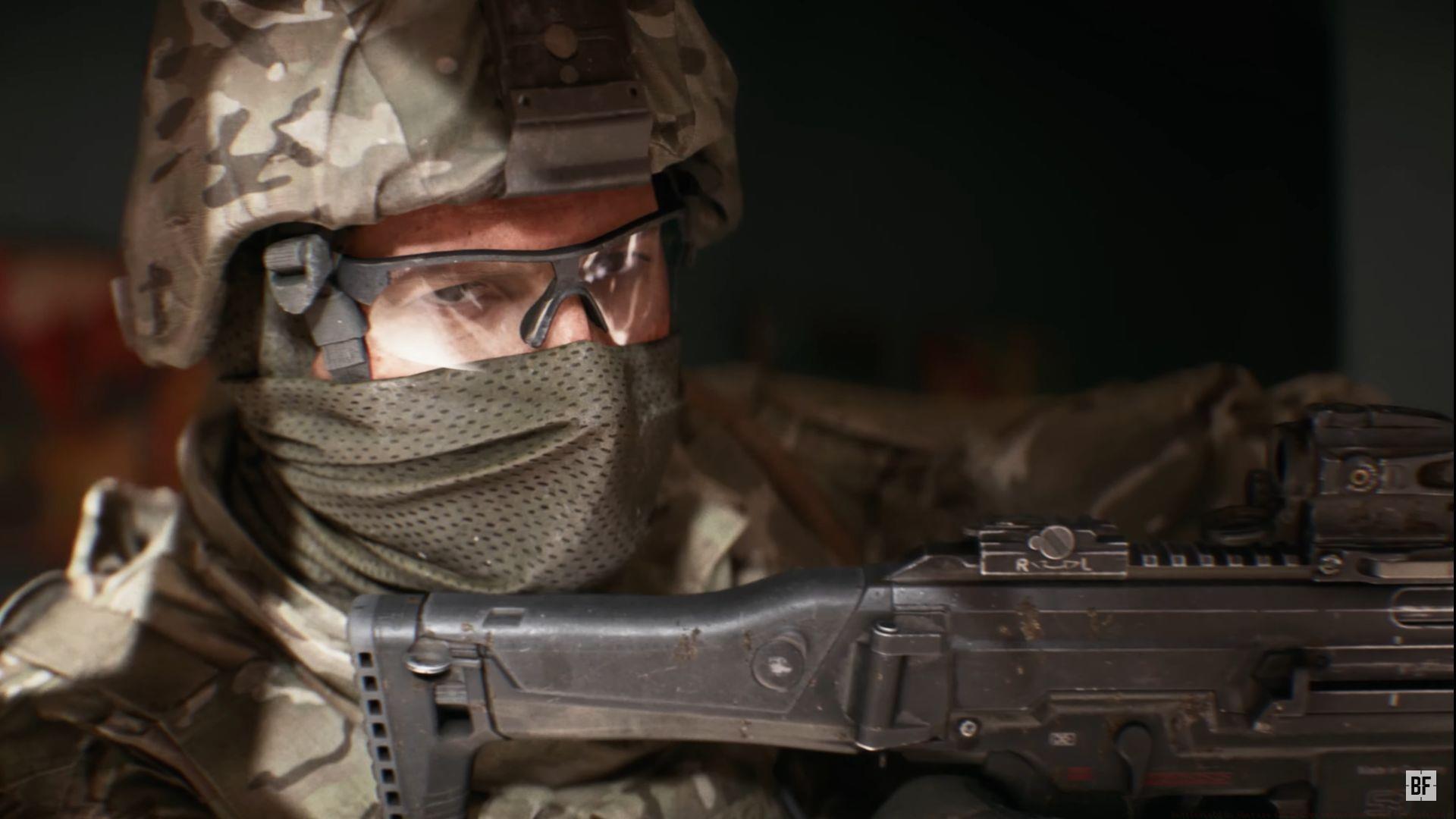
The official Battlefield 6 system requirements reveal substantial hardware demands that reflect the game’s next-generation ambitions. As Electronic Arts prepares to launch their flagship shooter, PC gamers need to understand the technical landscape required to experience the title’s groundbreaking visual fidelity, massive multiplayer battles, and advanced destruction physics.
Modern gaming enthusiasts should note that Battlefield 6 represents a significant leap forward in technical complexity. The combination of expansive 128-player maps, real-time environmental destruction, and photorealistic graphics necessitates hardware that can handle intense computational loads while maintaining smooth framerates during chaotic combat scenarios.
Minimum System Requirements Analysis
For gamers targeting basic playability rather than visual excellence, these are the essential components needed to run Battlefield 6:
- Processor (AMD): Ryzen 5 2600 – This 6-core processor provides adequate multithreading for base gameplay
- Processor (Intel): Core i5-8400 – A comparable 6-core CPU with similar gaming performance characteristics
- Graphics Card (AMD): Radeon RX 5600 XT (6GB) – Delivers 1080p gaming at medium settings with acceptable framerates
- Graphics Card (Nvidia): RTX 2060 – Offers comparable performance with DLSS support for enhanced image quality
- Storage: HDD with 55GB free space – Mechanical drives work but will impact loading times significantly
- Additional Notes: TPM 2.0 enabled, UEFI Secure Boot enabled, HVCI capable, VBS capable – These security features are non-negotiable for modern game protection
Performance Insight: The minimum specifications target 1080p resolution at 60 FPS with medium graphical settings. Players should expect occasional frame drops during intensive combat sequences with these components.
Recommended System Specifications
For the definitive Battlefield 6 experience with maximum visual fidelity and smooth performance, these high-end components deliver optimal results:
- Processor (AMD): Ryzen 7 7800X3D – The 3D V-Cache technology significantly boosts gaming performance
- Processor (Intel): Core i9-12900K – Hybrid architecture provides excellent single-thread and multi-thread performance
- Graphics Card (AMD): Radeon RX 7900 XTX (16GB) – Handles 4K gaming with high refresh rates and advanced visual effects
- Graphics Card (Nvidia): RTX 4080 (16GB) – DLSS 3.0 support enables exceptional performance with ray tracing enabled
- Storage: HDD with 90GB free space (SSD strongly recommended) – Solid-state drives dramatically reduce loading times and texture streaming issues
- Additional Notes: TPM 2.0 enabled, UEFI Secure Boot enabled, HVCI capable, VBS capable – Essential security protocols for premium gaming experiences
Expert Recommendation: The storage specification deserves special attention. While HDD is technically supported, an NVMe SSD provides substantially better performance for map loading and asset streaming during gameplay.
Performance Optimization Strategies
Beyond meeting the basic specifications, several optimization techniques can significantly enhance your Battlefield 6 experience:
Common Performance Mistakes to Avoid: Many players overlook background applications consuming system resources. Close unnecessary programs, especially web browsers with multiple tabs, streaming software, and resource-intensive utilities before launching the game. Disabling overlays from Discord, Steam, or other platforms can also free up valuable system resources.
Graphics Settings Optimization: Start by adjusting resolution scaling before reducing other visual settings. DLSS (Nvidia) or FSR (AMD) can provide substantial performance boosts with minimal visual quality loss. Shadow quality and ambient occlusion typically offer the best performance-to-visual quality tradeoffs for adjustment.
System Tuning Techniques: Ensure your graphics drivers are updated to the latest stable version specifically optimized for Battlefield 6. Enable XMP/DOCP profiles in your BIOS for full memory performance. Consider slight undervolting of your GPU to maintain performance while reducing thermal throttling during extended gaming sessions.
Future-Proofing Your Gaming Rig
Battlefield 6’s substantial hardware requirements indicate the direction of next-generation gaming. When considering upgrades, prioritize components that will serve you beyond this single title:
Strategic Upgrade Recommendations: Focus on GPU upgrades first, as Battlefield 6 is heavily graphics-intensive. The recommended RTX 4080 or RX 7900 XTX will handle not only this title but future releases for several years. CPU upgrades should prioritize single-core performance and core count balance for optimal gaming performance.
Budget-Conscious Approaches: If purchasing high-end components isn’t feasible, consider previous-generation flagships like the RTX 3080 or RX 6800 XT, which offer excellent performance at reduced prices. Monitor market trends for sales on last-generation components that still exceed Battlefield 6’s requirements.
Long-Term Planning: The mandatory security features (TPM 2.0, Secure Boot) indicate the industry’s shift toward enhanced system security. Ensure your motherboard supports these features, as they will likely become standard requirements for future game releases and operating system updates.
Verify your current specifications against these requirements, plan strategic upgrades where necessary, and prepare your system for one of the most technically ambitious titles in the Battlefield series’ history.
No reproduction without permission:GameCDjnh » Battlefield 6: What are the system requirements for Battlefield 6? Complete Battlefield 6 PC requirements guide with optimization tips, performance analysis, and upgrade recommendations