
Expert solutions for Killing Floor 3 server connection errors with network optimization and troubleshooting guide
Understanding the Server Connection Error
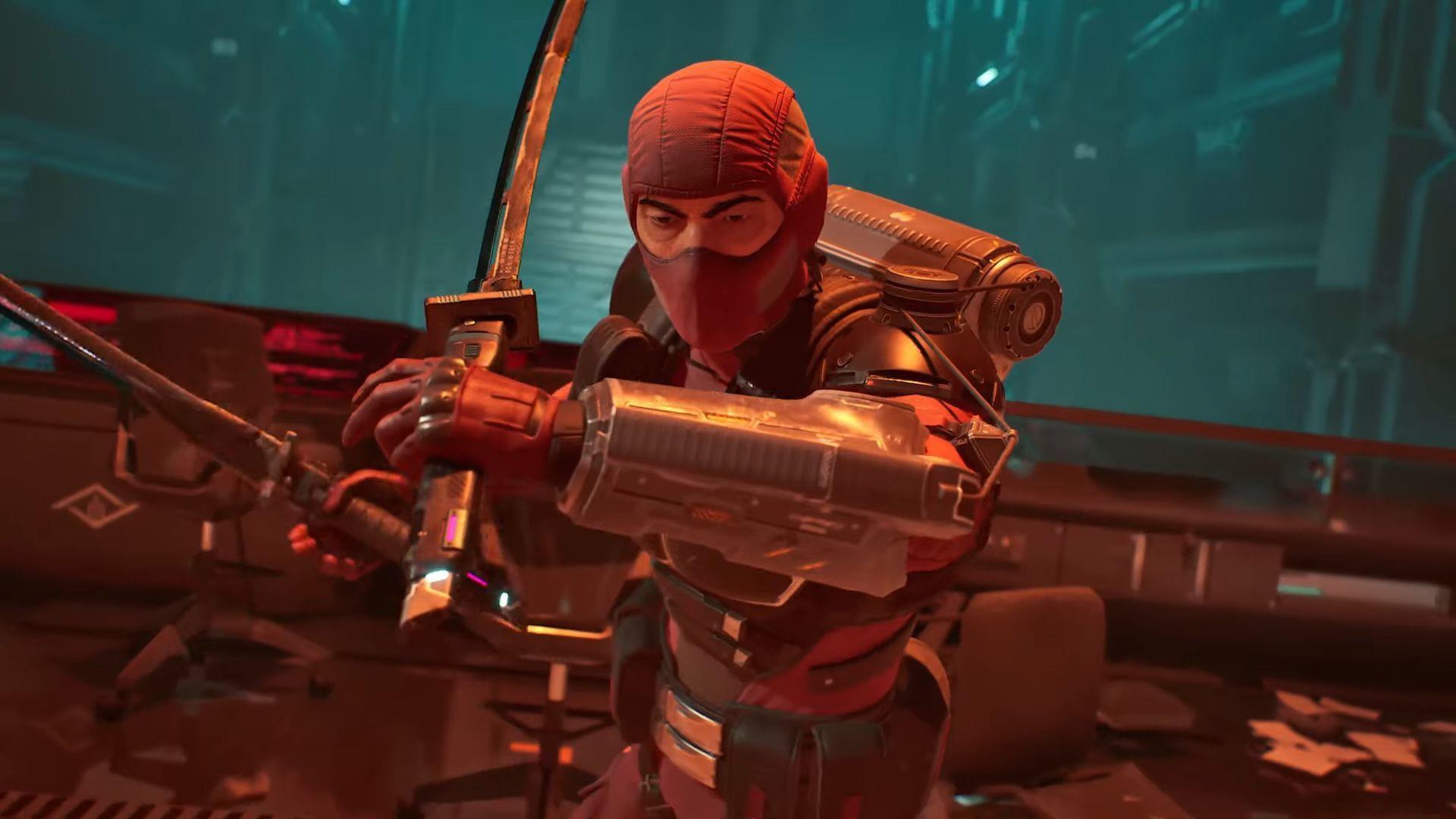
The Killing Floor 3 server connection lost error represents a significant connectivity barrier that frequently disrupts gameplay sessions. As an exclusively online first-person shooter, KF3 demands uninterrupted broadband connectivity to maintain synchronization with official game servers. This technical issue can manifest unpredictably during any gameplay phase, potentially ejecting players from active matches and compromising team coordination. The connection failure specifically indicates communication breakdown between your gaming client and Tripwire Interactive’s server infrastructure.
Understanding the underlying causes is crucial for effective resolution. Connection problems typically stem from network instability, software conflicts, or server-side maintenance. Many players overlook the importance of consistent ping rates and packet loss monitoring, which are critical for real-time multiplayer gaming. The following comprehensive solutions address both immediate fixes and long-term prevention strategies.
Network Optimization Strategies
Establishing robust network connectivity forms the foundation for stable Killing Floor 3 sessions. Begin by verifying your internet connection consistently delivers 3-5 Mbps download and 2-3 Mbps upload speeds. For optimal performance, consider upgrading to 10+ Mbps download speeds if multiple devices share your network. Wireless connections introduce latency variability – transition to wired Ethernet whenever possible to eliminate signal interference and packet loss.
Router configuration significantly impacts connection reliability. Access your router’s administration panel to adjust NAT (Network Address Translation) settings, selecting Open or Moderate types for gaming optimization. Enable QoS (Quality of Service) features to prioritize gaming traffic over other network activities. Port forwarding for Killing Floor 3 specific ports can further enhance connectivity stability, though this requires consulting the game’s official documentation for precise port numbers.
Also read: Killing Floor 3 EOS authentication failed error: Possible fixes and reasons
Advanced network optimization involves monitoring your connection during gameplay. Use tools like PingPlotter or Windows Resource Monitor to identify latency spikes and packet loss patterns. Internet Service Provider (ISP) routing issues can sometimes cause intermittent connectivity – consider using gaming VPN services optimized for gaming traffic if you suspect ISP throttling or inefficient routing paths.
System and Software Solutions
Background applications frequently compete for system resources and bandwidth, undermining game connectivity. Launch Task Manager to identify processes with elevated network or memory utilization. Streaming services, cloud synchronization tools, and browser tabs with active content particularly impact gaming performance. Methodically terminate non-essential applications before launching Killing Floor 3 to allocate maximum resources to your gaming session.
Outdated drivers represent a common but overlooked culprit for connectivity issues. Graphics card, network adapter, and chipset drivers should receive regular updates through Windows Update or manufacturer utilities. For network adapters specifically, visit your motherboard or laptop manufacturer’s website for the latest drivers, as generic Windows drivers may lack gaming-specific optimizations. Additionally, verify both your operating system and Killing Floor 3 client operate on their most recent versions to ensure compatibility with server requirements.
Also read: Killing Floor 3 matchmaking not working error: Possible fixes and reasons
System maintenance extends beyond driver updates. Regularly clean your system of temporary files using Disk Cleanup and consider defragmenting your hard drive if using HDD storage. For SSD users, TRIM optimization ensures consistent performance. Antivirus and firewall configurations should permit Killing Floor 3 through their security barriers – add game executables to exclusion lists to prevent unnecessary blocking of game traffic.
Advanced Troubleshooting
Easy Anti-Cheat service malfunctions can prevent successful server authentication in Killing Floor 3. When this protective system encounters issues, follow this detailed remediation process:
DNS cache corruption represents another frequent connectivity obstacle. Open Command Prompt as Administrator and execute ‘ipconfig /flushdns’ to clear outdated domain resolution data. For persistent issues, consider switching to public DNS servers like Google DNS (8.8.8.8, 8.8.4.4) or Cloudflare DNS (1.1.1.1) for improved reliability. Additionally, verify game file integrity through Steam’s validation feature to repair any corrupted or missing game components that might affect connectivity.
Also read: All Killing Floor 3 damage types explained
For players experiencing recurring disconnections despite these measures, investigate potential hardware issues. Network adapter failures, router malfunctions, or damaged Ethernet cables can cause intermittent connectivity. Test your connection with other online games or services to determine if the issue is Killing Floor 3 specific or affects all online activities.
Proactive Prevention Strategies
Implementing ongoing connection monitoring prevents future server connectivity issues. Utilize in-game network statistics when available or third-party applications to track ping stability and packet loss percentages. Establish baseline performance metrics during stable periods to quickly identify degradation. Schedule regular router reboots to clear memory leaks and refresh connections – ideally during non-gaming hours to avoid disruption.
Develop a pre-game checklist including connection tests, application closures, and system updates. Gaming during peak internet usage hours (evenings and weekends) often correlates with increased connectivity problems – adjust your schedule when possible. For wireless users, analyze signal strength and channel congestion using router administration tools, switching to less congested channels if necessary.
For more information on the game, follow Sportskeeda:
Advanced players should consider creating system restore points before major game updates and maintaining documentation of working network configurations. Join Killing Floor 3 community forums to stay informed about widespread server issues and official maintenance schedules. When all else fails, contacting Tripwire Interactive support with detailed connection logs and troubleshooting steps can resolve persistent unique issues.
No reproduction without permission:GameCDjnh » Killing Floor 3 server connection lost error: Possible fixes and reasons Expert solutions for Killing Floor 3 server connection errors with network optimization and troubleshooting guide