
Complete guide to joining Mecha BREAK Discord server with expert tips for optimal community engagement
Why Join the Mecha BREAK Discord Server?
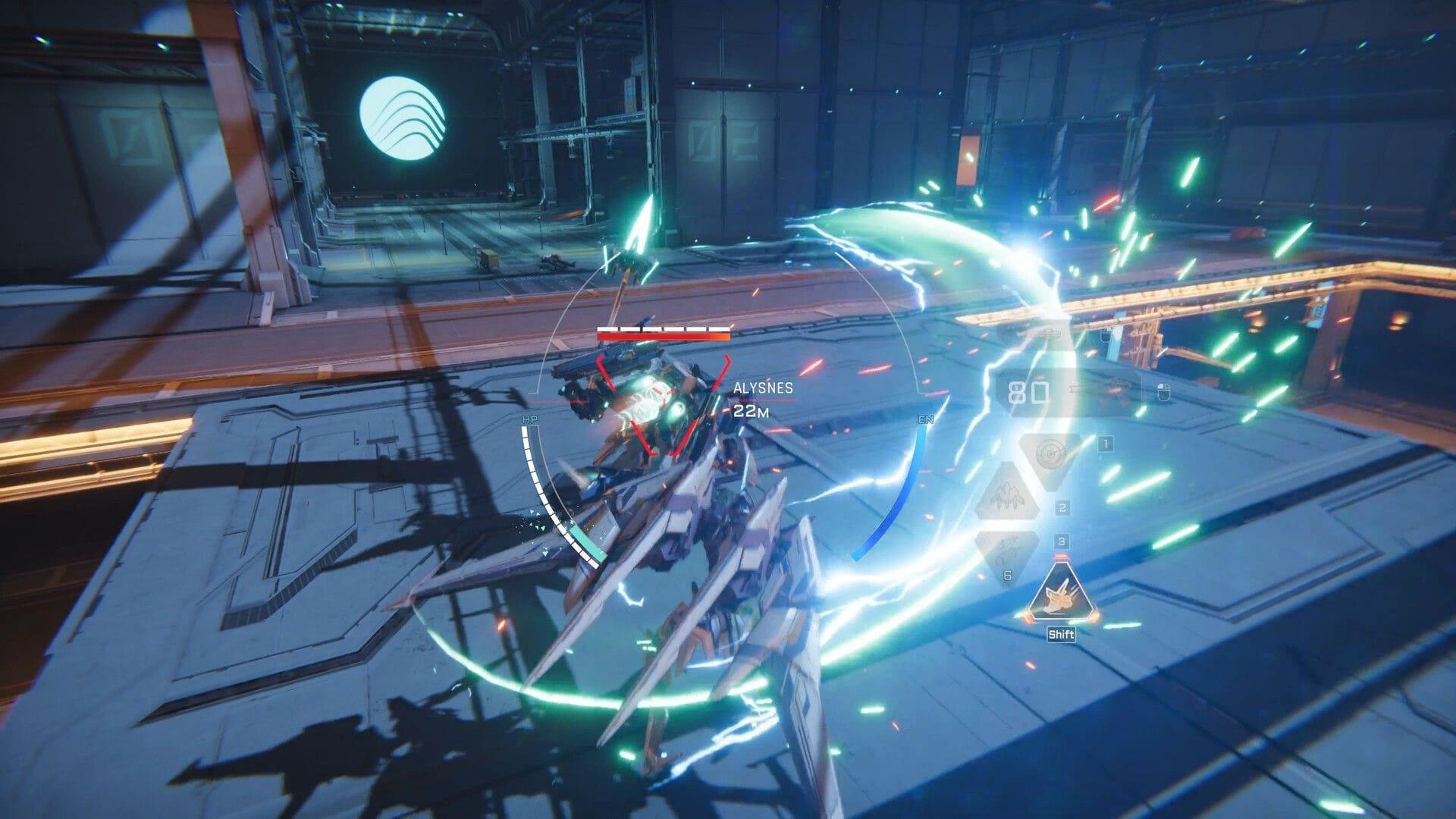
The newly launched Mecha BREAK Discord server represents the central hub for the game’s growing community, providing essential resources that significantly enhance your gaming journey. Beyond basic information sharing, this platform serves as your direct line to development updates, community events, and real-time technical assistance that can dramatically improve your overall experience with the mech combat title.
Engaging with the official Discord channel delivers multiple strategic advantages for dedicated players. You’ll receive immediate notifications about patch releases, balance adjustments, and upcoming content drops before they’re announced through traditional channels. The platform also facilitates direct dialogue with community managers and occasionally development team members, offering insights into game design decisions and future roadmap plans.
Community interaction forms another critical benefit, as the server enables you to coordinate multiplayer sessions, share gameplay strategies, and participate in exclusive community tournaments. This social dimension transforms the solitary gaming experience into a collaborative adventure where knowledge sharing and teamwork become central to mastering the game’s mechanics.
Step-by-Step Joining Process
Accessing the Mecha BREAK Discord community requires following specific procedures to ensure seamless integration. The most efficient method involves utilizing the direct invitation link, which bypasses manual search procedures and immediately connects you to the verified official server.
Direct Link Method:
Clicking the provided invitation link (https://discord.com/invite/mechabreak) represents the fastest access route, automatically redirecting you to the official Amazing Seasun Games-hosted server. This method eliminates potential confusion with unofficial community servers and guarantees you’re joining the authentic platform with direct developer presence.
Manual Joining Procedure:
Verification and Onboarding:
Upon successful server entry, carefully review the welcome channel and community guidelines to understand participation rules and channel purposes. Completing any required verification steps ensures full access to all discussion areas and prevents potential restrictions on your interactive capabilities within the community ecosystem.
Maximizing Your Discord Experience
Check out: Mecha BREAK review: Stunning mechs and chaotic battles with a few rough edges
The official Mecha BREAK Discord platform delivers comprehensive update notifications covering new content releases, bug report channels, and scheduled maintenance announcements. Beyond basic information dissemination, the server functions as a dynamic social center where players coordinate cooperative missions, exchange build strategies, and form competitive teams for ranked gameplay sessions.
Strategic Channel Navigation:
Mastering channel organization significantly enhances your information retrieval efficiency. Priority channels typically include #announcements for official communications, #patch-notes for update details, and #technical-support for troubleshooting assistance. Dedicated discussion channels for various game modes allow focused conversations about specific gameplay aspects without cluttering general chat areas.
Community Participation Guidelines:
Effective engagement requires understanding community etiquette and contribution best practices. Always search existing conversations before posting duplicate questions, utilize appropriate channels for specific topic discussions, and maintain respectful communication even during competitive debates. Following these protocols establishes your positive reputation within the community and encourages more valuable interactions with fellow enthusiasts.
When encountering technical difficulties or gameplay issues, the Discord support channel provides direct access to moderation teams who can escalate problems to technical staff. This real-time communication pipeline often resolves client-side complications more efficiently than traditional support ticket systems, minimizing gameplay interruption and frustration.
Troubleshooting Common Issues
That’s everything that you need to know about joining the Mecha BREAK server on Discord. For more related guides, check these links below:
Connection and Access Problems:
If you experience difficulties joining the server, verify your Discord application is updated to the latest version and check your internet connection stability. Expired invitation links occasionally cause access failures, requiring a fresh link from official social media channels or the game’s official website.
Permission and Visibility Issues:
Some users report limited channel visibility after joining, which typically results from incomplete verification procedures. Ensure you’ve reacted to welcome messages or completed any required role assignments as specified in the server’s onboarding instructions. Missing these steps can restrict your access to crucial discussion areas and support resources.
Mobile Access Considerations:
Mobile Discord users should ensure their app permissions allow server notifications to avoid missing important announcements. Adjust notification settings specifically for the Mecha BREAK server to receive alerts about patch releases, event announcements, and community activities without overwhelming your general notification feed.
No reproduction without permission:GameCDjnh » How to join Mecha BREAK Discord Complete guide to joining Mecha BREAK Discord server with expert tips for optimal community engagement