
Complete guide to unlock the Twitch Glitch pet in Among Us with troubleshooting tips and optimization strategies
Understanding the Twitch Glitch Pet Event
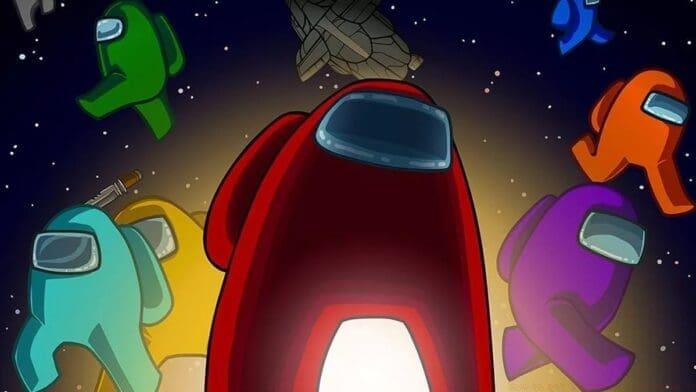
The Twitch Glitch pet represents an exciting collaboration between Twitch Rivals and Among Us, offering players a unique cosmetic companion that follows crewmates during gameplay sessions. This limited-time promotion provides a free digital pet that adds personality to your in-game character while celebrating the partnership between these gaming platforms.
During the event window from December 4th through December 18th, viewers can obtain this exclusive cosmetic item simply by watching designated tournament streams. The promotion leverages Twitch’s Drops system, which automatically tracks viewing time and distributes rewards to eligible participants who meet the specified criteria.
Step-by-Step Acquisition Process
Begin by accessing the Twitch Rivals Among Us Showdown stream during the active promotion period. Ensure you’re watching the official tournament broadcast rather than individual streamer channels, as only designated event streams qualify for Drop progression. Your viewing time accumulates automatically when logged into your Twitch account.
After completing the 30-minute watch requirement, navigate to your Twitch Drops inventory section. This can typically be found under your account menu or through the channel’s Drops & Rewards panel. The Twitch Glitch pet should appear as an available claim item once you’ve met the eligibility criteria.
Launch Among Us and access the settings menu by selecting the COG icon in the main interface. Proceed to the “Data” tab where you’ll find the Twitch integration section. Select the Twitch Glitch icon to initiate the account linking process between your Twitch and Among Us accounts.
Complete the authentication process by logging into your Twitch account when prompted. Grant the necessary permissions to allow the connection between platforms. Once successfully paired, your Twitch Glitch pet will automatically populate in your Among Us cosmetics collection, ready for equipping on your crewmate.
Advanced Tips and Troubleshooting
Several common issues can prevent successful pet acquisition. If your viewing time isn’t tracking, verify that you’re watching an eligible stream and that your Twitch account is properly logged in. Browser extensions or ad blockers may interfere with Drop tracking—try disabling them temporarily or switch to the Twitch mobile app for more reliable progress monitoring.
For optimal results, maintain stream audio at audible levels and avoid muting the tab, as some tracking systems use audio detection to confirm active viewing. Multiple streams don’t accelerate progress—focus on a single qualifying broadcast to efficiently accumulate your 30-minute requirement.
If the pet doesn’t appear in your inventory after claiming, restart Among Us completely to refresh your cosmetics data. Verify the account linkage through the Data menu and ensure you’re using the same Twitch account for both viewing and game connection. Contact Twitch support only after confirming all troubleshooting steps and waiting at least 24 hours for system propagation.
No reproduction without permission:GameCDjnh » How to get Twitch Pet in Among Us Complete guide to unlock the Twitch Glitch pet in Among Us with troubleshooting tips and optimization strategies