
Master Cronos The New Dawn’s unique flashlight mechanics and lighting strategies for survival horror success
Understanding the Unique Flashlight System
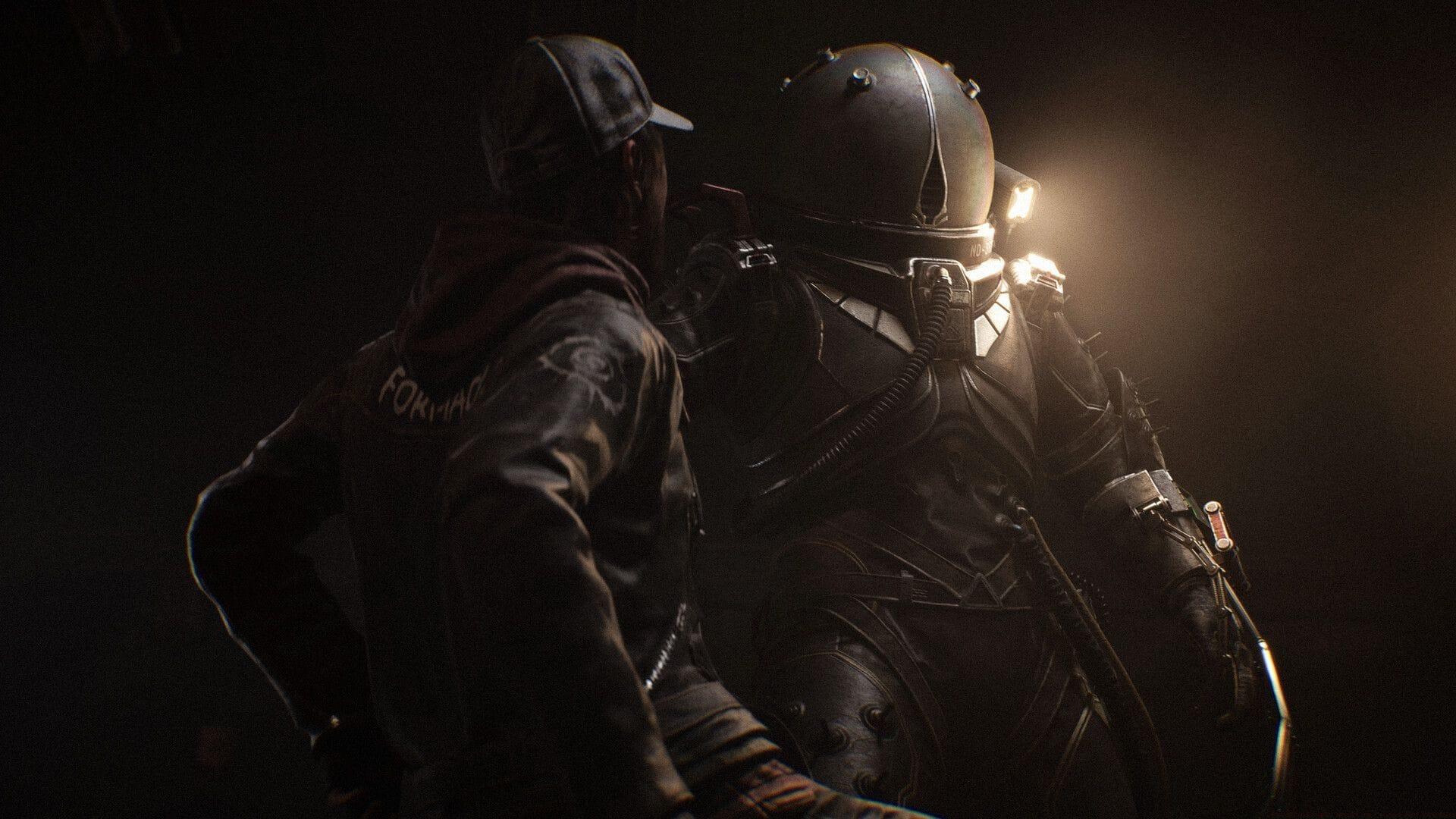
The Flashlight in Cronos The New Dawn operates fundamentally differently from conventional survival horror lighting tools. Unlike standard games where illumination remains at player discretion, Bloober Team’s Dead Space-inspired horror masterpiece implements a sophisticated system where environmental triggers dictate flashlight availability. This intentional design choice transforms the light source from mere utility into a narrative pacing instrument that heightens psychological tension.
Rather than functioning as a standard player-searching mechanism, this illumination tool serves as a carefully calibrated tension modulator. Its primary purpose involves maintaining atmospheric pressure by forcing players to navigate using ambiguous environmental cues—flickering window glows, intermittent electrical sparks, and unsettling orange ambient lighting. This deliberate scarcity of control transforms lighting from functional necessity into cinematic storytelling element, enhancing the studio’s signature horror aesthetic. Many players initially struggle with this unconventional approach, but understanding its psychological purpose transforms frustration into appreciation for the nuanced horror experience.
Acquisition Timeline and Location
During the initial stages, Cronos The New Dawn immerses players in profoundly dark environments where visibility becomes deliberately restricted. New players typically experiment with controller inputs expecting immediate flashlight access, but the game intentionally withholds this tool to establish its oppressive atmosphere. The game systematically delays flashlight availability until you’ve progressed sufficiently through the opening narrative sequence, ensuring proper environmental establishment before introducing illumination capabilities.
Acquisition occurs automatically following usage of the Old Rusty Key during the critical “Find the Predecessor” mission objective. When you unlock the first significant door along the primary pathway, the flashlight seamlessly integrates into your inventory without any collection prompts or crafting requirements. This automated implementation timing reflects the developers’ meticulous pacing strategy, ensuring the tool appears precisely when the narrative tension demands its introduction rather than according to player convenience.
Advanced Lighting Strategies
Bloober Team’s design philosophy elevates the flashlight beyond simple utility into a sophisticated horror instrument. By regulating its availability, developers guarantee that terrifying moments achieve maximum impact according to their cinematic vision. The experience of entering apparently lightless chambers only to have illumination spontaneously activate significantly enhances the studio’s distinctive atmospheric approach. This controlled implementation might frustrate players accustomed to unrestricted tool access, but it effectively maintains the game’s consistently tense environment.
Mastering environmental navigation requires developing light interpretation skills during flashlight downtime. Focus on identifying subtle illumination patterns—faint window glows often indicate potential pathways, while electrical sparks might reveal interactive elements. Orange ambient lighting typically signals safe zones or narrative progression points. Advanced players learn to track sound cues that correspond with lighting changes, creating mental maps of environments even during darkest sequences. This skill development transforms the gameplay experience from frustrating to immersive as you learn to “read” the environment like the developers intended.
Display Settings Optimization
For players struggling with the intentionally restrictive lighting mechanics, Cronos The New Dawn provides display customization options to improve visibility. Access the pause menu and navigate to Settings > Display > HDR Calibration to modify visual presentation parameters. The HDR brightness adjustment slider proves particularly impactful for enhancing environmental details without compromising the developers’ atmospheric intentions. Proper calibration can reveal subtle environmental clues while maintaining horror integrity.
Optimal settings involve balancing brightness to distinguish environmental details without eliminating tension-building shadows. Consider increasing contrast rather than maximum brightness to preserve atmospheric depth while improving navigation capability. Many players discover that minor gamma adjustments provide the ideal compromise between visibility and horror preservation. Experiment during brighter game segments to establish baseline settings before entering darker areas, as this prevents over-compensation that would undermine the carefully crafted horror experience.
No reproduction without permission:GameCDjnh » How Flashlight works in Cronos The New Dawn Master Cronos The New Dawn's unique flashlight mechanics and lighting strategies for survival horror success