
Essential guide to Elden Ring Nightreign’s launch patch with troubleshooting tips and performance optimization strategies
Patch Overview and Launch Status
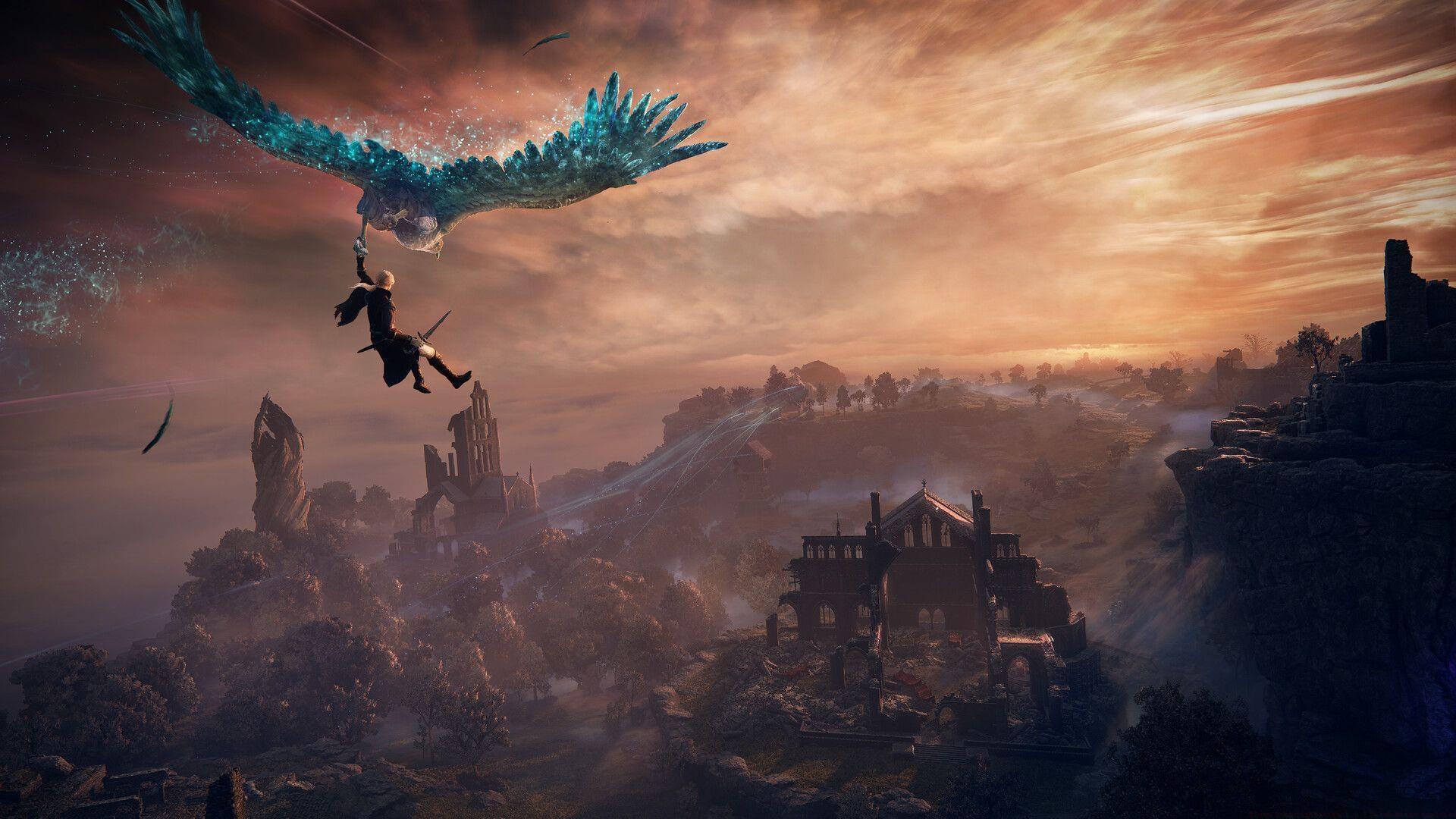
Bandai Namco has officially unveiled the Elden Ring Nightreign 1.0.1 patch, addressing numerous gameplay issues and balance adjustments ahead of the game’s worldwide release. This comprehensive update represents FromSoftware’s commitment to delivering a polished experience from day one, even as the game launches regionally. While Elden Ring Nightreign has already debuted in New Zealand, this patch will synchronize globally as additional regions gain access.
What makes this patch particularly noteworthy is its proactive nature. Unlike typical post-launch fixes that address problems after players encounter them, this update arrives alongside the game’s initial release window. This approach demonstrates FromSoftware’s dedication to quality assurance and provides all players with the same optimized experience regardless of their region’s launch timing.
Preloading Elden Ring Nightreign is currently available across both PC and console platforms, allowing players to install the base game before the patch automatically applies upon launch. This streamlined process minimizes waiting time and ensures immediate access to the improved version. Regional availability varies based on time zones, but the patch will deploy simultaneously with each market’s official release.
Key Patch Improvements and New Features
The 1.0.1 update introduces several significant enhancements designed to improve player experience from the very beginning:
These updates address common feedback from early access sessions while maintaining the core challenge that defines Soulsborne experiences. The character handling improvements specifically target animation transition smoothness, reducing input lag during critical combat maneuvers. Audio adjustments enhance atmospheric immersion while ensuring important gameplay cues remain audible during intense moments.
From a design perspective, these changes demonstrate FromSoftware’s evolving approach to player feedback integration. Rather than simply fixing bugs, the patch actively enhances core gameplay systems based on pre-launch testing data, setting a new standard for day-one updates in the action RPG genre.
PC-Specific Troubleshooting Guide
PC players encountering launch issues should begin with Steam’s built-in verification tools. Many common problems stem from incomplete downloads or corrupted installation files, which these steps can efficiently resolve:
This process compares your installed files with Steam’s master version, replacing any corrupted or missing components. It’s particularly valuable after preloading, as it ensures all game assets downloaded correctly before attempting your first launch. Many players overlook this simple step, instead troubleshooting more complex graphics or driver issues unnecessarily.
FromSoftware has acknowledged performance concerns affecting specific PC configurations utilizing the latest generation graphics cards. The development team is actively investigating these frame rate inconsistencies, which appear most prominently in densely detailed environments with complex lighting effects. While a comprehensive fix is in development, interim solutions can significantly improve stability.
Common mistakes include immediately adjusting in-game settings without first updating graphics drivers or assuming hardware limitations when software conflicts are the actual culprit. Always begin troubleshooting with the simplest solutions before exploring more complex configurations.
Performance Optimization Strategies
Also Read: Elden Ring Nightreign Review
When experiencing performance issues, methodically adjust settings rather than making sweeping changes. Begin by modifying the graphics preset from High to Medium, which often resolves frame rate drops while maintaining visual quality. If problems persist, selectively adjust individual settings:
Shadow quality and ambient occlusion typically have the highest performance impact relative to visual benefit. Reducing these settings to Medium or Low can yield significant frame rate improvements with minimal visual degradation. Screen resolution scaling provides another optimization avenue—reducing resolution to 90% of native often stabilizes performance while remaining nearly indistinguishable visually.
Graphics driver management represents a frequently overlooked optimization area. Ensure you’ve installed the latest stable drivers rather than beta versions, as these often include specific optimizations for newly released games. Clean installation using Display Driver Uninstaller (DDU) before installing new drivers prevents configuration conflicts that can cause instability.
Advanced players should monitor performance metrics using tools like MSI Afterburner to identify specific bottlenecks. CPU-bound systems benefit most from reducing crowd density and particle effects, while GPU-limited configurations respond better to shadow and texture adjustments. This targeted approach maximizes performance while preserving visual fidelity where it matters most.
Common Player Questions Answered
Check out more articles on the game:
Understanding these distinctions helps players make informed decisions about their Nightreign experience. The game successfully balances accessibility for newcomers with depth for series veterans, while technical considerations vary significantly across platforms and editions.
No reproduction without permission:GameCDjnh » Elden Ring Nightreign 1.0.1 Patch Notes explored Essential guide to Elden Ring Nightreign's launch patch with troubleshooting tips and performance optimization strategies