
Complete guide to claiming Delta Force anniversary Twitch drops with expert timing and account linking strategies
Event Overview and Timing
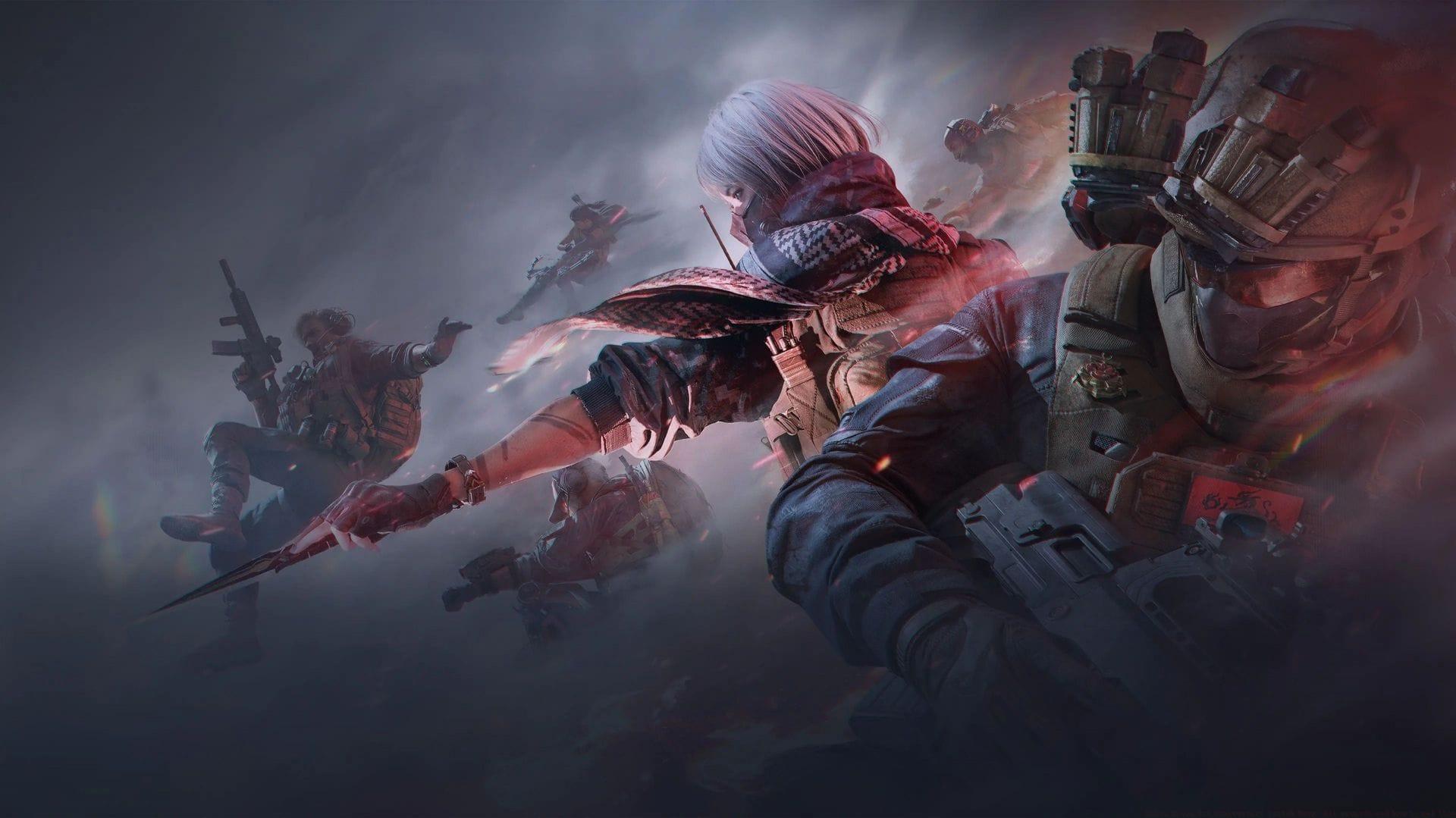
Delta Force 1st Anniversary Twitch drop celebrations are currently active, providing players with complimentary in-game items simply by tuning into designated broadcasters. This limited-time promotion commenced on September 26, 2025, at 2:00 a.m. UTC and concludes on September 28, 2025, at 11:59 p.m. UTC, giving participants approximately three days to accumulate watch time. The event features an exclusive weapon cosmetic alongside valuable resource bundles that enhance your gameplay progression.
Seasoned gaming event participants recommend marking these dates prominently on your calendar, as anniversary drops typically feature more premium rewards than standard monthly promotions. The timing spans weekend periods when most players have increased availability for viewing sessions.
Reward Unlock Requirements
Progressive reward unlocks form the core structure of this anniversary celebration, with four distinct tiers available based on cumulative viewing duration. The initial Armament Vouchers activate after just 15 minutes of continuous viewing, providing immediate value for time-limited participants. Subsequent tiers include the Standard Gear Ticket at 30 minutes and Advance Lucky Pack at 1 hour of watched content.
The premium reward, the distinguished “Operator” skin for PKM, demands 1.5 hours of dedicated viewership. This cosmetic item represents the highlight of the anniversary collection, featuring unique visual elements unavailable through standard gameplay channels. Strategic viewers should note that progress accumulates per individual stream rather than across multiple channels simultaneously.
Advanced strategy: For optimal efficiency, identify streams with consistent viewer counts between 50-500 participants, as these typically maintain stable broadcast quality without overwhelming chat distractions. Larger streams may experience technical issues during peak hours that could interrupt progress tracking.
Account Linking Process
Simply watching eligible broadcasts proves insufficient for reward acquisition; mandatory account synchronization between your Level Infinite gaming profile and Twitch account must be completed beforehand. This verification process ensures rewards route correctly to your gaming inventory.
Here’s the comprehensive setup procedure:
Common linking issues include cached login conflicts and regional restriction errors. If encountering problems, clear browser cookies or try incognito mode before attempting the linking process again. The account synchronization remains persistent across future Delta Force promotional events, eliminating repetitive setup requirements.
Pro Tips and Strategies
Maximize your drop acquisition efficiency with these professional gaming event strategies. First, prioritize streams with consistent uptime rather than jumping between channels, as progress doesn’t combine across broadcasts. Second, activate stream audio at minimal volume in background tabs while pursuing other activities – the system only requires the stream player to remain active, not attentive viewing.
Avoid common pitfalls like opening multiple eligible streams simultaneously, which may trigger tracking conflicts. Additionally, ensure your Twitch account privacy settings don’t restrict data sharing with third-party platforms, as this prevents progress validation. For mobile users, keep the application active rather than minimizing it to maintain watch time accumulation.
Reward distribution typically occurs within 24 hours after completion, appearing directly in your Delta Force inventory. If items don’t appear within 48 hours, verify your account linking status and contact support with relevant viewing evidence. Remember that these anniversary exclusives may not reappear in future promotions, making timely participation crucial for completionists.
No reproduction without permission:GameCDjnh » Delta Force 1st Anniversary Twitch Drop: All rewards and how to get them Complete guide to claiming Delta Force anniversary Twitch drops with expert timing and account linking strategies