
Complete guide to preloading Arc Raiders with platform-specific steps, storage requirements, and optimization tips
Understanding Arc Raiders Preload Benefits
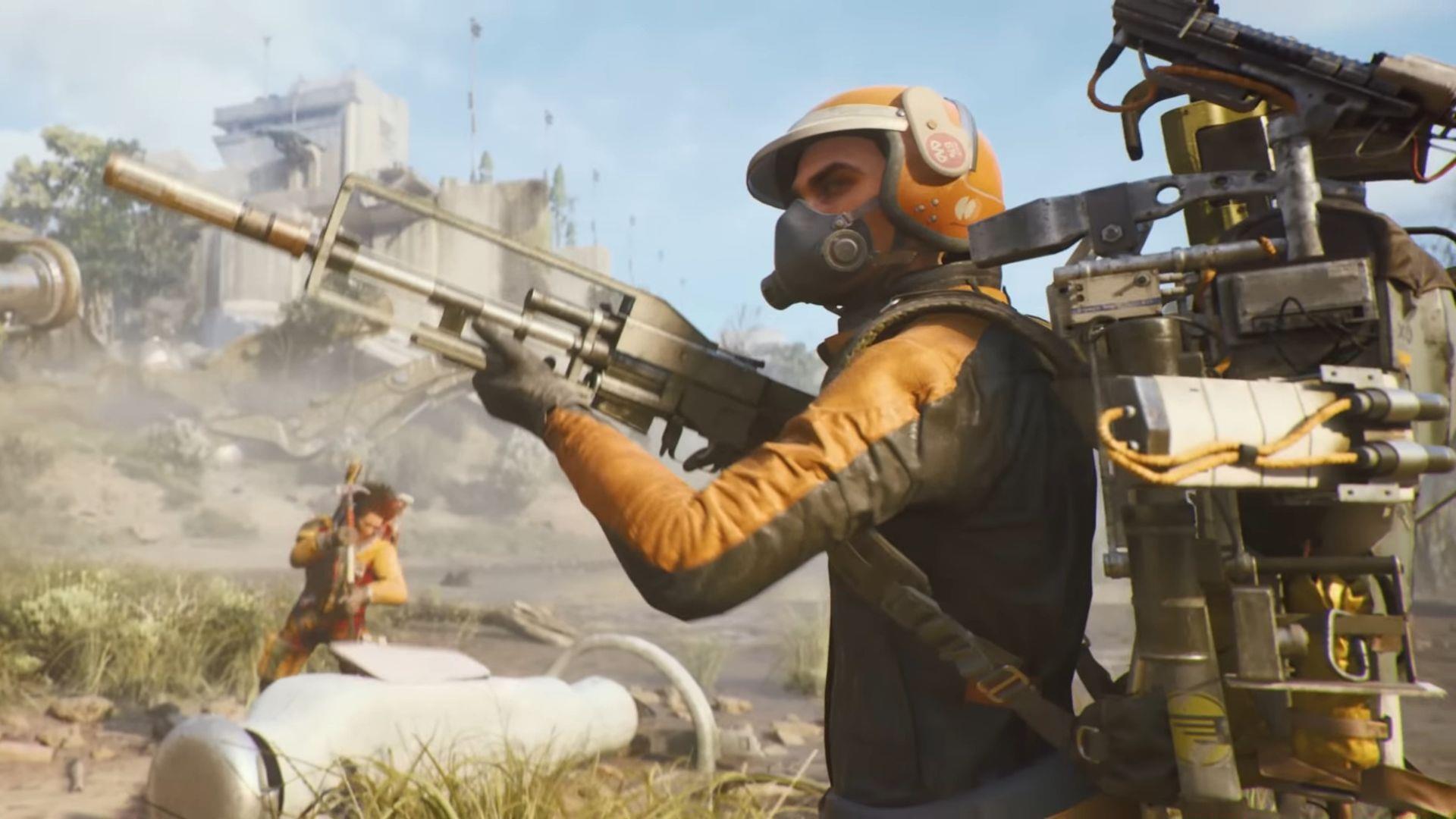
Embark Studios’ upcoming extraction-shooter, Arc Raiders, transports players to a dangerous future Earth where strategic combat and survival skills determine success. The global release arrives on October 30, 2025, but savvy players can gain early access to game files through preloading starting October 28, 2025. This two-day head start allows you to download essential components before servers activate.
Preloading offers significant advantages beyond mere convenience. By downloading game files in advance, you circumvent launch day server congestion that often plagues highly anticipated titles. This ensures immediate access when the game goes live, bypassing potential download queues that could delay your entry into the dystopian battlefield. Additionally, preloading provides time to verify file integrity and address any installation issues before the official launch moment.
Platform-Specific Storage Requirements
Storage allocation varies across gaming platforms, requiring careful planning to ensure sufficient space for Arc Raiders’ installation. The extraction-shooter demands substantial storage capacity, with the Xbox Series X|S version requiring approximately 27 GB of available space. PC and PlayStation platforms typically exhibit similar storage footprints, though exact sizes may vary slightly based on regional differences and day-one patches.
When calculating required space, remember to account for additional overhead beyond the base installation. Most modern games reserve extra room for temporary files, updates, and system caching. As a practical guideline, maintain at least 10-15GB of free space beyond the stated requirements to accommodate post-installation processes and future updates. For optimal performance, consider installing Arc Raiders on SSDs rather than traditional hard drives, as this significantly reduces loading times in the fast-paced extraction-shooter environment.
Download duration depends heavily on your internet connection quality. With a standard 100 Mbps connection, the 27GB download should complete in approximately 35-45 minutes. Slower connections may require several hours, making the preload period particularly valuable for players with bandwidth limitations.
Step-by-Step Preload Instructions
Since Arc Raiders operates as a premium title rather than free-to-play, pre-ordering is mandatory to unlock preload functionality. This requirement applies uniformly across PC and console platforms. Below you’ll find platform-specific procedures to ensure seamless file acquisition.
PC Platform Guide (Steam & Epic Games Store)
PC gamers enjoy flexibility between two major storefronts. Launch your preferred client—either Steam or the Epic Games Store—and navigate to the Arc Raiders store page. Complete the pre-purchase transaction if you haven’t previously secured your copy. Following successful payment, access your game library and locate Arc Raiders in your collection. The preload option should appear prominently beneath the game title—select this to initiate the download process. Monitor progress through your client’s download manager.
PlayStation Process
PlayStation enthusiasts should access the PlayStation Store via their console’s dashboard or web interface. Search for Arc Raiders and proceed with pre-purchase completion. Once transaction confirmation arrives, navigate to your library section and find Arc Raiders among your owned titles. The download option will be available—activation begins the file transfer process. Ensure your console remains in rest mode or powered on until completion.
Xbox Procedure
Xbox platform users must visit the Xbox Store through their console or Microsoft’s web store. Locate the Arc Raiders product page and finalize the pre-order process. After purchase confirmation, return to the game page where the preload option should now be accessible. Activation triggers the download sequence. Maintain console power throughout the process and verify completion before shutting down the system.
System Requirements and Optimization
Arc Raiders demands respectable hardware across both minimum and recommended specifications. Understanding these requirements ensures smooth performance in the game’s intense combat scenarios.
Minimum PC Specifications
- Processor: Intel Core i5-6600K or AMD Ryzen R5 1600 processor
- Graphics: NVIDIA GeForce GTX 1050 Ti or AMD Radeon RX 580 or Intel Arc A380
- Memory: 8GB RAM (12GB recommended for better performance)
- Storage: 30GB available space (SSD preferred)
Recommended PC Specifications
- Processor: Intel Core i5-9600K or AMD Ryzen 5 3600 processor
- Graphics: NVIDIA GeForce RTX 2070 or AMD Radeon RX 5700 XT or Intel Arc B570
- Memory: 16GB RAM for optimal gameplay
- Storage: NVMe SSD with 35GB available space
For peak performance, close background applications before launching Arc Raiders, particularly web browsers and streaming software. Update your graphics drivers to the latest versions from NVIDIA, AMD, or Intel before the October 30 launch. Consider adjusting in-game settings based on your hardware capabilities—reducing shadow quality and post-processing effects can significantly boost frame rates on marginal systems.
Common Issues and Troubleshooting
Even with proper preparation, players may encounter occasional obstacles during the preload process. Understanding common issues and their solutions ensures you’re ready when launch day arrives.
Download Interruptions and Solutions
Network timeouts occasionally disrupt large game downloads. If your preload fails or stalls, first attempt pausing and resuming the download. For persistent issues, restart your gaming platform client or console completely. Verify your internet connection stability—wired Ethernet connections typically provide more reliable download performance than Wi-Fi. If using wireless, position your console or computer closer to the router or consider temporary wired connection for the download period.
Storage Management Techniques
Insufficient space represents the most common preload obstacle. Before beginning, audit your storage and remove unplayed games or large media files. Both PlayStation and Xbox systems offer storage management tools that identify deletable content. PC users should defragment traditional hard drives (though this isn’t necessary for SSDs) and clear temporary files through disk cleanup utilities.
Connection Optimization
For slower internet connections, schedule downloads during off-peak hours (typically overnight) when network congestion decreases. Configure your router’s Quality of Service (QoS) settings to prioritize gaming device traffic. If using bandwidth-intensive applications simultaneously, consider limiting their activity during the Arc Raiders download process.
Related Reading: How to pre-order ARC Raiders
No reproduction without permission:GameCDjnh » Arc Raiders preload details: Size for all platforms and more revealed Complete guide to preloading Arc Raiders with platform-specific steps, storage requirements, and optimization tips