![]() 1
1TL;DR True stretched resolution makes enemy models appear larger for easier targeting Custom resolutions require specific 1.45:1 aspect ratio for optimal results Monitor disabling ...
![]() 2
2TL;DR Access Riot Games account management portal through account.riotgames.com Navigate to security settings and initiate password change with current credentials Create strong, u...
![]() 1
1TL;DR Press ESC and toggle ‘Mute All Enemy Text Chat’ for instant toxicity protection Maintain team communication while eliminating distracting enemy messages completel...
![]() 2
2TL;DR Restart Riot Client and system as first-line solutions for loading screen issues Run Valorant with administrator privileges to resolve permission conflicts Verify internet co...
![]() 2
2TL;DR Rubberbanding primarily stems from network instability, packet loss, or server connectivity issues Immediate fixes include server switching, router resets, and connection typ...
![]()
![]()
![]() 4
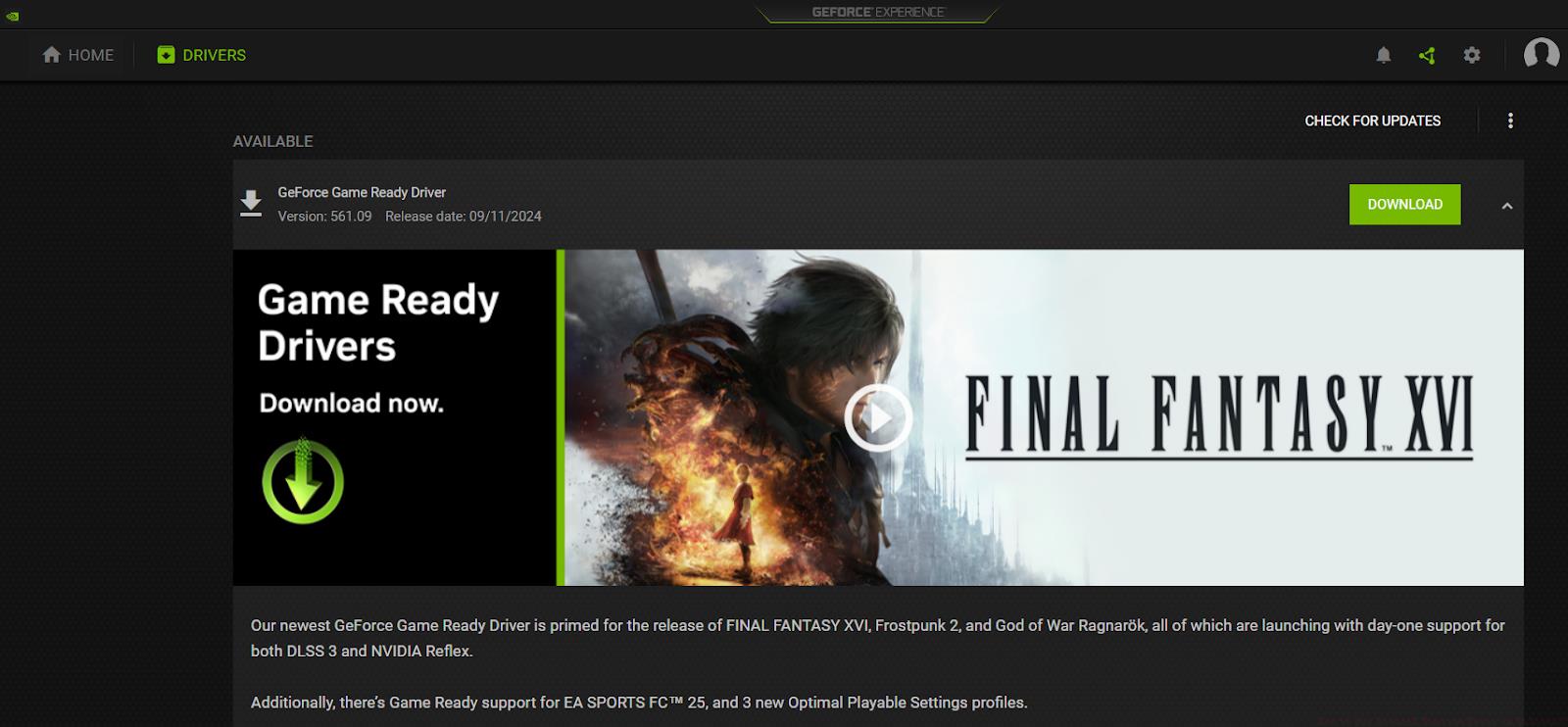
4TL;DR Outdated graphics drivers are the primary cause of DirectX runtime errors in Valorant Always update Windows and DirectX before addressing graphics driver issues NVIDIA and AM...
![]() 2
2TL;DR VAL 43 indicates server connectivity issues requiring immediate network diagnostics Always verify Riot Games server status before attempting local troubleshooting Router rese...
![]() 2
2TL;DR VAL 43 indicates server connectivity issues between your system and Riot Games servers Always verify server status first before attempting local troubleshooting Network stabi...
![]() 1
1TL;DR Fixed orientation based on side provides consistent directional reference during intense firefights Disabling player centering reveals more map area for better situational aw...
![]() 1
1TL;DR Disable administrator privileges for Valorant executable to resolve permission conflicts Update graphics drivers and Windows components to ensure system compatibility Configu...

 1
1