
Expert troubleshooting guide to bypass Splitgate 2 login queue errors with actionable fixes and server insights
Understanding the Login Queue Error
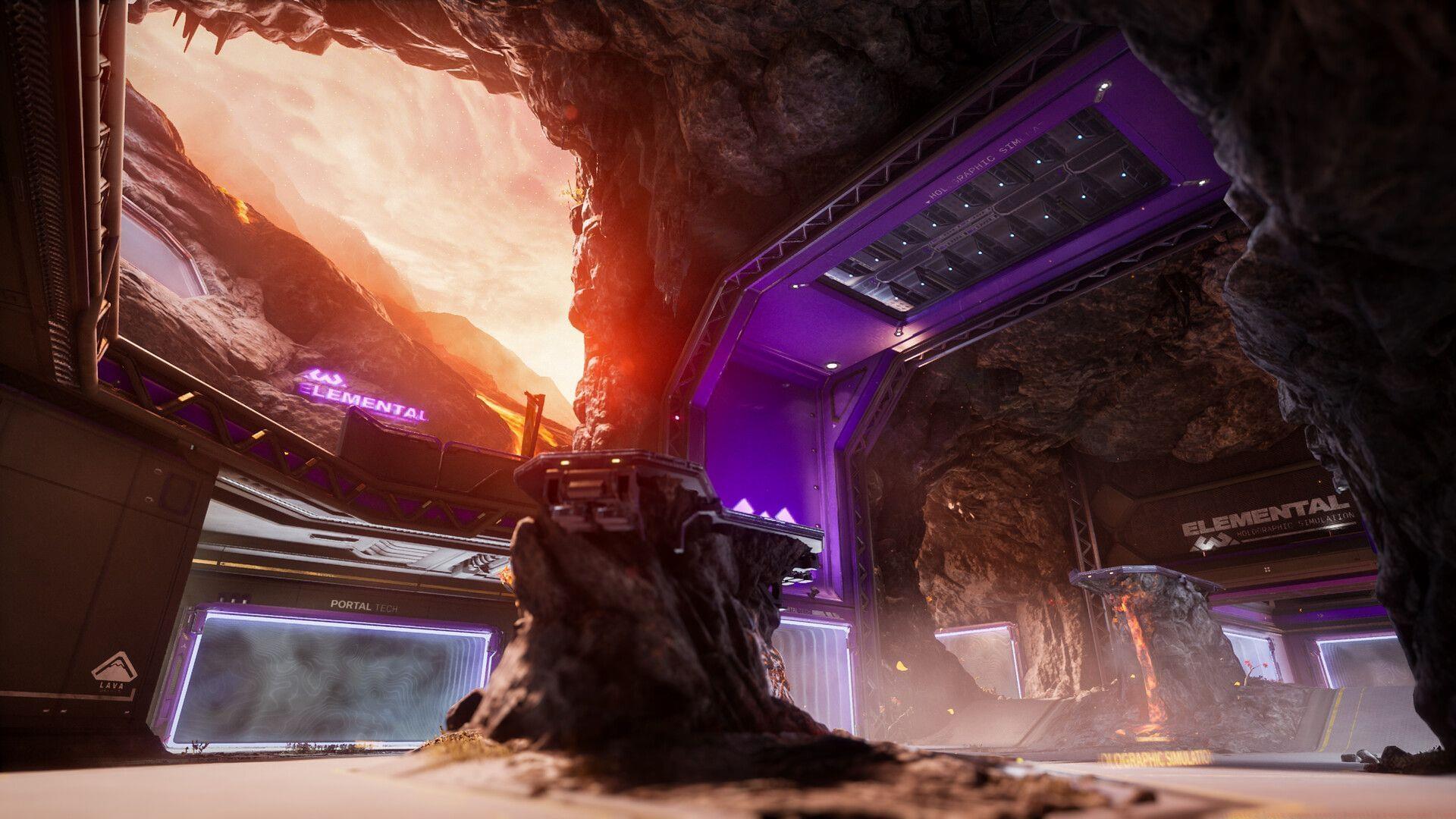
The Splitgate 2 login queue error represents a classic launch-day scenario where player demand dramatically exceeds server capacity. This authentication bottleneck occurs when 1047 Games’ matchmaking infrastructure cannot process connection requests quickly enough, creating digital waiting lines. The shooter’s global release on Thursday, May 22, at 9 am PT / 12 pm ET / 5 pm BST triggered unprecedented traffic that existing network architecture couldn’t immediately accommodate.
While seeking quick solutions, remember that quality gaming content exists beyond troubleshooting. Consider exploring puzzle alternatives like NYT Mini Crossword Answers, LA Times Crossword Answers, or Atlantic Crossword Answers during download or queue times.
Related reading: SG2 Open Beta Twitch Drops: All rewards and how to get
1047 Games has acknowledged these server limitations and implemented gradual fixes throughout the launch period. Although core services have stabilized, residual queue systems remain active as preventative measures against sudden traffic spikes. The current login queue represents a controlled access mechanism rather than a complete system failure.
Many players incorrectly assume these queues indicate permanent errors, when they often function as temporary flow-control measures. The distinction matters because queue errors typically resolve within minutes, while genuine connection failures require technical intervention. Understanding this difference helps you apply appropriate solutions.
Server status context: SG2 server status: Are the servers offline?
Immediate Fixes You Can Try Right Now
When facing the Splitgate 2 authentication queue, these practical solutions offer progressively more aggressive troubleshooting approaches. Begin with the simplest methods before advancing to complex configurations.
Queue Refresh via Restart: Completely closing and relaunching Splitgate 2 often provides the quickest resolution. This action clears local connection caches and frequently places you in a newer, shorter queue instance. The game’s matchmaking system doesn’t maintain persistent queue positions across sessions, meaning restarting essentially gives you a new lottery ticket for server access. Many players report success within 1-3 restart attempts during moderate traffic periods.
Strategic Waiting Approach: Contrary to instinct, sometimes the best action is deliberate inaction. If you’ve waited less than 10 minutes in queue, remaining patient often yields access without technical intervention. Most authentication queues process players in 5-8 minute cycles during stable periods. The key mistake players make is abandoning queue too early, then rejoining at the back of the line. Set a timer for 12 minutes—if no progress occurs by then, proceed to more active solutions.
Connection Optimization: Ensure your network isn’t compounding the server-side issues. Disconnect other bandwidth-intensive devices, switch from Wi-Fi to wired Ethernet if possible, and temporarily disable VPN services that might interfere with game authentication. These steps eliminate variables that could extend queue times unnecessarily.
Advanced Troubleshooting Steps
When basic methods fail, these systematic approaches address underlying client-side issues that might mimic or exacerbate server queue problems.
File Integrity Verification: Corrupted or outdated game files can create authentication failures that appear identical to server queues. Use your platform’s verification tools—Steam’s “Verify Integrity of Game Files” or Epic Games Launcher’s “Verify” function—to ensure all components match current server expectations. This process typically takes 5-15 minutes but resolves many persistent login issues.
DNS Configuration Adjustment: Sometimes your internet’s Domain Name System settings struggle to locate Splitgate 2’s authentication servers efficiently. Switching to public DNS servers like Google (8.8.8.8, 8.8.4.4) or Cloudflare (1.1.1.1) can improve connection reliability. This advanced networking tweak requires system administrator access but often reduces apparent queue times.
Firewall and Antivirus Review: Overly aggressive security software occasionally blocks game authentication requests. Create explicit exceptions for Splitgate 2 in Windows Defender, third-party antivirus tools, and router firewalls. Pay particular attention to outbound rule configurations, as many queue errors stem from blocked handshake attempts rather than server issues.
If all self-help options exhaust without success, direct contact with 1047 Games’ support team becomes necessary. Prepare your account details, error screenshots, and troubleshooting history before submitting a ticket to accelerate resolution.
Preventative Measures & Best Practices
Proactive strategies significantly reduce future encounter rates with Splitgate 2 login queues and similar launch-day issues.
Peak Hour Avoidance: Server loads follow predictable patterns, with highest congestion occurring during evening hours in major regions (6-10 PM local time). Planning gaming sessions for off-peak periods—late mornings or weekday afternoons—often bypasses queues entirely. Monitor community channels for real-time server status updates before attempting login during anticipated high-traffic events.
Pre-launch Preparation: Before major updates or content releases, ensure your game client updates completely several hours beforehand. Players with pending updates frequently encounter compounded queue issues as they attempt to download patches during peak authentication periods. Configure automatic updates where possible and manually check for updates 2-3 hours before planned play sessions.
Community Resource Utilization:
Remember that login queues represent temporary growing pains for popular live-service games. As 1047 Games continues scaling infrastructure, these issues should diminish significantly. Implementing these structured approaches transforms frustrating waiting periods into manageable, solvable technical challenges rather than impassable barriers to gameplay enjoyment.
No reproduction without permission:GameCDjnh » Splitgate 2 login queue error: Possible reasons and fixes Expert troubleshooting guide to bypass Splitgate 2 login queue errors with actionable fixes and server insights