
Choosing between controller and mouse/keyboard for optimal Hades 2 gameplay experience and performance
Understanding the Core Control Dilemma
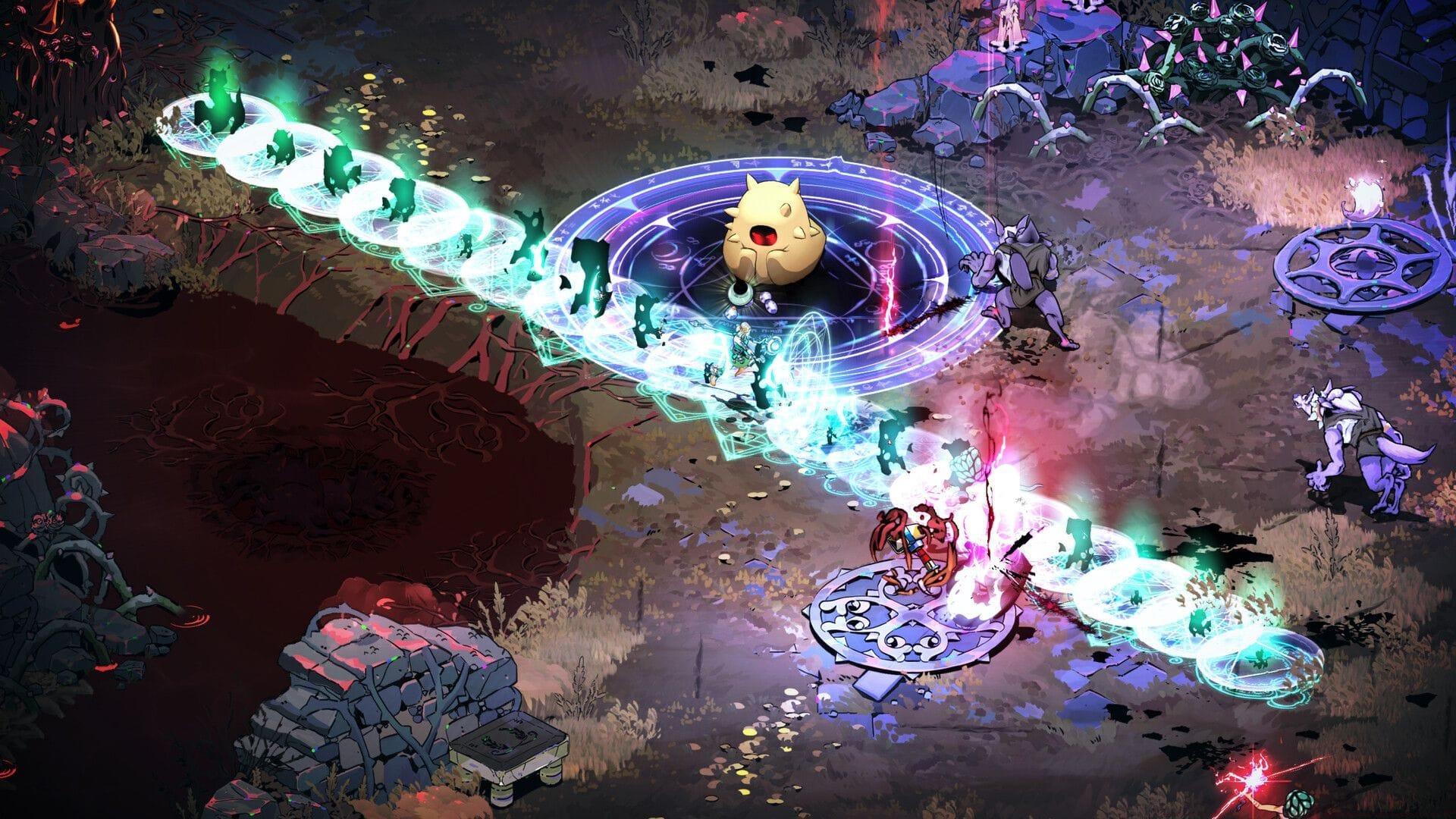
When diving into Hades 2 on PC, players face a crucial decision that significantly impacts their gameplay experience: selecting between controller and mouse and keyboard configurations. While both control schemes receive official support, the game’s demanding combat mechanics and precision movement requirements transform this choice from mere preference to strategic consideration. The isometric action RPG genre traditionally favors certain input methods, and understanding these nuances can dramatically improve your performance.
Many players discover that during intense combat sequences against swarming enemies or bosses requiring split-second evasion, traditional keyboard controls introduce unexpected frustrations. The cognitive load of coordinating movement keys with mouse targeting creates additional complexity that can compromise reaction times.
Coordinating directional inputs through WASD keys while simultaneously managing mouse-based attack aiming presents a divided attention challenge that often complicates encounter management unnecessarily. This control division becomes particularly problematic during boss fights where positioning and timing determine success or failure.
Controller Advantages: Why Gamepads Excel
The development team provides clear guidance through the start screen notification recommending controller usage. This suggestion isn’t arbitrary but reflects intentional design choices centered around analog movement capabilities. Gamepads deliver superior dodging fluidity, precise directional control, and seamless ability management through their ergonomic layout.
Extensive testing reveals undeniable performance differences: controllers feel inherently natural, as though the gameplay mechanics were crafted specifically for this input method. The analog stick’s 360-degree movement range enables subtle positioning adjustments impossible to replicate with digital keyboard inputs. This precision becomes crucial when navigating environmental hazards or executing frame-perfect dodges through enemy attack patterns.
Beyond basic movement, controllers offer superior ability chaining through their button layout. The strategic placement of face buttons and triggers allows seamless transition between standard attacks, special abilities, and magic casts without requiring hand repositioning. This ergonomic advantage reduces physical strain during extended gaming sessions while improving combat efficiency.
Veteran players consistently report that controller usage transforms high-pressure encounters from chaotic struggles to manageable challenges. The intuitive control scheme allows greater focus on enemy patterns and strategic decision-making rather than wrestling with input mechanics.
Keyboard and Mouse: When It Works and When It Doesn’t
Despite the controller’s advantages, keyboard and mouse configurations remain perfectly functional for determined PC purists. Players who prefer traditional PC control schemes or lack compatible gamepads can absolutely complete the game successfully. Basic attack responsiveness, ability activation, and character movement perform adequately, though intense combat scenarios may feel less instinctive.
The primary limitations emerge during multi-enemy engagements and precision evasion requirements. Managing scattered enemy groups while timing perfect dodges against boss attacks proves significantly more challenging without analog movement granularity. Keyboard movement restricts players to eight directional options compared to the infinite directional possibilities offered by controller analog sticks.
Mouse targeting theoretically offers precision advantages for ranged attacks, but Hades 2’s fast-paced combat often negates this benefit. The constant movement requirements mean players rarely have opportunity for careful aiming, making the mouse’s precision superiority less impactful than in slower-paced games.
Common keyboard-specific challenges include thumb fatigue from spacebar dodging, awkward finger positioning for ability combinations, and the inherent disconnect between movement and camera control. These issues compound during extended play sessions, potentially leading to decreased performance over time.
Advanced Optimization Strategies
For players committed to keyboard and mouse, extensive customization options can mitigate some inherent limitations. Strategic key rebinding represents the first optimization step—consider moving dodge to a more accessible key like Shift or a mouse side button to reduce thumb strain. Ability keys should be positioned to minimize hand movement during combat sequences.
Controller users can also enhance their experience through dead zone adjustments and trigger sensitivity configurations. Many advanced players reduce analog stick dead zones for more responsive movement while adjusting trigger sensitivity for quicker ability activation. These subtle tweaks can shave crucial milliseconds off reaction times during boss encounters.
Performance optimization extends beyond control schemes to include gameplay strategies tailored to your input method. Keyboard players should prioritize builds emphasizing area-of-effect abilities to compensate for targeting limitations, while controller users can leverage precision movement to maximize single-target DPS through optimal positioning.
Input buffer settings represent another crucial optimization often overlooked. Increasing input buffer duration can help keyboard players ensure their commands register during hectic combat, while controller users might decrease buffer timing for more immediate responsiveness.
Final Recommendation and Player Scenarios
Ultimately, Hades 2 delivers its most polished experience through controller input. The game’s rapid, action-focused combat mechanics reward fluid movement precision in ways that keyboard configurations cannot consistently match. Supergiant Games’ design philosophy aligns perfectly with controller capabilities, creating harmonious gameplay where controls become an extension of player intention rather than an obstacle.
Real-world testing consistently demonstrates that gamepad sessions feel more responsive, evasion timing becomes more intuitive, and players can concentrate fully on combat strategy rather than control mechanics. This alignment between design intent and input method creates a noticeably smoother gameplay experience from beginning to end.
Player background significantly influences the ideal choice. Veterans of the original Hades who enjoyed it with a gamepad should unquestionably continue with controllers. Newcomers from console gaming backgrounds will find controllers more familiar and effective. However, dedicated PC players accustomed to keyboard controls can achieve proficiency through customization and practice, though they may never quite match the seamless experience offered by controllers.
The long-term comfort advantage offered by controllers cannot be overstated. During extended play sessions aimed at completionist runs or high-heat challenges, the ergonomic benefits and reduced physical strain provided by gamepads contribute significantly to sustained performance and enjoyment.
No reproduction without permission:GameCDjnh » Should you play Hades 2 with a controller or mouse and keyboard on PC? Choosing between controller and mouse/keyboard for optimal Hades 2 gameplay experience and performance