
Expert guide to fix Xbox performance issues in Revenge of the Savage Planet with practical troubleshooting steps
Understanding Performance Issues on Xbox Consoles
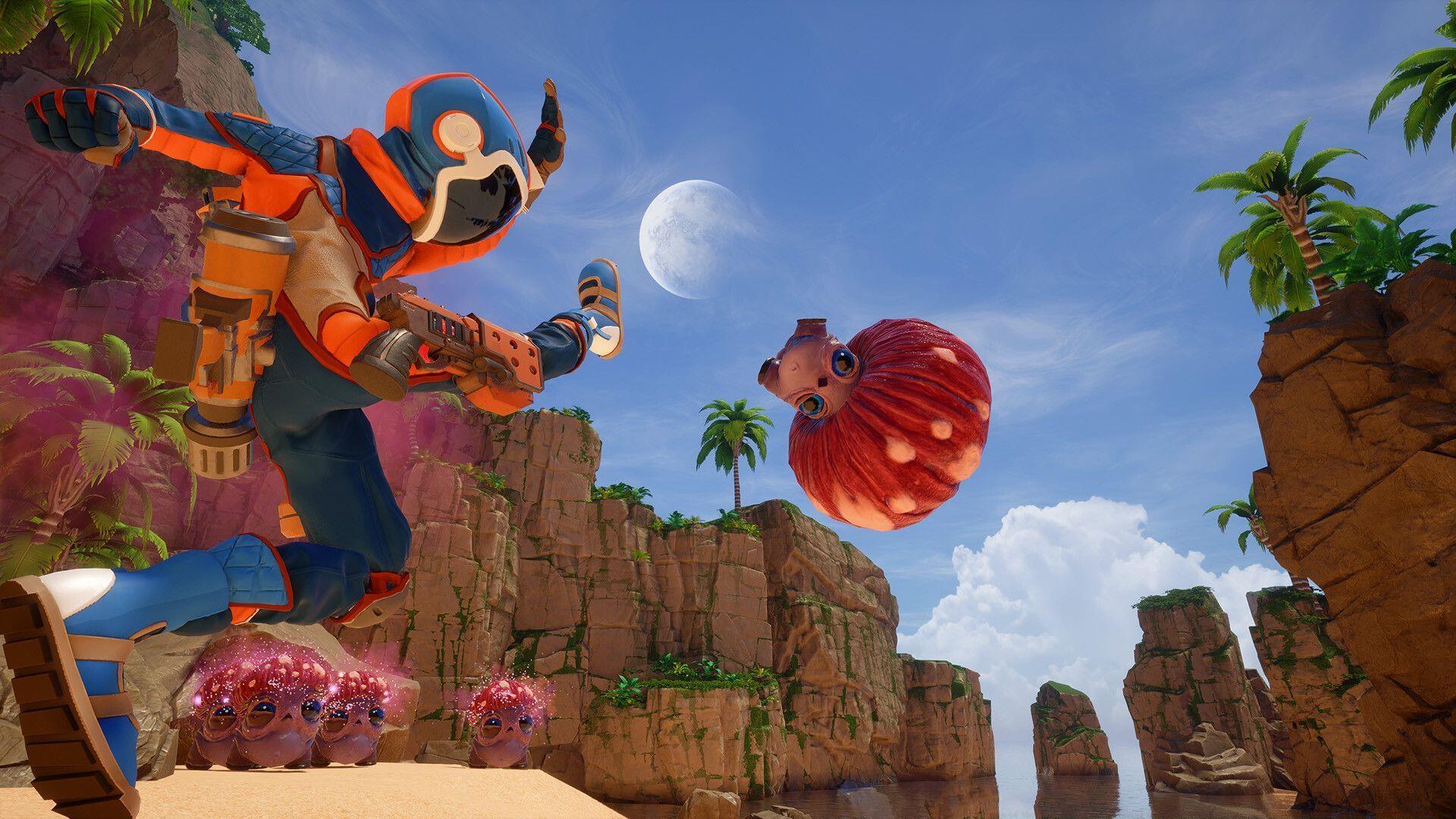
Revenge of the Savage Planet delivers an engaging interstellar adventure where players navigate between planets while collecting essential resources in their quest to return to Earth. Despite the game’s relatively modest technical requirements, numerous Xbox users report encountering significant performance challenges across both Xbox One and the more powerful Xbox Series X/S platforms.
Performance degradation typically manifests through several noticeable symptoms including inconsistent frame rates, sudden performance dips during intensive gameplay sequences, screen stuttering that disrupts immersion, and occasional game crashes that can result in lost progress. These issues often stem from multiple factors that range from temporary software glitches to more persistent hardware limitations.
Immediate Performance Restoration Methods
The excitement of experiencing a newly released title immediately upon launch is undeniable, but extended gaming sessions can push your console’s thermal management systems to their limits. When consoles overheat, the system automatically reduces performance to prevent hardware damage, resulting in the frustrating issues players encounter.
Begin troubleshooting with a simple console restart, which clears temporary system cache and resets background processes. If performance problems persist, implement a comprehensive power cycling procedure:
- Firmly press and maintain pressure on the Xbox power button for approximately 10 seconds until the console completely powers down
- Disconnect all power and HDMI cables from your console unit
- Wait for at least 10 seconds to ensure complete power drainage, then reconnect all cables securely
- Power on the console and monitor performance improvements
Many gamers overlook the impact of console temperature on performance. Modern consoles incorporate sophisticated thermal throttling mechanisms that deliberately reduce processing power when internal temperatures exceed safe operating parameters.
Hardware and Ventilation Optimization
When basic troubleshooting fails to resolve performance issues, investigate your console’s physical environment and ventilation situation. A common mistake involves placing Xbox consoles inside enclosed entertainment centers or cabinets where heat accumulates rapidly.
Ensure your console has adequate clearance on all sides—maintain at least 4-6 inches of space around each ventilation port. Avoid positioning your Xbox near heat-producing electronics like amplifiers or cable boxes, as this creates additional thermal stress.
Dust accumulation represents another significant performance inhibitor that many players neglect. Over time, dust clogs ventilation grilles and internal heatsinks, dramatically reducing cooling efficiency. Establish a regular cleaning routine using a microfiber cloth for external surfaces and compressed air for clearing internal dust through ventilation ports (with the console powered off and unplugged).
For optimal airflow management, consider using console stands with integrated cooling fans for older Xbox One models, and always position your console horizontally rather than vertically unless specifically designed for vertical orientation.
Software and Update Management
Outdated system firmware represents one of the most common yet easily preventable causes of performance issues in Revenge of the Savage Planet. Microsoft regularly releases Xbox system updates that include performance optimizations, bug fixes, and compatibility improvements specifically for new game releases.
Enable automatic updates in your console settings to ensure you never miss critical performance patches. Manually check for updates by navigating to Settings > System > Updates or holding the Xbox button to access the power menu where update notifications appear.
Equally important is verifying that you’re running the latest version of Revenge of the Savage Planet itself. Game developers frequently release patches addressing performance bottlenecks and stability issues identified after launch. These updates often resolve the very problems players report, including stuttering, crashing, and frame rate inconsistencies.
Establish a weekly maintenance routine where you check for both system and game updates, clear persistent storage cache, and review performance metrics to maintain optimal gaming conditions.
Advanced Optimization Strategies
For players seeking maximum performance consistency, implement advanced monitoring techniques to identify patterns in performance degradation. Note when issues occur—during specific game activities, after certain play durations, or in particular planetary environments—to pinpoint triggers.
Consider external cooling solutions during extended gaming sessions, especially in warmer environments. Monitor your console’s exhaust air temperature periodically; if it feels excessively hot, implement additional cooling breaks during gameplay.
Preventive maintenance proves more effective than reactive troubleshooting. Establish a monthly deep-cleaning schedule, maintain consistent update habits, and avoid stacking objects on or near your console. These practices significantly reduce the likelihood of performance issues developing in the first place.
Also read: Revenge of the Savage Planet stuttering and crashing on PC: Possible fixes and reasons
For more guides related to Revenge of the Savage Planet, stay tuned to Sportskeeda.
No reproduction without permission:GameCDjnh » Revenge of the Savage Planet stuttering and crashing on Xbox One and Xbox Series X/S: Possible reasons and fixes Expert guide to fix Xbox performance issues in Revenge of the Savage Planet with practical troubleshooting steps