
Essential PC specifications and optimization strategies for running Onimusha 2: Samurai’s Destiny remaster smoothly
Game Overview & Release Details
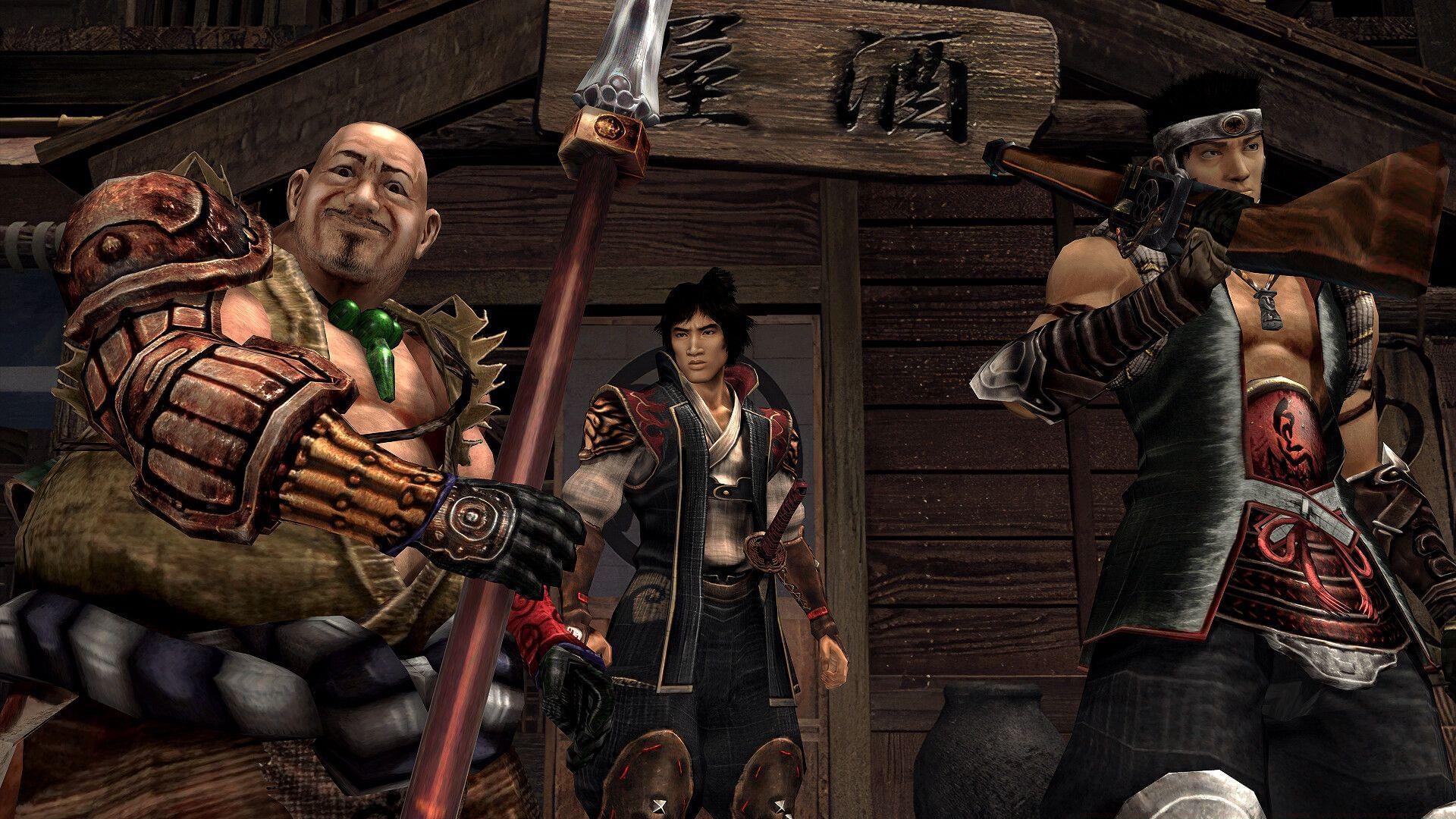
Capcom’s acclaimed action-horror title, Onimusha 2: Samurai’s Destiny, receives a comprehensive remaster slated for a global release on May 23, 2025. Originally debuting on PlayStation 2 in 2002, this classic defined a generation of cinematic combat and atmospheric storytelling. The revitalized edition expands accessibility, launching across a broad spectrum of contemporary and legacy console generations alongside its PC debut.
Looking for Crossword hints & solutions? Check out latest NYT Mini Crossword Answers, LA Times Crossword Answers, and Atlantic Crossword Answers
Minimum & Recommended System Specifications
To ensure Onimusha 2: Samurai’s Destiny runs on your PC, meeting the baseline hardware is crucial. The developers have outlined two distinct specification tiers: minimum for booting the game, and recommended for an optimal, smooth experience.
Memory (RAM): A baseline of 8 GB is mandatory. For players targeting stable performance, especially at higher graphical settings, Capcom explicitly advises upgrading to 16 GB of RAM. This headroom prevents stuttering during asset streaming and complex scene transitions.
Graphics Processing Unit (GPU): The entry-level requirement is manageable, targeting cards like the NVIDIA GeForce GTX 960 (4GB VRAM) or AMD Radeon RX 560 (4GB VRAM). To unlock the remaster’s full visual fidelity—including enhanced textures, lighting, and effects—a GTX 1060 (6GB VRAM) or Radeon RX 570 (4GB VRAM) is strongly recommended.
- Requires a 64-bit processor and operating system
- OS: WINDOWS® 10 (64-BIT Required)、 WINDOWS® 11
- Processor: Intel® Core™ Core i3 8350k or AMD Ryzen3 3200G
- Graphics: NVIDIA® GeForce® GTX 960 (VRAM4GB) or AMD Radeon™ RX560 (VRAM4GB)
- Storage: 25 GB available space
- Additional Notes: Monitor refresh rate needs to be set at 60Hz or higher. Framerate might drop in graphics-intensive scenes.
Recommended Specifications:
- Requires a 64-bit processor and operating system
- OS: WINDOWS® 10 (64-BIT Required)、 WINDOWS® 11
- Processor: Intel® Core™ Core i3 8350k or AMD Ryzen3 3200G
- Graphics: NVIDIA® GeForce® GTX 1060 (VRAM6GB) or AMD Radeon™ RX570 (VRAM4GB)
- Storage: 25 GB available space
- Additional Notes: Monitor refresh rate needs to be set at 60Hz or higher.
Critical System Notes: Both specification tiers mandate a monitor capable of a 60Hz or higher refresh rate. Players using minimum-spec hardware should anticipate potential framerate instability during sequences with heavy particle effects, dense environments, or multiple enemy encounters. The 25 GB storage requirement is for installation; additional space for saves and potential updates is advisable.
Performance Optimization & Troubleshooting Guide
Simply meeting the specs isn’t always enough for perfect performance. Here are targeted strategies to smooth out your experience with Onimusha 2’s remaster.
Common Performance Pitfalls & Fixes:
- Framerate Drops: As noted in the specs, intense scenes can cause slowdown. First, lower in-game settings like Shadow Quality, Anti-Aliasing, and Environmental Detail. Ensure no unnecessary applications are running in the background.
- Stuttering: Often related to RAM or VRAM limitations. If you’re at the minimum 8GB RAM, try closing all other software. For GPU-related stuttering, reducing texture quality is the most effective fix.
- Display Issues: Double-check your monitor’s refresh rate is set to at least 60Hz within Windows Display Settings and your GPU control panel. Running the game in fullscreen mode often yields better performance than borderless windowed.
Advanced Graphics Tuning: For players with hardware between the minimum and recommended tiers, fine-tuning is key. Prioritize keeping Texture Quality high if you have sufficient VRAM, as it greatly impacts visual clarity. Consider lowering Post-Processing Effects like motion blur and depth of field, which are performance-intensive but less critical to the core experience. Updating your GPU drivers to the latest stable version from NVIDIA or AMD is a mandatory first step.
Hardware Upgrade Pathway: If you’re considering an upgrade specifically for this game and similar titles, focus on this order: 1) GPU VRAM (6GB+ is ideal), 2) System RAM (16GB Dual-Channel), 3) CPU (a modern quad-core or better). The listed Core i3-8350K and Ryzen 3 3200G remain capable, but a newer CPU can improve minimum framerates and overall stability.
Also read: How to pre-order Onimusha 2 – Samurai’s Destiny: prices and Pre-order bonus explored
For more gaming news and updates, stay tuned to Sportskeeda.
No reproduction without permission:GameCDjnh » Onimusha 2 Samurai’s Destiny : Release date, platforms, and system requirements revealed Essential PC specifications and optimization strategies for running Onimusha 2: Samurai's Destiny remaster smoothly