
Complete guide to Marvel Rivals Season 4 Twitch Drops with advanced strategies and time-saving tips
Season 4 Overview and Twitch Drops Introduction
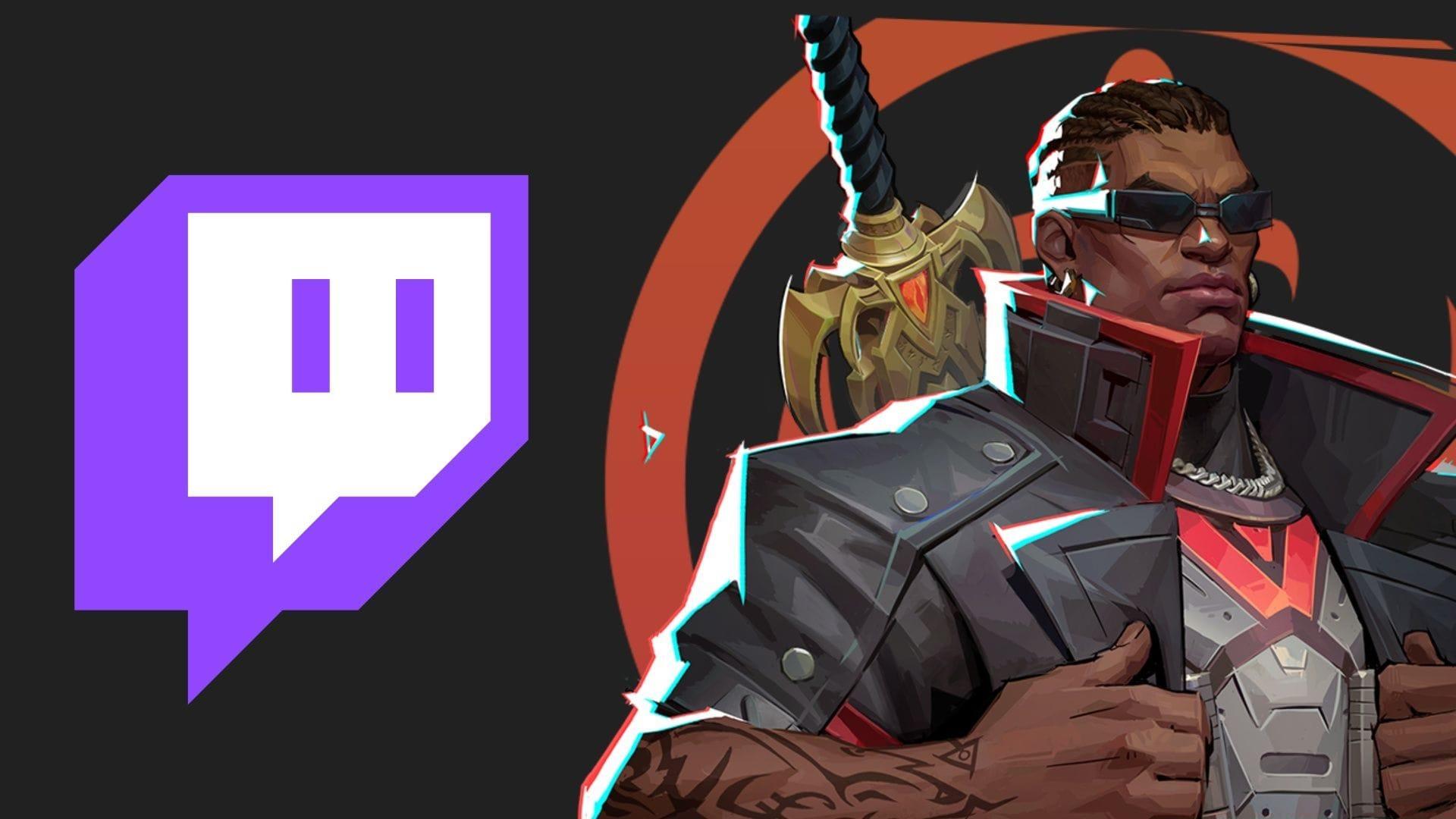
The latest Marvel Rivals Season 4 Twitch Drops campaign launches alongside the game’s substantial S4 Heart of the Dragon update, providing complimentary cosmetic items through viewer engagement. This coordinated release strategy ensures players can immediately showcase new acquisitions while exploring fresh content. The seasonal overhaul introduces Angela as a new Vanguard hero class, comprehensive character balancing adjustments, and limited-time event modes that complement the Twitch reward system.
Twitch Drops represent a strategic marketing approach where developers incentivize viewership while providing tangible value to dedicated fans. Unlike traditional microtransactions, these items remain exclusive to active community participants during the designated timeframe. The synchronization between season launch and drops availability creates immediate engagement spikes, benefiting both content creators and players seeking cosmetic enhancements.
Account Linking Process Step-by-Step
Establishing the connection between your gaming and streaming accounts represents the foundational requirement for participation. This one-time configuration ensures proper reward tracking and delivery synchronization across platforms.
Navigate to the official Marvel Rivals portal and locate the dedicated Twitch Drops subsection within the community or events category. Authentication begins by selecting the account login option positioned in the interface’s upper-right quadrant, requiring your primary Marvel Rivals credentials.
Also read: Marvel Rivals file size and frame rate for PS4 revealed
Common linking complications include browser pop-up blockers interrupting the authorization flow, cached login sessions causing permission conflicts, and region-based platform restrictions. Clearing browser cookies, using incognito mode for initial setup, and verifying regional service availability can resolve most connectivity issues efficiently.
Rewards Structure and Time Requirements
The reward progression follows a cumulative engagement model where viewing duration unlocks increasingly valuable cosmetic items. This tiered approach encourages extended participation while providing immediate gratification through early unlocks.
After confirming account synchronization, identify streamers with active Drops campaigns by filtering for “Drops Enabled” tags within Twitch’s Marvel Rivals category. The progression system tracks total watch time across multiple sessions, allowing flexible participation scheduling.
Strategic viewing involves prioritizing streamers with consistent broadcast schedules and maintaining background audio activity during other tasks. The system validates engagement through periodic interaction prompts, ensuring active viewership rather than passive tab abandonment. Reward tier progression continues across different streams, allowing viewers to sample various content creators while advancing toward objectives.
Advanced Strategies and Optimization
Notification systems alert participants upon reward eligibility, though occasional delays may occur during high-traffic periods. Access your Twitch Drops Inventory through the account menu to review unlocked items and manually trigger delivery for any pending acquisitions.
The Marvel Rivals Season 4 Twitch Drops campaign remains active from Friday, September 12 at 5:30 PM through Friday, October 10 at 2:29 PM GMT+5:30. This extended four-week window accommodates various scheduling constraints while maintaining engagement momentum throughout the season’s initial phase.
Advanced participation techniques include monitoring multiple streams simultaneously through separate devices or browser profiles, scheduling viewing sessions during peak streaming hours for reliable progress tracking, and utilizing mobile applications for background progression during commutes or work breaks. Setting incremental daily watch goals (approximately 15-20 minutes) ensures consistent progress without demanding extended single-session commitments.
Common redemption issues involve inventory synchronization delays, region-locked reward restrictions, and account validation errors. Most problems resolve within 24 hours automatically, though manual refresh attempts and support ticket submission may accelerate resolution for persistent cases. Always verify reward reception in-game before the campaign conclusion to avoid missing limited-time acquisitions.
For more news on Marvel Rivals, follow Sportskeeda:
No reproduction without permission:GameCDjnh » Marvel Rivals Season 4 Twitch Drops: All rewards and how to get Complete guide to Marvel Rivals Season 4 Twitch Drops with advanced strategies and time-saving tips