
Complete Marvel Rivals Season 2 server downtime guide with preparation strategies and troubleshooting tips
Season 2 Launch Overview and Server Maintenance Details
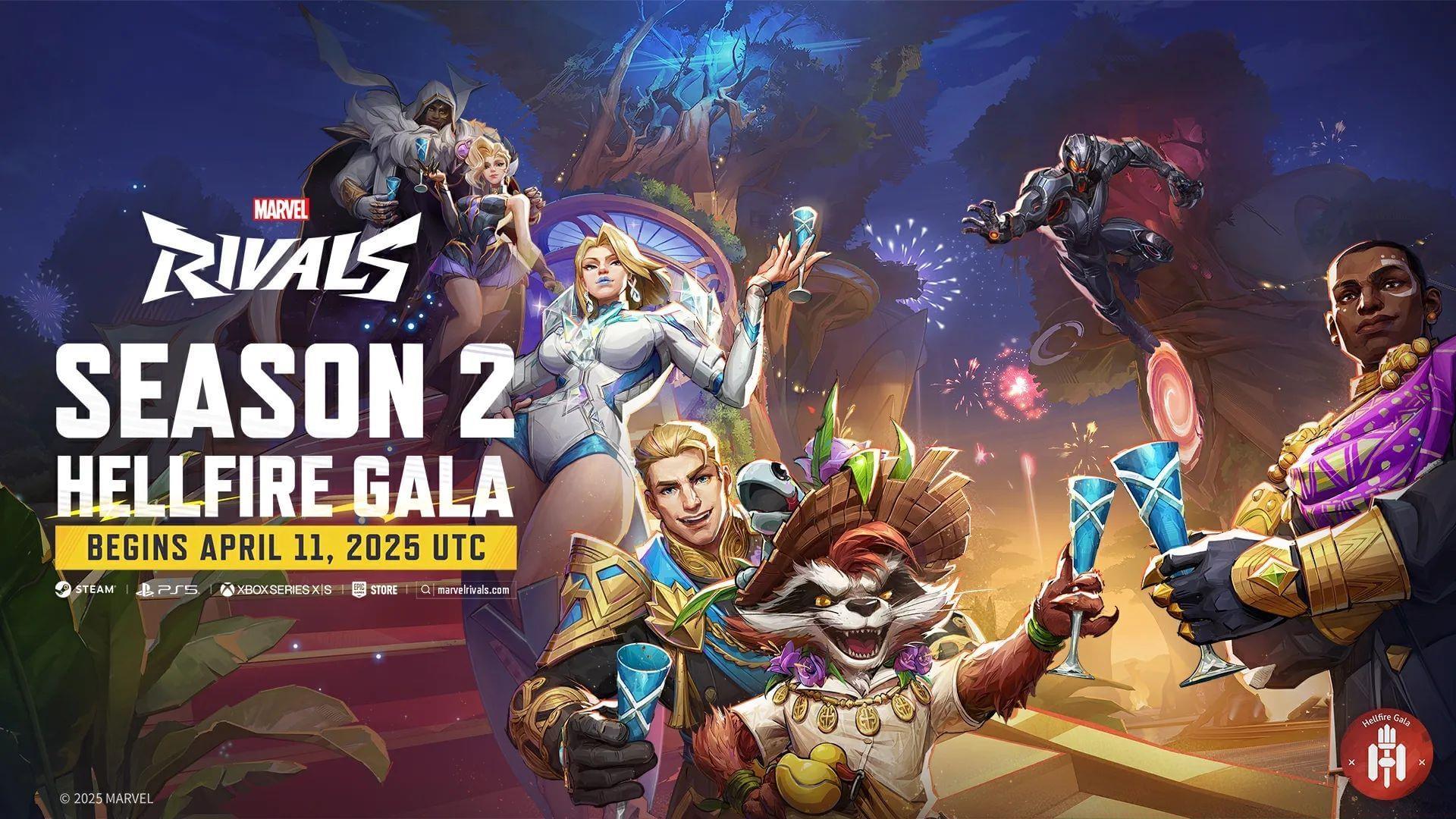
The highly anticipated Marvel Rivals Season 2 deployment arrives on April 11, 2025, bringing significant excitement throughout the gaming community. Major seasonal updates necessitate comprehensive server maintenance to implement the substantial new content patches. NetEase Games has utilized their official X platform account to communicate precise server outage windows and reactivation timelines for players worldwide.
According to developer NetEase Games’ official confirmation, the maintenance period will span approximately two to three hours. Throughout this duration, complete game access will be temporarily suspended, preventing players from utilizing any game features or services.
The official communication emphasizes that server restoration timing may fluctuate based on maintenance completion progress and geographical region. This indicates that certain player groups could regain access to the hero shooter either ahead of or behind schedule compared to other regions.
Global Server Downtime Schedule by Time Zone
Below is the comprehensive global timetable for Season 2 maintenance commencement across major regions:
- Pacific Time (PDT): April 11, 2025, at 2 AM
- Mountain Time (MT): April 11, 2025, at 3 AM
- Central Time (CT): April 11, 2025, at 4 AM
- Eastern Time (ET): April 11, 2025, at 5 AM
- Greenwich Mean Time (GMT): April 11, 2025, at 9 AM
- Central European Time (CET): April 11, 2025, at 11 AM
- Moscow Standard Time (MSK): April 11, 2025, at 12 PM
- Indian Standard Time (IST): April 11, 2025, at 2:30 PM
- China Standard Time (CST): April 11, 2025, at 5 PM
- Japan Standard Time (JST): April 11, 2025, at 6 PM
- Australian Eastern Daylight Time (AEST): April 11, 2025, at 7 PM
Pro Tip: Convert these times carefully using reliable time zone converters, accounting for daylight saving variations in your specific region. Set calendar reminders 30 minutes before maintenance begins to complete any final gameplay sessions.
Pre-Maintenance Preparation Checklist
Maximize your post-maintenance experience by completing these essential preparations before servers go offline:
Account Security Measures: Ensure your game account credentials are current and secure. Enable two-factor authentication if available and verify linked email addresses are accessible.
System Readiness Verification: Clear sufficient storage space (minimum 15-20GB free) for the anticipated Season 2 update. Update your graphics drivers and operating system to prevent compatibility conflicts with new content.
Network Optimization: Conduct internet speed tests and consider wired connections for initial post-maintenance gameplay. Restart your router beforehand to ensure clean network connectivity.
Common Mistake Avoidance: Never attempt to bypass maintenance periods using unofficial methods, as this may trigger security flags or cause game corruption. Avoid downloading the update over unstable Wi-Fi connections to prevent file corruption.
Common Post-Maintenance Issues and Solutions
Following major updates, players frequently encounter these technical challenges with practical resolutions:
Connection and Login Problems: If unable to connect post-maintenance, first restart your game client completely. Verify your platform’s network status (PlayStation Network, Xbox Live, Steam) for unrelated outages. Temporarily disable VPN services during initial login attempts.
Update Installation Failures: For failed updates, clear your platform’s download cache (Steam: Steam > Settings > Downloads > Clear Download Cache). On consoles, try pausing and resuming the download or restarting the console entirely.
Performance Optimization Post-Update: New seasons often introduce graphical enhancements that may affect performance. Reset your video settings to default, then gradually readjust. Monitor temperatures during initial sessions as new effects may increase hardware load.
Pro Strategy: Advanced players should document their keybindings and settings before maintenance, as major updates sometimes reset configurations. Take screenshots of your preferred control schemes as backup.
Monitoring Server Status and Community Resources
Stay informed about maintenance progress and server status through these reliable channels:
Official Communication Platforms: Monitor Marvel Rivals’ official X account for real-time maintenance updates and completion announcements. Check the game’s official website and Discord server for detailed patch notes and status bulletins.
Third-Party Monitoring Services: Utilize established downtime tracking websites like Down Detector to view widespread server status across regions. Community-driven status websites often provide more granular regional information than official sources.
Community Engagement: Join Marvel Rivals subreddits and community Discord servers where players share regional status updates and troubleshooting assistance. These platforms frequently provide faster crowd-sourced information about server restoration.
For additional Marvel Rivals content and guides, explore our comprehensive coverage of in-game strategies and upcoming content revelations.
No reproduction without permission:GameCDjnh » Marvel Rivals server status (April 11, 2025): Downtime and when will servers be back online? Complete Marvel Rivals Season 2 server downtime guide with preparation strategies and troubleshooting tips