
Master Mario Kart World’s Photo Mode with expert controls, creative techniques, and multiplayer photography tips
Introduction to Photo Mode
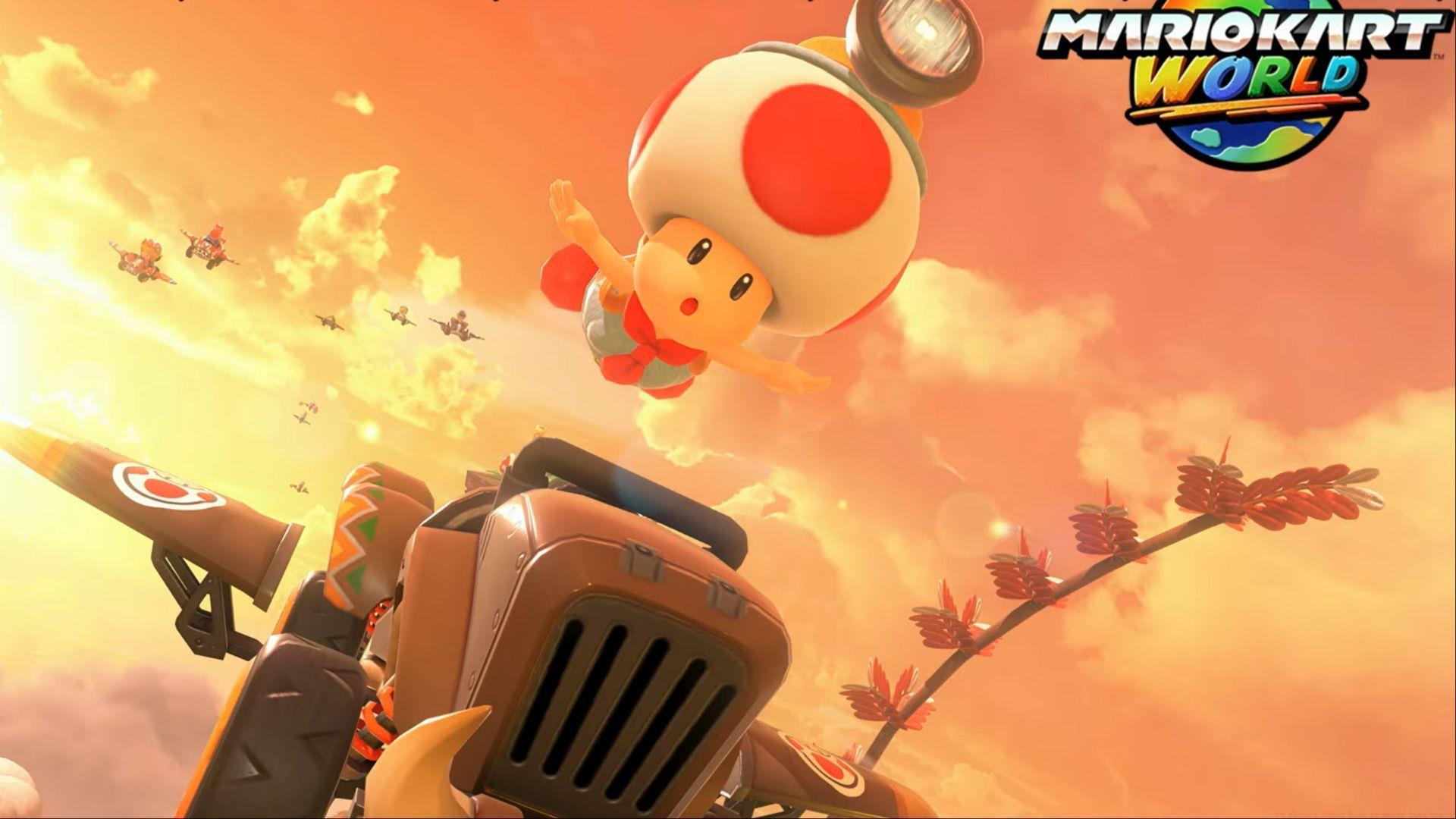
Nintendo’s highly anticipated Mario Kart World arrives on June 5, 2025, introducing groundbreaking features including an immersive Photo Mode that revolutionizes how players capture their racing adventures. This marks the franchise’s first dedicated photography system, enabling enthusiasts to snap dynamic shots of beloved characters showcasing diverse costumes and customized vehicles. However, accessibility comes with restrictions—this creative tool remains unavailable during competitive racing sessions and time-trial modes.
Also read: How many players does Mario Kart World support?
Photography enthusiasts can trigger Photo Mode seamlessly while navigating the expansive Free Roam environments. Veterans of Super Mario Odyssey’s snapshot mechanics will discover familiar yet enhanced functionality, including comprehensive camera manipulation, selective focus adjustments, and artistic filter applications. Below are the comprehensive control mappings demonstrated during the recent Mario Kart World Direct presentation:
Photo Mode Controls Deep Dive
The X, Y, and A buttons serve distinct functions: X activates Pose variations, Y controls Expression changes, and A toggles Face Camera orientation. Pose functionality enables cyclists to switch between multiple dynamic stances while mounted, whereas Expression modifies character emotions from joyful to competitive. Face Camera ensures subjects maintain direct engagement with the lens for professionally composed shots.
Read More: All confirmed Mario Kart World tracks and cups so far
D-Pad Up/Down commands adjust focal length to create background depth effects, while D-Pad Left/Right selections apply decorative borders from numerous Frame options for polished presentations. Additionally, Photo Mode integrates seamlessly into Free Roam cooperative sessions, allowing synchronized photography experiences.
Pro Tip: Combine depth-of-field effects with character expressions for storytelling shots. Use shallow focus to emphasize your main subject while blurring background elements for professional-grade compositions.
Common Mistake to Avoid: Don’t overlook lighting conditions when setting up shots. Position characters facing light sources and avoid shooting directly against bright backgrounds to prevent silhouette effects unless intentionally creating dramatic contrast.
Creative Photography Techniques
Advanced photographers should experiment with action sequences by capturing mid-drift poses during turns or using the replay system to pause at dramatic moments. The filter system includes vintage, cinematic, and vibrant options that can be layered for unique visual styles.
Composition Strategy: Apply the rule of thirds by positioning characters off-center using the free camera. Capture low-angle shots to emphasize speed and power, or high-angle perspectives for scenic overviews of Mario Kart World’s diverse environments.
Expression Timing: Coordinate facial expressions with vehicle actions—capture determined expressions during acceleration sequences or triumphant poses after executing perfect drifts. The timing between pose changes and expression updates creates natural-looking action photography.
Multiplayer Photo Sessions
This innovative approach enables participants to independently pose and express emotions alongside companions while racing and exploring the colorful open landscapes. Though not completely transformative, this feature significantly enhances the franchise’s most content-rich debut installment.
Group Photography Tips: Coordinate color schemes between characters and vehicles for harmonious group shots. Designate one player as photographer while others pose, then rotate roles to ensure everyone appears in memorable captures.
Location Scouting: Seek out photogenic spots in each environment—rainbow road arches, castle courtyards, and beach sunsets provide stunning backdrops. Time your sessions during golden hour (in-game dawn/dusk) for optimal lighting conditions.
Platform and Technical Details
Mario Kart World launches exclusively on the Nintendo Switch 2 console as a premiere title on June 5, 2025.
Technical Optimization: The Photo Mode leverages Switch 2’s enhanced graphics capabilities for higher resolution captures. Enable HDR mode in well-lit environments for expanded dynamic range and richer colors in your photographs.
Storage Management: High-quality screenshots consume significant storage space. Regularly transfer captures to cloud storage or external devices to free up system memory for continued photography sessions.
Check out more gaming news updates:
No reproduction without permission:GameCDjnh » Is there a Photo Mode in Mario Kart World? Master Mario Kart World's Photo Mode with expert controls, creative techniques, and multiplayer photography tips