
Complete guide to accessing Rainbow Six Siege X test servers with performance tips and troubleshooting solutions
Understanding Rainbow Six Siege X: The New Era
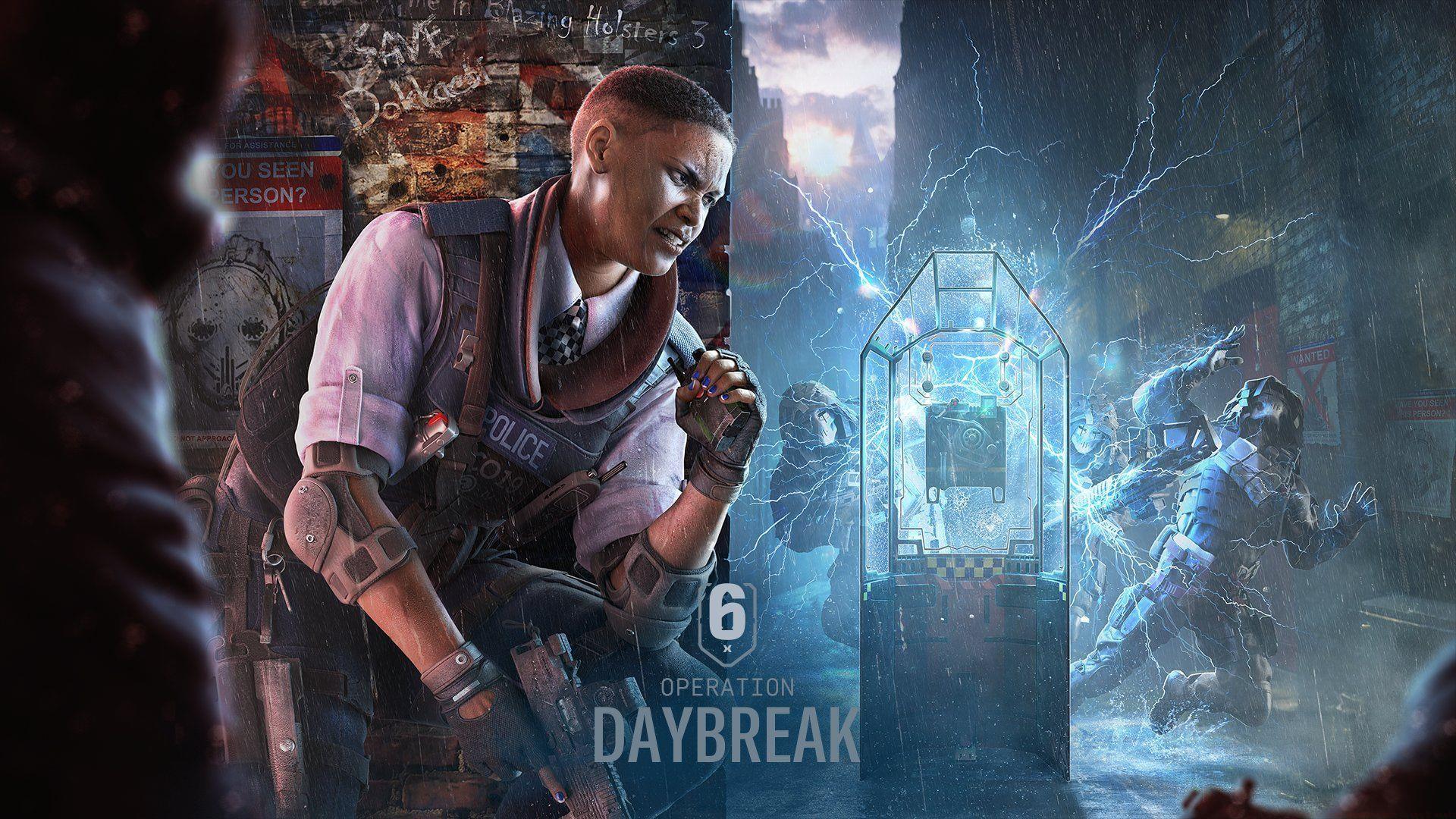
Rainbow Six Siege X represents the most significant evolution in Ubisoft’s tactical shooter franchise since its original launch. Scheduled for full deployment on June 10, 2025, this major update was officially unveiled during the RE:L0:AD Rio gaming showcase. The current test server build provides players with early access to nearly all anticipated features, with only minor content exclusions. This pre-release version offers a comprehensive preview of gameplay mechanics, balance changes, and technical improvements coming to the live environment.
Early test participation allows players to provide valuable feedback that can influence final adjustments before the official launch. The development team actively monitors player experiences and bug reports during this critical testing phase.
Direct Test Server Access Methods
Accessing the Siege X test environment follows two primary pathways depending on your platform and account status. The standard method involves direct download through your gaming platform, while an alternative web registration process addresses access issues.
Standard Launcher Access:
- Launch your preferred gaming platform client (Ubisoft Connect, Steam, or Epic Games Store)
- Navigate to your game library and locate “Tom Clancy’s Rainbow Six Siege – Test Server”
- Initiate the download process – file size typically ranges 40-60GB depending on existing assets
- Launch the test client once installation completes
Alternative Web Registration Method:
- Visit the official Ubisoft Test Server registration portal through your web browser
- Authenticate using your Ubisoft account credentials with two-factor verification
- Complete the eligibility verification process confirming base game ownership
- Return to your game launcher where the test server should now appear
Pro Tip: Ensure your base Rainbow Six Siege installation is updated to the latest version before attempting test server access, as version mismatches can cause visibility issues.
Dual Front Mode and New Features
The current Siege X test build centers around the innovative Dual Front game mode, which temporarily replaces traditional Core Siege matchmaking. This strategic shift allows concentrated testing of new mechanics and map designs. Players can team up with friends exclusively within Dual Front to experience the completely redesigned District map environment.
District introduces multi-level vertical gameplay with destructible environments that significantly alter tactical approaches. The map features interconnected buildings, underground passages, and dynamic breach points that reward coordinated team strategies.
Additionally, Ubisoft has integrated a comprehensive performance benchmarking tool that simulates various gameplay scenarios. This diagnostic feature provides detailed framerate analysis, hardware utilization metrics, and graphics setting recommendations tailored to your system configuration. Running the benchmark before the official launch helps identify potential performance bottlenecks and optimal visual settings.
Advanced Tips and Common Issues
Performance Optimization Strategies: Adjust shadow quality and texture streaming first for immediate framerate improvements. Disable unnecessary background applications during gameplay sessions to allocate maximum resources to Siege X. Consider creating a custom graphics profile specifically for the test server that balances visual fidelity with competitive performance.
Troubleshooting Common Access Problems: If the test server remains unavailable after web registration, clear your platform’s download cache and restart the client. Verify game file integrity for both base Siege and the test client. Ensure your Ubisoft account region settings match your gameplay region to prevent access restrictions.
Multiplayer Coordination: Form dedicated squads before entering Dual Front matchmaking to maintain communication advantages. Assign specific roles based on operator specialties and practice coordinated breaches on the District map’s unique structural elements. Monitor the official Siege X discord for real-time server status updates and patch notes.
No reproduction without permission:GameCDjnh » How to play Rainbow Six Siege X early Complete guide to accessing Rainbow Six Siege X test servers with performance tips and troubleshooting solutions