
Complete guide to downloading Battlefield RedSec with platform-specific instructions and gameplay insights
Battlefield RedSec Release Overview
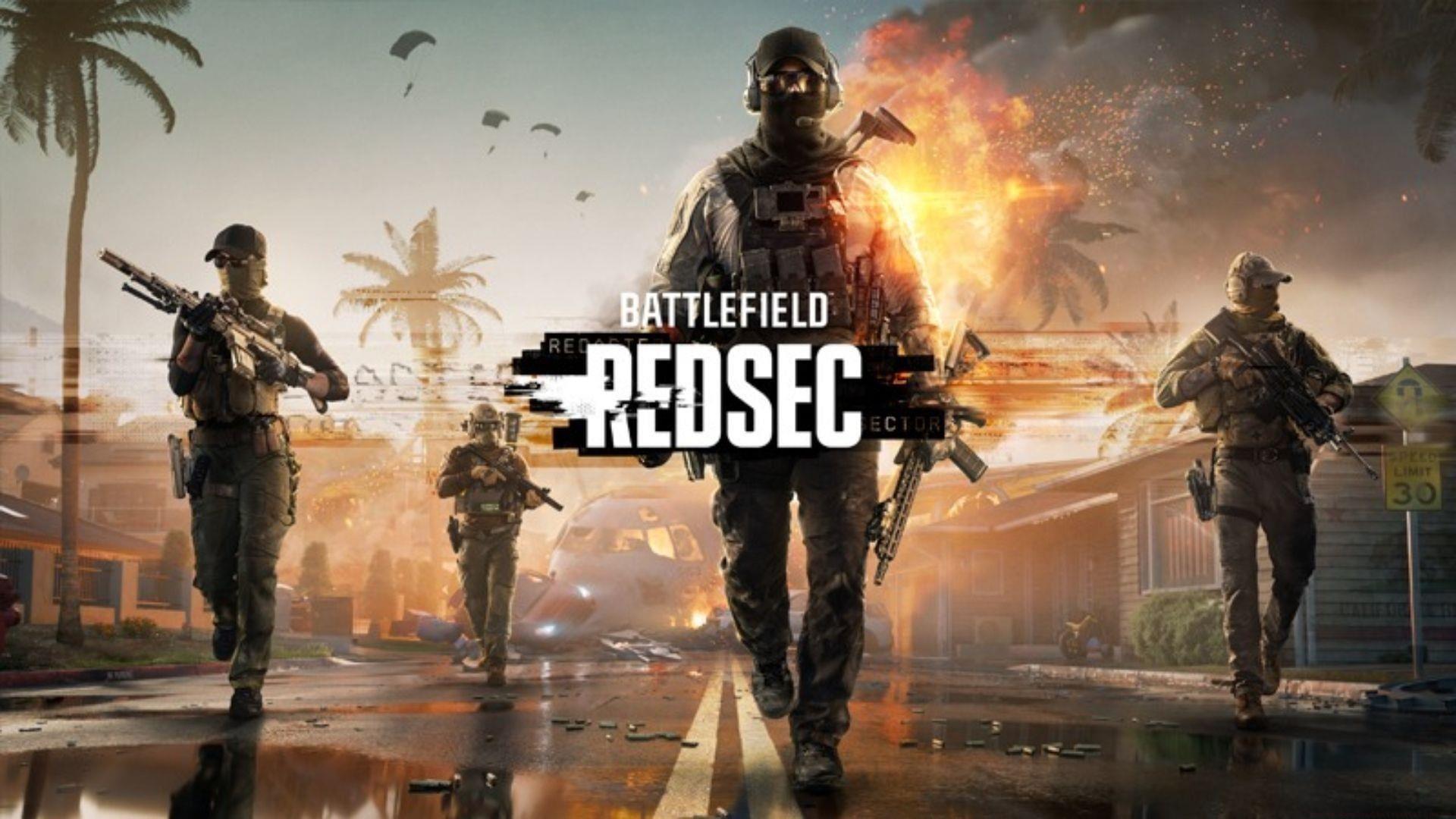
The highly anticipated Battlefield RedSec battle royale experience officially launches on October 28, 2025, marking a significant addition to the Battlefield 6 ecosystem. This free-to-play standalone title represents Electronic Arts’ strategic move into the competitive battle royale market while maintaining tight integration with their flagship FPS product.
Release timing synchronization occurs globally at 08:00 am PDT / 11:00 am EDT / 4:00 pm CET, ensuring fair access across all supported platforms including PC, PlayStation 5, and Xbox Series X|S. The cross-platform availability demonstrates EA’s commitment to unified gaming experiences regardless of your preferred hardware.
What makes this launch particularly noteworthy is its surprise nature – Battlefield RedSec wasn’t featured in the previously released Season 1 roadmap, catching both fans and industry analysts off guard. This unexpected drop suggests EA has been developing the battle royale mode concurrently with main game updates, potentially accelerating their content delivery pipeline significantly.
Platform-Specific Download Methods
Accessing Battlefield RedSec varies depending on your current game ownership status. For players who already own Battlefield 6, the process is remarkably streamlined – simply updating to patch version 1.1.1.0 automatically incorporates the battle royale mode into your existing installation. This seamless integration eliminates redundant downloads and preserves storage space.
Steam Download Process: Launch the Steam client and utilize the search functionality in the upper-right corner. Enter ‘Battlefield RedSec’ precisely to locate the official store page. The ‘Play Game’ button initiates both acquisition and installation simultaneously. Pro tip: Ensure you have sufficient disk allocation before beginning the download to prevent installation interruptions.
PlayStation Store Procedure: Navigate to the PlayStation Store from your console’s main interface. Use the integrated search feature to find Battlefield RedSec, then select the download option from the game’s dedicated store page. Recommendation: Initiate downloads during off-peak hours for improved download speeds and server responsiveness.
Xbox Installation Method: Access the Microsoft Store via your Xbox dashboard and search for the battle royale title. The installation commences immediately after selection. Important note: Xbox players should verify their subscription status, as certain features might require active Xbox Live Gold or Game Pass Ultimate memberships for full functionality.
Game Details & Strategic Insights
Battlefield RedSec introduces a brutal 100-player combat experience distinguished by its exceptionally lethal gameplay mechanics. The ‘world’s deadliest ring’ mechanic creates intense pressure situations where straying outside safe zones results in immediate elimination, fundamentally altering traditional battle royale survival strategies.
Anticipate download requirements between 20-25GB, consistent with contemporary battle royale titles. This file size accommodates high-resolution textures, expansive map designs, and the complex netcode necessary for large-scale multiplayer engagements. Pre-download preparation should include verifying adequate storage capacity and stable internet connectivity to minimize deployment time.
For optimal performance, consider these professional gamer strategies: Master the ring mechanics early by practicing zone transitions during initial matches. Prioritize lightweight loadouts for enhanced mobility when the circle constricts. Coordinate with squad members to establish defensive positions near the safe zone’s center, reducing late-game scrambling risks. Avoid common beginner mistakes like over-looting in peripheral areas and underestimating the ring’s damage potential.
The limited pre-release information suggests EA may be holding additional surprises, potentially including unique game modes, special events, or collaborative content with other Battlefield 6 components. Stay tuned for post-launch updates that will likely expand the RedSec experience beyond its initial feature set.
No reproduction without permission:GameCDjnh » How to download Battlefield RedSec Complete guide to downloading Battlefield RedSec with platform-specific instructions and gameplay insights