
Complete guide to Mecha BREAK customization with advanced strategies and practical tips
Understanding Mecha BREAK’s Customization System
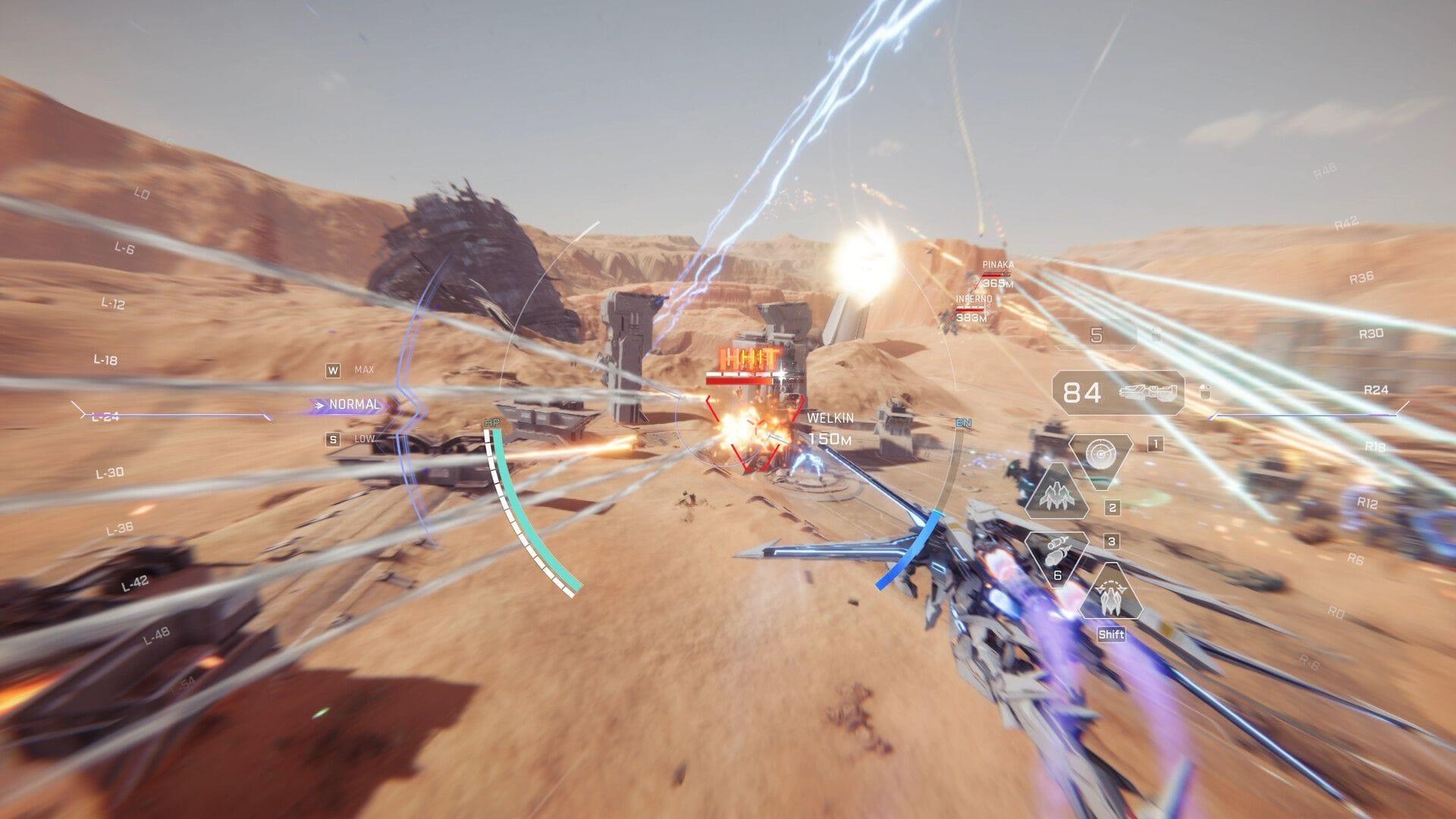
Mecha BREAK delivers an exceptionally immersive experience through its comprehensive visual customization system that allows players to create truly unique Strikers. This isn’t merely cosmetic fluff – the ability to personalize your mech builds emotional attachment and enhances gameplay engagement significantly.
It’s crucial to distinguish between visual customization and performance modifications. Weapon swapping and stat enhancements operate through separate systems primarily utilized in Mashmak mode, while the customization menu focuses exclusively on aesthetics. This separation ensures balance while providing extensive creative freedom.
Five Customization Tools Explained
The design interface offers five distinct customization categories, each serving specific aesthetic purposes:
- Skins – These modify structural components of your mech including wing assemblies, weapon housings, and chassis elements. While not complete model overhauls, they significantly alter your Striker’s silhouette and profile visibility.
- Paint – As the most frequently used tool, this system enables complete mech recoloring or targeted section painting. Advanced users can create camouflage schemes that provide tactical advantages in specific environments.
- Patterns – Functioning as permanent decals, these graphic elements apply fixed-position designs. Strategic pattern placement can emphasize your mech’s strongest features while minimizing visual clutter.
- Insignias – These emblematic badges allow for squadron identification or personal branding. With five placement slots available, you can create meaningful visual narratives across your mech’s surface.
- Accents – Perfect for finishing touches, these fine-detail modifiers enhance color coordination and thematic consistency. They’re particularly effective for creating cohesive visual identities across multiple design slots.
Advanced Customization Features
Mecha BREAK’s customization system provides impressive flexibility with several quality-of-life features. The free reset function allows experimentation without permanent consequences, encouraging creative exploration. This is particularly valuable when testing color combinations for different combat environments.
Each Striker includes three dedicated design slots, enabling multiple visual configurations for varying tactical situations or simply mood-based changes. The initial slot remains permanently accessible, while the additional two require Mission Token investment. Pro players often configure one slot for stealth operations, another for showpiece displays, and a third for team coordination.
Expert Tip: Create environment-specific designs – arctic camouflage for snow maps, urban schemes for city combat, and vibrant patterns for tournament displays. This strategic approach maximizes your visual customization’s functional value.
Acquisition Strategies for Customization Items
Building your customization collection requires strategic gameplay and resource management. Paint acquisition follows the most direct path – locate paint kits during Mashmak missions and ensure successful extraction to secure them in your inventory. Failed extractions result in lost customization opportunities.
The Logistics tab serves as your primary destination for skins and patterns, accepting Mission Tokens earned through standard gameplay. For risk-tolerant collectors, Supply Crates offer random cosmetic drops that can yield rare items, though this method lacks guarantee.
Premium cosmetic enthusiasts should monitor the Corite currency marketplace for limited-time sets and exclusive visual gear. Seasonal events often introduce unique customization options unavailable through standard channels, making timely participation crucial for completionists.
Common Mistake: Many players waste Mission Tokens on immediate purchases rather than saving for limited-time offerings. Prioritize seasonal items first, as standard customization options remain permanently available.
Pro Tips and Common Mistakes
Optimization Strategies: Advanced players should coordinate their team’s color schemes for improved battlefield identification. Use contrasting colors for different roles – assault mechs in bold colors, support units in subtle tones. This visual coordination enhances team performance beyond individual aesthetics.
Performance Consideration: Extremely complex designs with multiple high-resolution elements may impact game performance on lower-end systems. Balance visual complexity with gameplay smoothness, especially in competitive matches.
Extraction Priority: When pursuing paint kits in Mashmak mode, prioritize extraction over additional loot. A successful exit with one paint kit proves more valuable than multiple failed attempts with greater potential rewards.
Progression Planning: New players should focus on unlocking the additional design slots early, as this provides long-term flexibility. The initial free slot suffices for beginners, but intermediate players benefit significantly from multiple configuration options.
No reproduction without permission:GameCDjnh » How to customize mechas in Mecha BREAK Complete guide to Mecha BREAK customization with advanced strategies and practical tips