
Complete Hatch Repairs quest guide with advanced strategies, common pitfalls, and efficiency tips for ARC Raiders players
Understanding the Hatch Repairs Quest
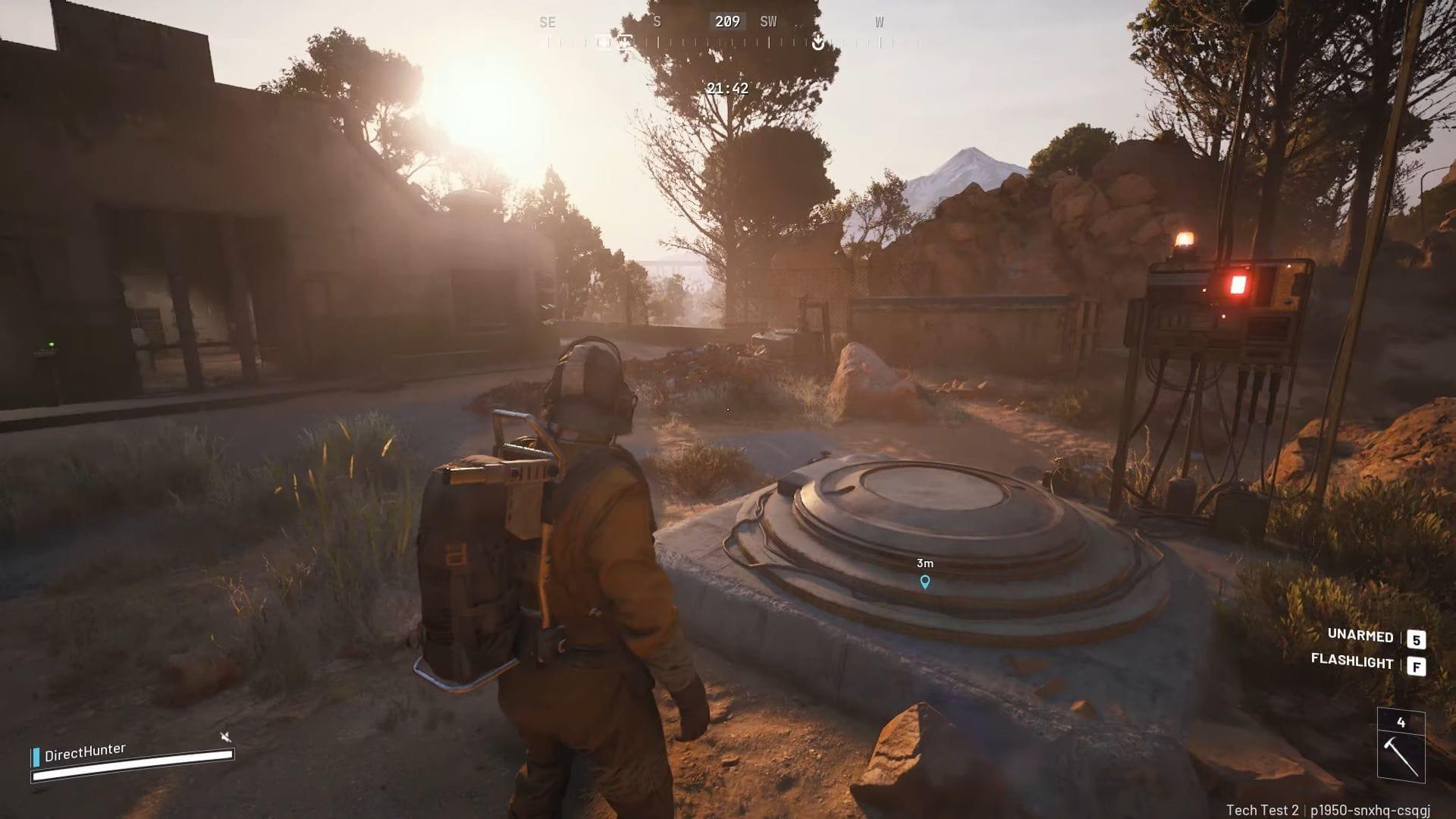
The Hatch Repairs quest in ARC Raiders represents a critical infrastructure maintenance mission where you’ll address compromised hydraulic systems near vital Raider facilities. This operation focuses on securing leaking hydraulic conduits that threaten operational integrity. While the core objectives appear straightforward, mastery requires understanding environmental mechanics and interaction timing.
Read more: All quests in Arc Raiders (Objectives, rewards, and more explained)
Locating the Raider Hatch and Hydraulic Pipe
Successful mission initiation begins with precise location identification. The Raider Hatch typically appears in industrial zones with distinctive mechanical architecture. Once you’ve pinpointed the hatch structure, scan the immediate vicinity for the compromised hydraulic line, easily recognizable by its vibrant yellow coloration and audible leaking sounds that provide audio cues.
Advanced players recommend approaching from elevated positions to gain better visual perspective on the pipe location. Environmental context matters significantly – the leaking conduit often generates small puddles or steam emissions that serve as secondary indicators. Strategic positioning before interaction can save valuable seconds during time-sensitive operations.
You might also be interested in this mission: How to complete A Lay of the Land quest in ARC Raiders
Repair Process Step-by-Step
Approach the malfunctioning hydraulic conduit directly and maintain continuous pressure on your designated Interact button to initiate repair protocols. The interaction sequence requires sustained engagement rather than rapid tapping – a common mistake among novice operators. The repair animation typically completes within 3-5 seconds, during which your character remains vulnerable to environmental threats.
Experienced Raiders recommend positioning with cover nearby during the repair process, as hostile entities may detect activity. Some players utilize distraction techniques or coordinate with teammates to provide security during the vulnerable repair window. The completion triggers both visual and auditory confirmation cues, signaling progression to the investigation phase.
Investigating the ARC Husk and Wasp Driver Recovery
Investigating the ARC Husk
Following successful pipe remediation, diagnostic systems reveal ARC interference in Raider operational networks. This discovery initiates the secondary investigation phase requiring location and examination of a compromised drone unit. The disabled drone typically resides within 50-100 meters of the repair site, often concealed in debris or partial cover.
Conduct thorough perimeter searches focusing on anomalous mechanical signatures. Upon locating the inoperative drone, engage the search interaction to extract the damaged Wasp Driver component. This retrieval automatically validates mission completion and updates your quest log. The Wasp Driver represents valuable salvage with potential future applications in equipment modification systems.
Also read: How to complete ARC Raiders Off The Radar quest (Field Depot location)
Advanced Strategies and Common Mistakes
Seasoned operators have developed numerous optimization techniques for the Hatch Repairs mission. Pre-mission preparation should include area reconnaissance to identify potential threat vectors and escape routes. Common errors include initiating repairs without establishing situational awareness, resulting in interrupted interactions from enemy engagements.
Advanced movement techniques like slide-approaching the pipe can reduce exposure time. Another frequent mistake involves insufficient search patterns for the drone – implement systematic grid searches rather than random exploration. Equipment loadout considerations include bringing tactical gear that enhances search speed or provides protection during repair sequences.
That’s everything to know about the Hatch Repairs quest in ARC Raiders, from basic completion to advanced optimization strategies that separate novice players from veteran operatives.
If this article is to your liking, check out some of our related guides below:
No reproduction without permission:GameCDjnh » How to complete ARC Raiders Hatch Repairs quest Complete Hatch Repairs quest guide with advanced strategies, common pitfalls, and efficiency tips for ARC Raiders players