
Master friend management in Rainbow Six Siege X with advanced techniques and strategic tips for competitive play
Introduction to Rainbow Six Siege X Social Systems
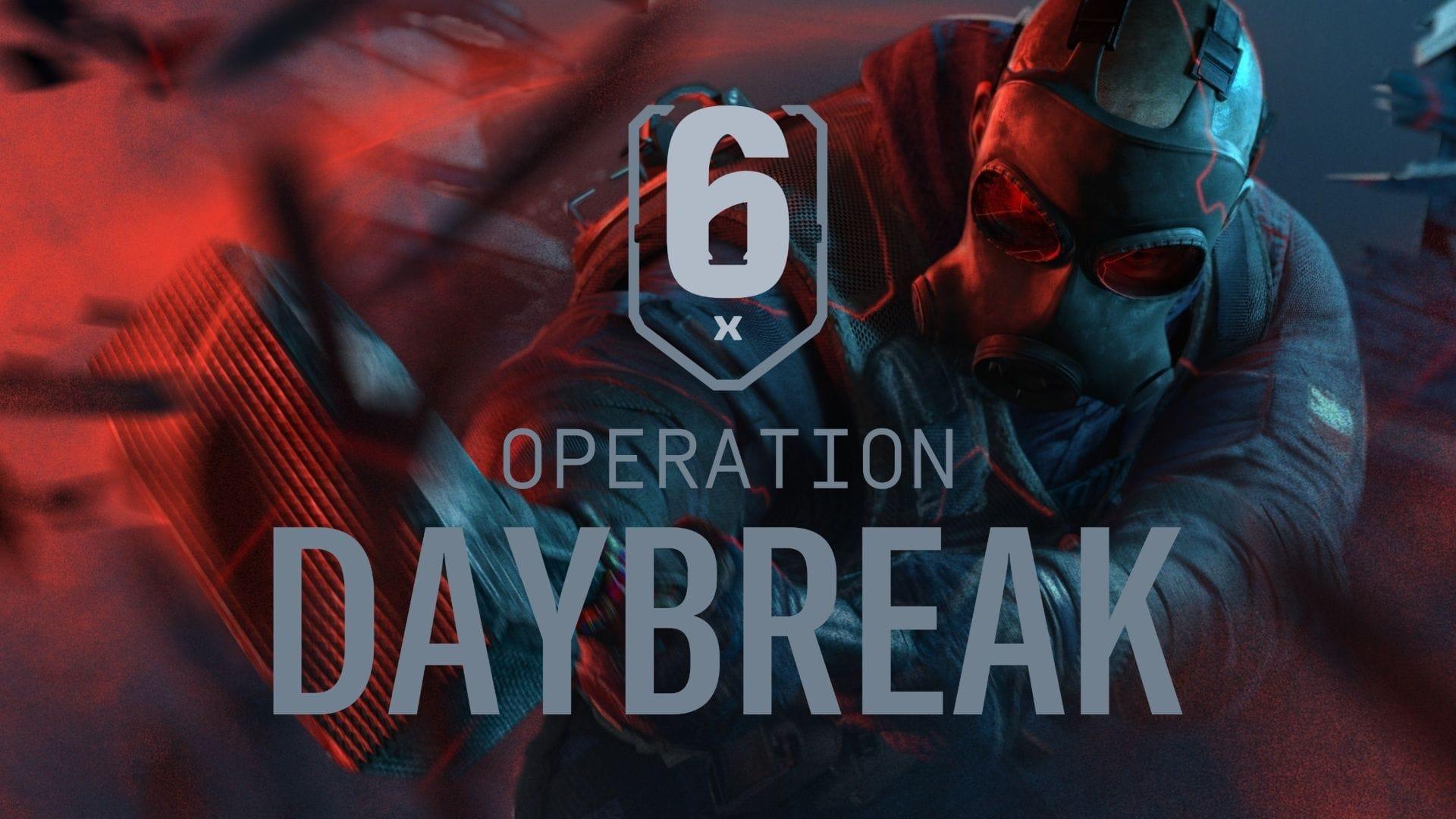
Rainbow Six Siege X represents Ubisoft’s evolution in tactical team-based shooters, transitioning to a free-to-play model that has attracted numerous new operators. The June 10, 2025 release introduced substantial graphical enhancements and core mechanics refinements, making coordinated team play more crucial than ever. Building reliable squads through effective friend management directly impacts your competitive performance and overall enjoyment.
The social infrastructure in Siege X leverages Ubisoft Connect as its backbone, providing seamless cross-platform connectivity when available. Understanding how to navigate these systems efficiently separates casual players from dedicated tactical teams. This guide covers both fundamental processes and advanced techniques for optimizing your friend roster.
Step-by-Step Friend Addition Process
Establishing your friend network in Rainbow Six Siege X requires methodical navigation through the game’s interface. Begin by launching the game through your preferred platform launcher, whether Steam, Epic Games Store, or Ubisoft Connect directly.
Once you reach the Main Menu, locate the keybinding indicator positioned above the Playlist selection tab. This typically defaults to a specific function key or controller button that activates the comprehensive Social Menu. The interface displays all current online friends, pending invitations, and recent players from your matches.
Within the Social Menu, select the Ubisoft Connect option to trigger the platform overlay system. This integrated interface allows direct access to Ubisoft’s friend management ecosystem. Use the search functionality to input exact Ubisoft Connect usernames of prospective squad mates. The three-dots menu adjacent to the search field reveals incoming friend requests requiring your approval.
After successful friend connections, transition to party formation by selecting recently added contacts and issuing game invitations. This creates a pre-made squad ready for coordinated matchmaking across various game modes.
Advanced Friend Management Strategies
Beyond basic friend additions, Siege X offers sophisticated tools for expanding your tactical network. The Post-Match Scoreboard serves as a valuable resource for identifying skilled teammates. After completing matches, review player performance metrics and selectively send connection requests to operators who demonstrated strong teamwork or complementary playstyles.
Ubisoft Connect username conventions demand particular attention, as the system treats uppercase and lowercase characters as distinct entries. Special symbols and punctuation marks further complicate accurate username entry. Develop verification habits by double-checking spelling and character cases before submitting requests to minimize failed connection attempts.
Strategic party management involves categorizing friends based on their preferred roles, availability patterns, and skill levels. Create dedicated squads for competitive ranked matches, casual gameplay sessions, and specific tactical experiments. This organizational approach ensures you always have appropriate teammates ready for any gaming scenario.
Pro Tips and Common Pitfalls
Optimizing your friend management approach involves several professional techniques. Establish naming conventions with regular squad mates to simplify identification during urgent matchmaking situations. Utilize the ‘Recent Players’ tab as a fallback option when you forget to send requests immediately after promising matches.
Avoid common errors by maintaining updated Ubisoft Connect client software, as outdated versions can disrupt social features. Network connectivity issues may temporarily hinder friend list synchronization—patience during these periods prevents duplicate request sending. When username searches repeatedly fail, verify you’re using the Ubisoft Connect ID rather than platform-specific names from Steam or other services.
Also read: How to get SUISUI Dokkaebi bundle in Rainbow Six Siege X
For troubleshooting persistent connection problems, restart both the game and Ubisoft Connect client to refresh social service authentication. Monitor official server status pages during widespread connectivity issues affecting multiple players simultaneously.
For more news on Rainbow Six Siege X, follow Sportskeeda:
No reproduction without permission:GameCDjnh » How to add friends in Rainbow Six Siege X Master friend management in Rainbow Six Siege X with advanced techniques and strategic tips for competitive play