
Complete guide to December 2025 Escape from Tarkov Twitch Drops with optimization strategies and practical claiming tips
Introduction to Twitch Drops Campaign
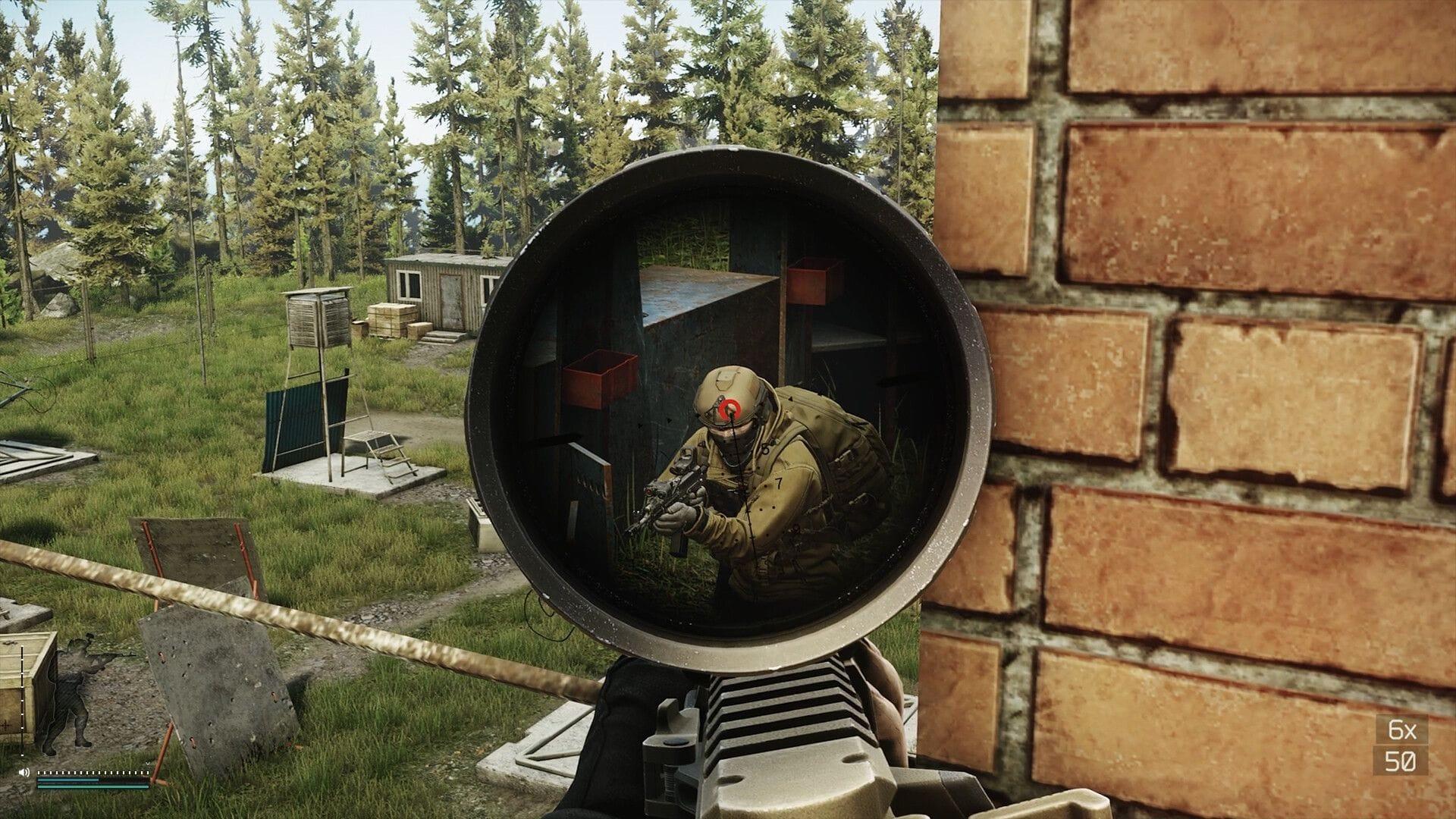
Battlestate Games has launched an extensive Escape from Tarkov Twitch Drops campaign starting December 22, 2025, with global availability across all server regions. This limited-time event provides players with exceptional opportunities to acquire valuable in-game items simply by watching designated Tarkov streams on the Twitch platform.
The development team has structured this promotion to reward community engagement with a substantial collection of nine distinct loot containers, generating significant excitement within the player base. These drops represent one of the most generous Twitch integration events in recent Tarkov history.
Complete Reward Breakdown
The current Twitch Drops event encompasses three distinct rarity tiers—Common, Rare, and Epic—distributed across nine separate loot crates. Each crate contains randomized in-game items appropriate to its classification, with Epic containers offering substantially superior gear and equipment.
To qualify for these rewards, participants must watch officially designated ‘drops-enabled’ Escape from Tarkov broadcasts on Twitch. The system employs a cumulative timing mechanism where viewing duration accrues toward multiple rewards simultaneously, though each item maintains individual time thresholds.
- Common Loot Crate 1: Requires 1 continuous hour of viewing EFT streams
- Rare Loot Crate 1: Demands 2 hours of accumulated watch time
- Common Loot Crate 2: Unlocks after 3 hours of stream viewing
- Rare Loot Crate 2: Accessible following 4 hours of engagement
- Epic Loot Crate 1: Granted after reaching 5 hours of viewership
- Common Loot Crate 3: Available at the 6-hour milestone
- Rare Loot Crate 3: Requires 7 total hours of stream watching
- Common Loot Crate 4: Unlocked after 8 hours of participation
- Epic Loot Crate 4: The ultimate reward requiring 9 hours of dedicated viewing
Optimized Claiming Strategies
Seasoned Tarkov players recommend several efficiency techniques to maximize drop acquisition while minimizing active engagement. The most effective approach involves running streams in background tabs with audio muted at minimum quality settings, though viewers should periodically check connection status.
Avoid these common mistakes: Failing to properly link Twitch and Tarkov accounts remains the primary reason for unsuccessful drop claims. Additionally, selecting streams without active drops-enablement or exceeding browser tab limits can interrupt progress tracking. Always verify the ‘Drops Enabled’ tag beneath stream titles before committing viewing time.
Advanced optimization strategies: Utilize multiple devices or browser instances to accelerate progress—each eligible stream contributes to your cumulative time. Mobile viewing through the Twitch app while commuting or during other activities can significantly reduce the time investment required for higher-tier rewards. Consider scheduling viewing during lower-traffic hours when stream stability typically improves.
For the dedicated collector, establishing a viewing rotation between 2-3 reliable streams provides insurance against individual broadcaster downtime while maintaining consistent progress toward all nine reward tiers simultaneously.
Troubleshooting and Support
If rewards don’t appear in your Tarkov inventory after successful claim, first verify both accounts remain properly linked through the official Battlestate Games website. Allow up to 24 hours for system propagation before submitting support tickets.
Connection issues resolution: Persistent ‘Drops not progressing’ errors often stem from ad-blockers or privacy extensions interfering with Twitch’s tracking mechanisms. Whitelist Twitch.tv domains and ensure you’re logged into the correct account. Browser cookie clearing or switching to an alternative browser typically resolves most tracking problems.
For additional technical assistance: Reference the official Escape from Tarkov Error 418 troubleshooting guide for connection-related issues, or consult the comprehensive “There is no game with the name EFT” error resolution article for account linkage problems.
The December 2025 Twitch Drops campaign represents an exceptional value opportunity for Tarkov enthusiasts. With strategic viewing approaches and proper technical setup, players can efficiently acquire all nine reward tiers while minimizing time investment.
No reproduction without permission:GameCDjnh » Escape from Tarkov Twitch Drops: Duration, all rewards, and how to unlock Complete guide to December 2025 Escape from Tarkov Twitch Drops with optimization strategies and practical claiming tips