
Comprehensive troubleshooting guide for Escape from Tarkov Error 418 with advanced connectivity solutions
Understanding Error 418: The Network Connection Challenge
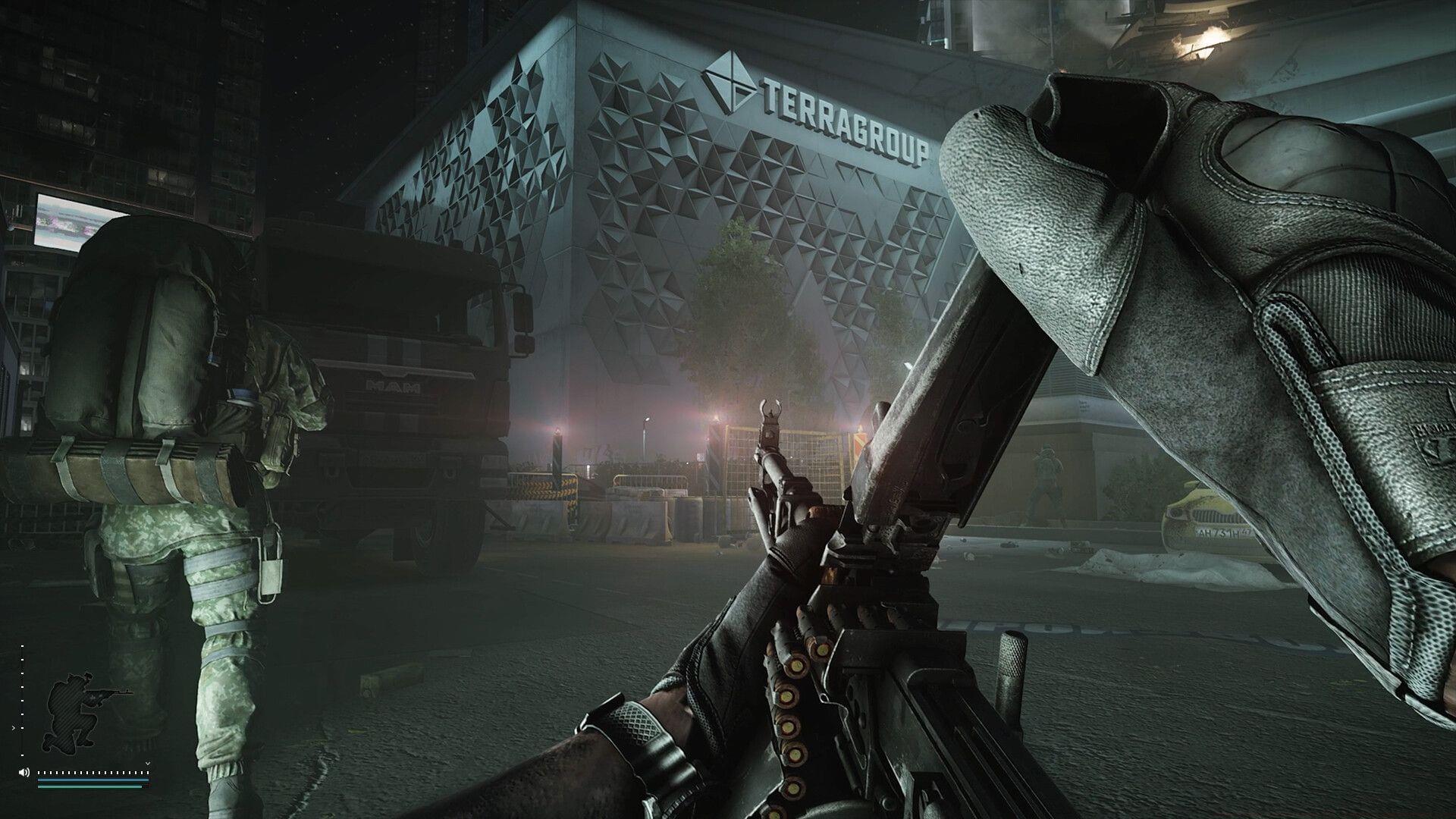
The emergence of Escape from Tarkov Error 418 has created significant frustration within the gaming community following the game’s Steam release on November 15, 2025. This connection barrier prevents players from accessing the intense extraction shooter experience, leaving many unable to join matches or maintain stable gameplay sessions.
Error 418 typically represents an HTTP status code indicating the server cannot establish proper communication with the client. In gaming contexts, this often translates to authentication failures, session timeouts, or packet transmission issues between your system and Battlestate Games’ servers.
While network problems frequently trigger this error, understanding the specific technical context helps implement more targeted solutions. The error typically manifests during login attempts, matchmaking processes, or when transitioning between game menus and actual gameplay sessions.
Immediate Diagnostic Steps
Before diving into complex troubleshooting, perform these essential diagnostic checks to identify the root cause of Error 418.
Server Status Verification
Begin by confirming EFT’s operational status through official channels. Check Battlestate Games’ social media accounts, official website status page, or community monitoring platforms like Downdetector. Server maintenance periods, unexpected outages, or regional server instability frequently trigger Error 418. During maintenance windows, this error typically resolves automatically once services resume normal operation.
Network Performance Assessment
If servers are confirmed operational, conduct a comprehensive internet connectivity evaluation. Test critical metrics including download/upload speeds, latency measurements, packet loss percentages, and jitter values. Use dedicated gaming network tools like PingPlotter or built-in Windows network diagnostics. For accurate results, run tests during your typical gaming hours when network congestion may be higher.
Common Connectivity Pitfalls
Avoid these frequent mistakes during network troubleshooting: testing during non-peak hours only, relying on single speed test results, or ignoring background applications consuming bandwidth. Streaming services, cloud backups, and other devices on your network can significantly impact gaming performance without obvious indicators.
Advanced Network Optimization Strategies
Wired Connection Superiority
Transitioning from wireless to Ethernet connectivity provides immediate stability improvements. Wi-Fi networks introduce variable latency, signal interference, and inconsistent packet delivery that severely impact real-time gaming performance. For optimal results, use Category 6 or higher Ethernet cables and connect directly to your router rather than through intermediate switches or powerline adapters when possible.
Router Configuration Enhancements
Optimize your router settings for gaming performance: enable Quality of Service (QoS) prioritization for gaming traffic, forward ports 443 and 6565 for Escape from Tarkov, and disable unnecessary features like guest networks during gameplay sessions. Consider upgrading older router hardware that may struggle with modern gaming’s bandwidth demands and simultaneous connection requirements.
Advanced Troubleshooting Techniques
For persistent Error 418 occurrences, implement these advanced solutions: flush DNS cache using ipconfig /flushdns command, temporarily disable firewall and antivirus software for testing purposes, and verify game file integrity through Steam or the Battlestate Games launcher. Monitor network stability during gameplay using resource monitors to identify background processes affecting performance.
Proactive Prevention and Maintenance
Establishing regular maintenance routines significantly reduces Error 418 recurrence and improves overall gaming stability.
Preventive Maintenance Schedule
Implement weekly network checks including speed tests, router reboot cycles, and driver updates for network adapters. Monthly maintenance should include firmware updates for networking equipment, verification of game patch installations, and clearing temporary system files that may impact performance.
Performance Monitoring Tools
Utilize specialized gaming network monitors like WTFast or ExitLag that provide detailed analytics on connection quality to game servers. These tools help identify problematic routing paths and can sometimes automatically optimize your connection to gaming servers, potentially bypassing Error 418 triggers.
Community Resources and Support
Engage with the Escape from Tarkov community through official forums and Reddit communities where players share current server status information and troubleshooting breakthroughs. Community-driven resources often provide real-time insights into widespread issues and workarounds not yet covered in official documentation.
No reproduction without permission:GameCDjnh » Escape from Tarkov Error 418: Possible reasons and fixes Comprehensive troubleshooting guide for Escape from Tarkov Error 418 with advanced connectivity solutions