
Comprehensive guide to troubleshoot and fix Escape from Duckov PC crashes with expert solutions
Understanding Crash Causes and Symptoms
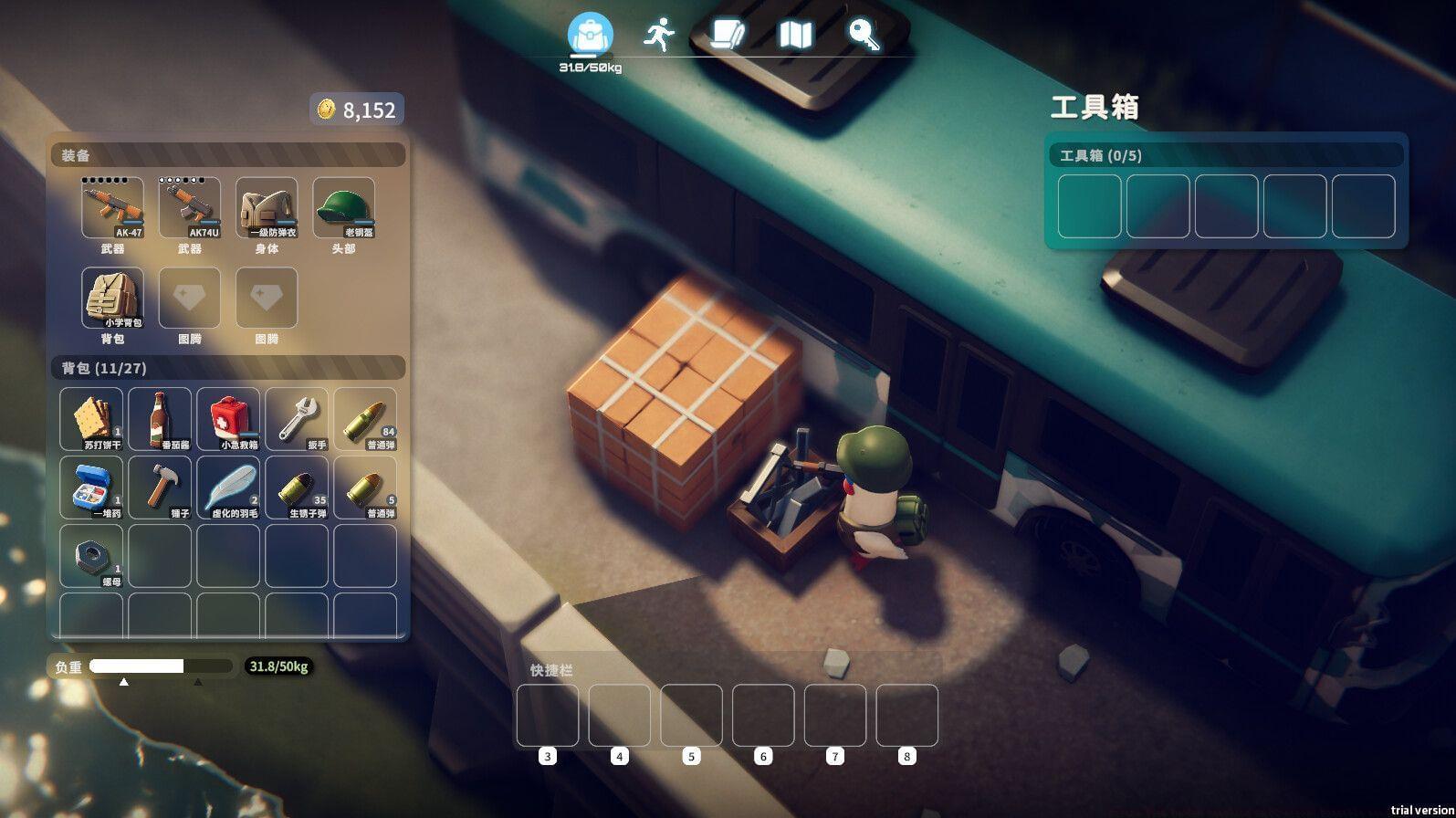
Many players have encountered the Escape from Duckov crashing on PC error since the game’s highly anticipated release. Team Soda’s innovative top-down looter shooter has generated significant excitement in the gaming community following its successful debut on October 16, 2025. While the launch has been mostly smooth, some users report intermittent crashing that disrupts gameplay sessions.
Crashes can originate from multiple sources, including corrupted installation files, outdated system drivers, or compatibility conflicts. Understanding whether the issue stems from your local setup or broader server problems is crucial for effective troubleshooting. Many players mistakenly blame their hardware when the solution requires simple software adjustments.
Common crash patterns include freezing during loading screens, sudden closures during intense combat sequences, or consistent crashes when accessing specific game areas. Documenting when crashes occur helps identify patterns that can guide your troubleshooting approach.
File Integrity Solutions
1) Verify Game Files and Reinstall if Necessary
When experiencing crashes, your first step should be verifying the integrity of Escape from Duckov’s game files through your platform’s built-in tools. Both Steam and Epic Games Store include file validation features that automatically detect and replace corrupted data. This process typically takes 5-15 minutes depending on your system speed.
File corruption frequently results from interrupted downloads, insufficient disk space during installation, or antivirus software interference. Network instability during the initial download remains a primary culprit for many users. Always ensure stable internet connectivity and adequate system resources before installing large game files.
If verification fails to resolve crashes, perform a complete uninstallation followed by a fresh download. Delete any remaining game folders in your installation directory to eliminate residual corrupted files. Many players overlook this crucial step, reinstalling over problematic files that continue causing instability.
Pro Tip: Before reinstalling, temporarily disable your antivirus software as some security programs mistakenly flag game files as threats, causing crashes during execution.
Read more: All Escape from Duckov customization options explored
Hardware and Driver Optimization
2) Update Your Graphics Drivers Systematically
Outdated GPU drivers represent one of the most common technical issues causing game crashes. Both NVIDIA and AMD regularly release driver updates optimized for newly released titles like Escape from Duckov. Using drivers more than three months old significantly increases crash risk.
For NVIDIA users, access GeForce Experience or visit NVIDIA’s website to download the latest Game Ready drivers. AMD users should check the Radeon Software application or AMD’s official support page. Always select the ‘clean installation’ option during setup to remove previous driver remnants that might conflict with new versions.
Beyond driver updates, ensure your system meets the game’s minimum requirements. Escape from Duckov demands substantial resources during intense combat scenarios. Close background applications, especially web browsers and streaming software, to allocate maximum resources to the game.
Performance Optimization: Adjust in-game graphics settings to ‘Medium’ if experiencing crashes during graphically intensive sequences. Lowering shadow quality and post-processing effects often stabilizes performance without significantly impacting visual quality.
Also read: All Escape from Duckov difficulty settings explored
Advanced Troubleshooting
When crashes persist after local troubleshooting, investigate potential server-side issues. Team Soda may release emergency hotfixes for stability problems affecting multiple users. Check the official Escape from Duckov social media channels and community forums for announcements about ongoing server maintenance or known issues.
If none of the standard solutions resolve your crashing problems, contact the official support team with detailed information about your system specifications and crash patterns. Include timestamps, error messages, and specific gameplay moments when crashes occur. This information helps support staff identify patterns and provide targeted solutions.
Common Mistake Avoidance: Many players immediately assume their hardware is faulty when crashes occur. Before considering expensive hardware replacements, exhaust all software-based solutions including driver updates, file verification, and clean reinstallation.
For more related guides, check out:
No reproduction without permission:GameCDjnh » Escape from Duckov crashing on PC error: Possible reasons and fixes Comprehensive guide to troubleshoot and fix Escape from Duckov PC crashes with expert solutions