
Comprehensive guide to fix Battlefield 6’s undefined error with advanced troubleshooting strategies
Understanding the Undefined Error
Battlefield 6 has launched with tremendous anticipation, but many players encounter the frustrating “An undefined error occurred” message when attempting to join matches. This technical hiccup typically appears during peak launch periods when servers experience overwhelming demand from simultaneous connection attempts.
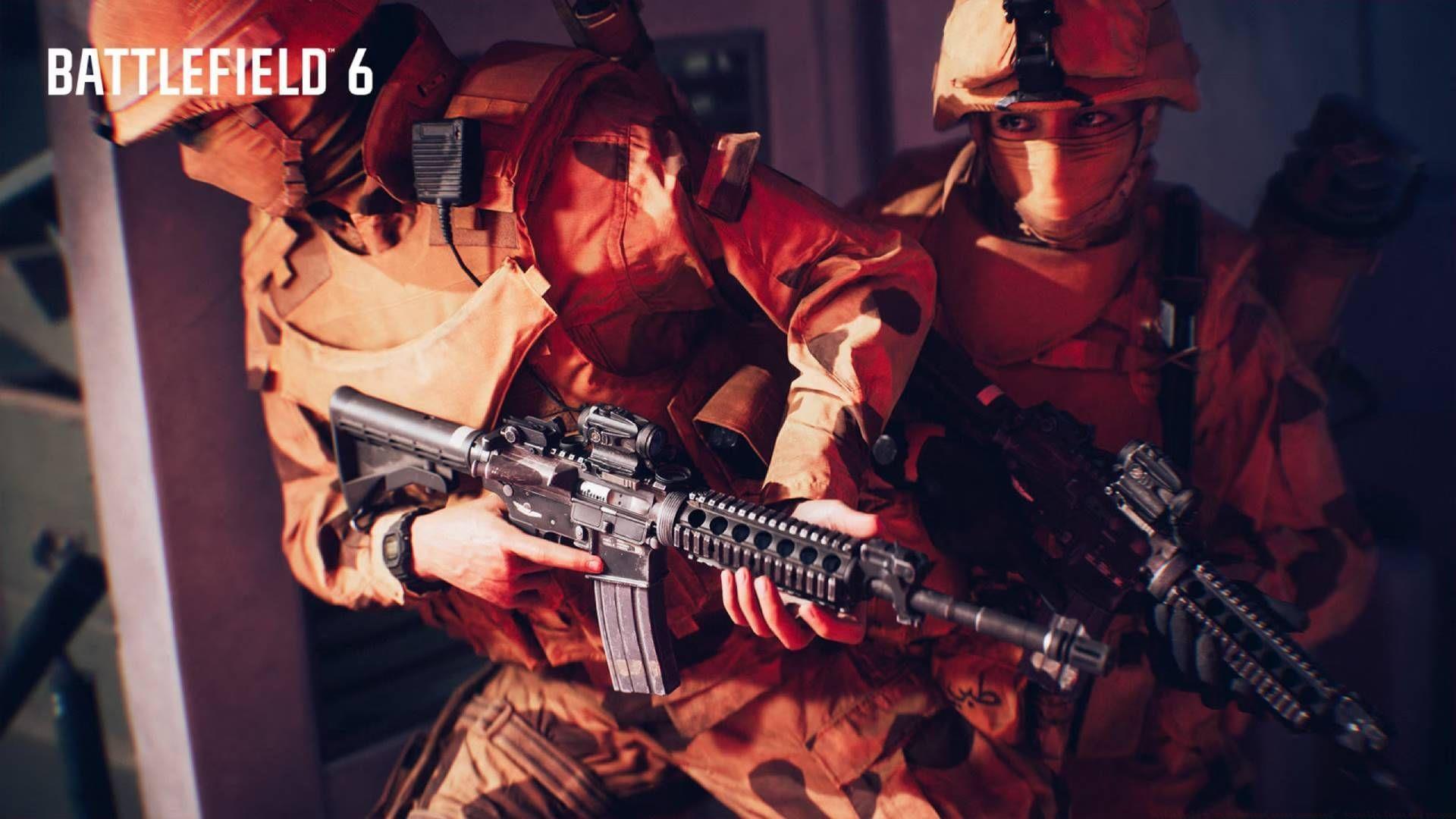
The undefined error often stems from multiple potential causes including corrupted game files, network configuration conflicts, or temporary server overload. Before diving into complex solutions, start with basic troubleshooting: completely close the application, terminate any background processes, and perform a full system restart. These simple steps resolve the majority of initial launch issues.
Common Mistakes to Avoid: Many players repeatedly attempt the same failed solution without proper system resets. Ensure you completely close the game through your platform’s proper shutdown procedure rather than just alt-tabbing or putting your console to sleep. Additionally, avoid immediately reinstalling the game before trying less time-consuming fixes first.
Platform-Specific Solutions
PC Troubleshooting Procedures
PC players have several specialized tools for resolving the undefined error. Begin by accessing your task manager (Ctrl+Shift+Esc) and ensuring all Battlefield 6 and EA background processes are completely terminated. Look for any lingering processes related to the game, EA desktop app, or Origin services that might conflict with a fresh launch.
Console-Specific Reset Methods
Console users should employ platform-specific reset procedures. PlayStation owners need to press the PS button to reach the home menu, highlight Battlefield 6, press Options, and select “Close Application” before restarting. Xbox players should press the Xbox button, navigate to the game in the side menu, press the Menu button, and choose “Quit” to ensure complete closure.
File Verification Process
Steam users can leverage the platform’s built-in file verification system to detect and repair corrupted game data. Navigate to your Steam Library, right-click Battlefield 6, select Properties, then Local Files, and choose “Verify integrity of game files.” This process scans all installation files and automatically replaces any damaged or missing components that could trigger the undefined error.
Advanced PC Optimization: Beyond basic file verification, consider updating your graphics drivers and ensuring your system meets the game’s minimum requirements. Outdated drivers often create conflicts with newly launched games. Additionally, temporarily disable any overlay applications like Discord or NVIDIA GeForce Experience that might interfere with game initialization.
Network and Connection Fixes
Online-centric games like Battlefield 6 demand stable internet connectivity, and network issues frequently manifest as undefined errors. Begin by testing your connection stability through speed tests and ensuring consistent ping rates. Simple router reboots often resolve temporary network glitches by refreshing your connection and clearing DNS caches.
Firewall Configuration
Windows Firewall sometimes incorrectly blocks Battlefield 6’s necessary server communications. To configure proper access: Open Windows Security through Settings, select “Firewall & network protection,” click “Allow an app through firewall,” locate Battlefield 6 (or add it manually via “Allow another app”), and check both Private and Public network boxes. Confirm these changes and restart your system to apply the new permissions.
Server Status Monitoring
Since Battlefield 6 recently launched, server overload remains a common culprit. Monitor official EA and Battlefield social media channels and community forums for server status updates. If widespread server issues are confirmed, the only solution may be waiting for developer intervention rather than endlessly troubleshooting your local setup.
Network Optimization Tips: For optimal performance, use wired Ethernet connections instead of WiFi when possible, prioritize gaming traffic through Quality of Service (QoS) router settings, and ensure your NAT type is open rather than strict. These configurations significantly reduce connection-related errors and improve overall gameplay stability.
Related reading: Is Battlefield 6 Phantom Edition worth buying?
Advanced Troubleshooting
Reinstallation Procedures
When all other solutions fail, reinstalling Battlefield 6 becomes necessary. This nuclear option addresses deeply corrupted files or installation errors that simpler fixes cannot resolve. Before reinstalling, ensure you have adequate bandwidth and time for the potentially lengthy download process, and consider backing up your settings and configurations if possible.
System-Level Optimization
Advanced users can explore additional system optimizations including updating DirectX, Visual C++ redistributables, and .NET frameworks. Ensure your operating system has all current updates installed, as compatibility issues between new games and outdated OS versions frequently cause undefined errors. Temporarily disabling antivirus software during installation and initial launch can also identify security software conflicts.
Preventive Measures: To minimize future occurrences, maintain regular system updates, avoid interrupting game updates or installations, and periodically verify game file integrity. Creating system restore points before major game updates provides recovery options if new patches introduce stability issues.
Further exploration: All challenges and rewards in Battlefield 6 campaign
This comprehensive troubleshooting guide covers every verified solution for Battlefield 6’s undefined error, from simple restarts to advanced system configurations. Methodically working through these solutions typically resolves the issue without requiring professional technical support.
No reproduction without permission:GameCDjnh » Battlefield 6 “An Undefined error occurred”: Possible fixes and reasons Comprehensive guide to fix Battlefield 6's undefined error with advanced troubleshooting strategies