
Optimize Oblivion Remastered’s performance with these essential mods, troubleshooting tips, and advanced tweaks for a smooth gameplay experience.
Understanding the Engine: UE5.1 Challenges and Upgrade Potential
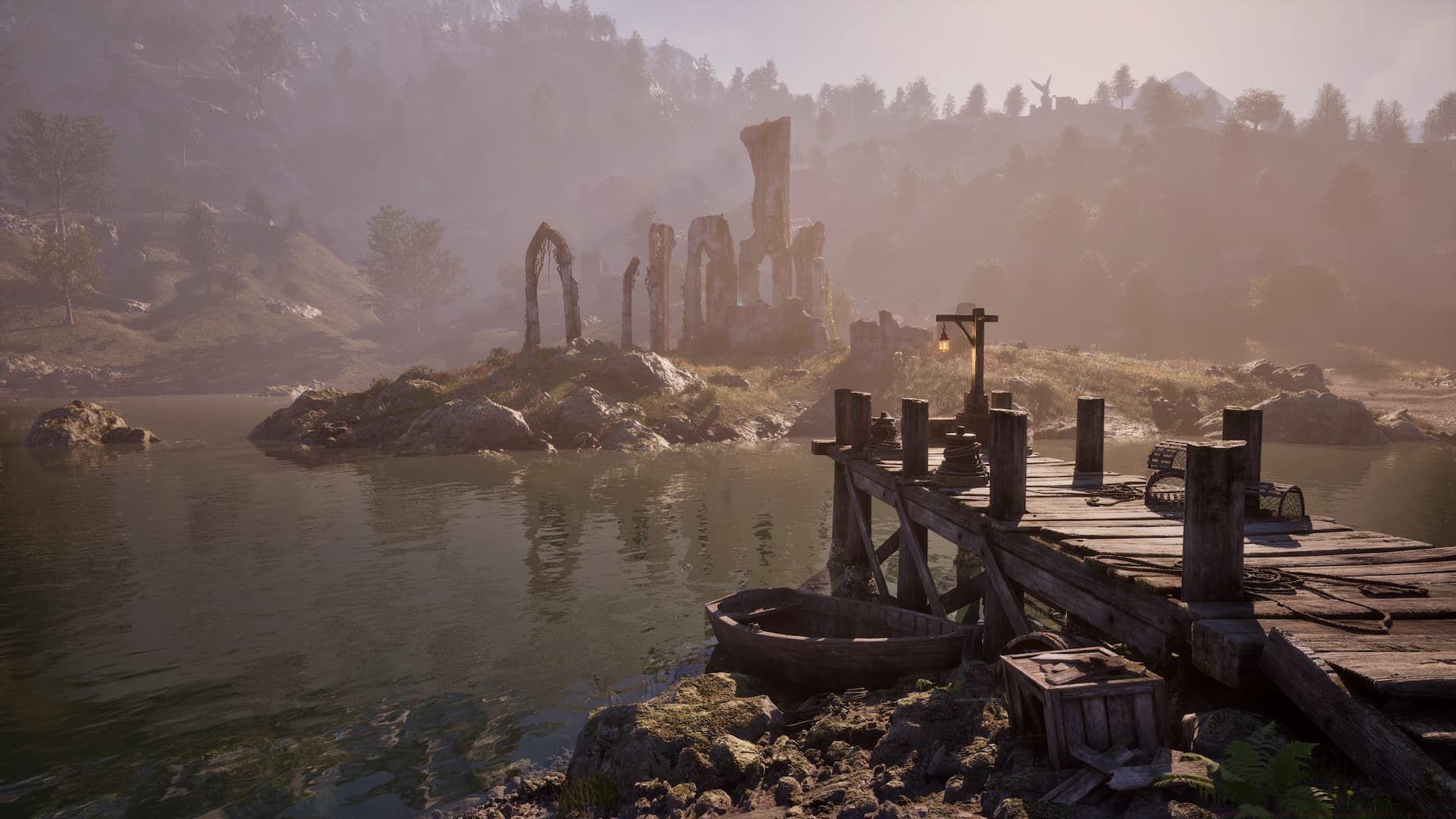
The current version of Oblivion Remastered is built on Unreal Engine 5.1, a choice that presents immediate performance concerns for players. Versions of UE5 prior to 5.4 have a well-documented reputation for various optimization hurdles, including stuttering, inefficient resource management, and driver compatibility problems. The remaster inherits these technical challenges, which can manifest as frame rate drops and inconsistent performance, especially on mid-range systems. It’s crucial to understand this foundation, as it explains why third-party mods and tweaks are not just optional enhancements but often necessary for a smooth experience.
However, there is a potential light at the end of the tunnel. Bethesda has hinted at the possibility of migrating the game to Unreal Engine 5.5 in a future update. UE5.5 includes significant optimization improvements, better hardware utilization, and more stable performance out of the box. While not guaranteed, this upgrade could alleviate many of the baseline issues, reducing the dependency on community fixes. In the meantime, players must rely on the modding community’s ingenuity to bridge the performance gap.
Essential Performance Mods: From INI Tweaks to Shader Optimization
Looking for Crossword hints & solutions? Check out latest NYT Mini Crossword Answers, LA Times Crossword Answers, and Atlantic Crossword Answers
The Ultimate Engine Tweaks mod by P40L0X provides a foundational performance boost. It’s a customized Engine.ini file designed as a one-stop solution for common UE5.1 ailments. Its adjustments are multifaceted: it strips performance-heavy post-processing effects like film grain, refines the algorithms for DLSS and FSR upscaling to provide a clearer image with less overhead, and implements engine-level fixes that drastically reduce the frequency of random stutters and hitches during gameplay. Think of it as applying a curated set of registry tweaks tailored specifically for this game’s engine.
Installation paths are platform-specific:
- Xbox App/PC Game Pass: Place the Engine.ini file in DocumentsMy GamesOblivion RemasteredSavedConfigWinGDK
- Steam or GOG: Place the Engine.ini file in DocumentsMy GamesOblivion RemasteredSavedConfigWindows
You can find and download this essential mod via its Nexus Mods page.
A significant performance drain in UE5 titles is Lumen global illumination. In Oblivion Remastered, Lumen ray-tracing appears to be forcibly enabled at an engine level, persisting even when you toggle related graphics settings to ‘Off’ or ‘Low’. The Lumen Begone mod by HerrTiSo addresses this directly by injecting engine commands to disable Lumen entirely, which can yield substantial frame rate gains, particularly on GPUs without dedicated ray-tracing cores.
Important Compatibility Note: If you are using the Ultimate Engine Tweaks mod, it already contains an .ini file. To use Lumen Begone alongside it, you must manually merge the changes. Open your installed Engine.ini file and add the following lines:
- In the [/Script/Engine.RendererSettings] section, add the specific lines provided on the Lumen Begone mod page.
- In the [ConsoleVariables] section, add the console variables listed by the mod author.
While manual editing is required for compatibility, the performance payoff justifies the effort. Even if you manually integrate the tweak, consider endorsing the Lumen Begone mod to support the creator.
Shader compilation stutter is a hallmark issue with Unreal Engine 5 games. Oblivion Remastered must compile shaders on first launch and after major driver updates. However, the process is often flawed, leading to severe stuttering during initial loading and gameplay, accompanied by unusually high CPU usage. A common stopgap is to simply wait it out, allowing the game to finish compiling in the background, but this is a reactive, not proactive, solution.
For a superior approach, use FrancisLouis’ Oblivion Optimizer. This mod proactively manages shaders by implementing a pre-loading and caching system. This means shaders are readied before they’re needed in-game, eliminating the mid-gameframe stutters caused by on-demand compilation. Additionally, it optimizes how the game handles CPU and GPU instructions, leading to smoother frame times and more consistent performance. Download it from its dedicated mod repository.
For players seeking an all-in-one solution, Optimized Tweaks OBLR offers a comprehensive suite of runtime adjustments. This mod, created by an author with a proven track record for games like STALKER 2 and Avowed, makes numerous under-the-hood optimizations that improve performance in demanding areas like cities and dense forests. The author also designs it to be compatible with future official patches, offering a degree of future-proofing.
Critical Warning: The author of Optimized Tweaks OBLR explicitly advises against using it concurrently with other performance .pak files or INI tweaks (including the ones mentioned above). These mods often alter the same core engine parameters, and stacking them can lead to conflicts, instability, or even reduced performance. You must choose one holistic overhaul or a careful, manual combination of specific tweaks.
Advanced Troubleshooting and Pro Tips
Diagnosing shader compilation issues is straightforward. If your game is extremely stuttery during the initial startup menu or loading screens, and your Task Manager shows the game’s CPU usage is disproportionately high (e.g., 90-100%) while the GPU is idle, you are witnessing background compilation. Letting the game sit idle for 5-10 minutes often resolves this for that session.
Common Mistake to Avoid: One frequent error is installing multiple performance overhaul mods simultaneously, assuming “more is better.” As noted, this almost always causes conflicts. The best practice is to start with one comprehensive mod (like Optimized Tweaks OBLR) or a carefully curated set of singular-purpose tweaks (like Engine Tweaks + Lumen Begone). Test stability and performance after each addition.
Optimization Tip for Advanced Players: If you are manually editing Engine.ini files, consider creating a backup of the original first. Furthermore, after applying any major tweak or mod, conduct a consistent performance test. Fast travel to a demanding location like the Imperial City Market District, stand in the same spot, and note your average FPS and frame time consistency using a tool like MSI Afterburner. This provides objective data on whether a change is beneficial.
Remember, Oblivion Remastered’s modding scene is in its infancy. The mods listed here are the current best solutions, but they may be superseded by more elegant or effective alternatives in the coming weeks and months. Popular games on Nexus Mods often see rapid iteration, with early fixes being replaced by more comprehensive community patches.
Action Plan and Community Resources
That’s all the notable performance-tuning mods available for Oblivion Remastered at the moment. Do note that the game has only just come out recently, so as the modding scene goes, better alternatives may soon replace the mods recommended here. We will update this list when we spot better options like that.
Check out our other guides on Oblivion Remastered:
- Minor and Major Skills, explained
- What are the best Attributes to increase?
- Best Races to pick for Melee, Magic, and Ranged classes
- Best Birthsigns to take
No reproduction without permission:GameCDjnh » 4 essential Oblivion Remastered mods for better performance Optimize Oblivion Remastered's performance with these essential mods, troubleshooting tips, and advanced tweaks for a smooth gameplay experience.