
Complete guide to unlocking The Finals Discord quest rewards with practical strategies and optimization tips
Understanding The Finals Discord Quest
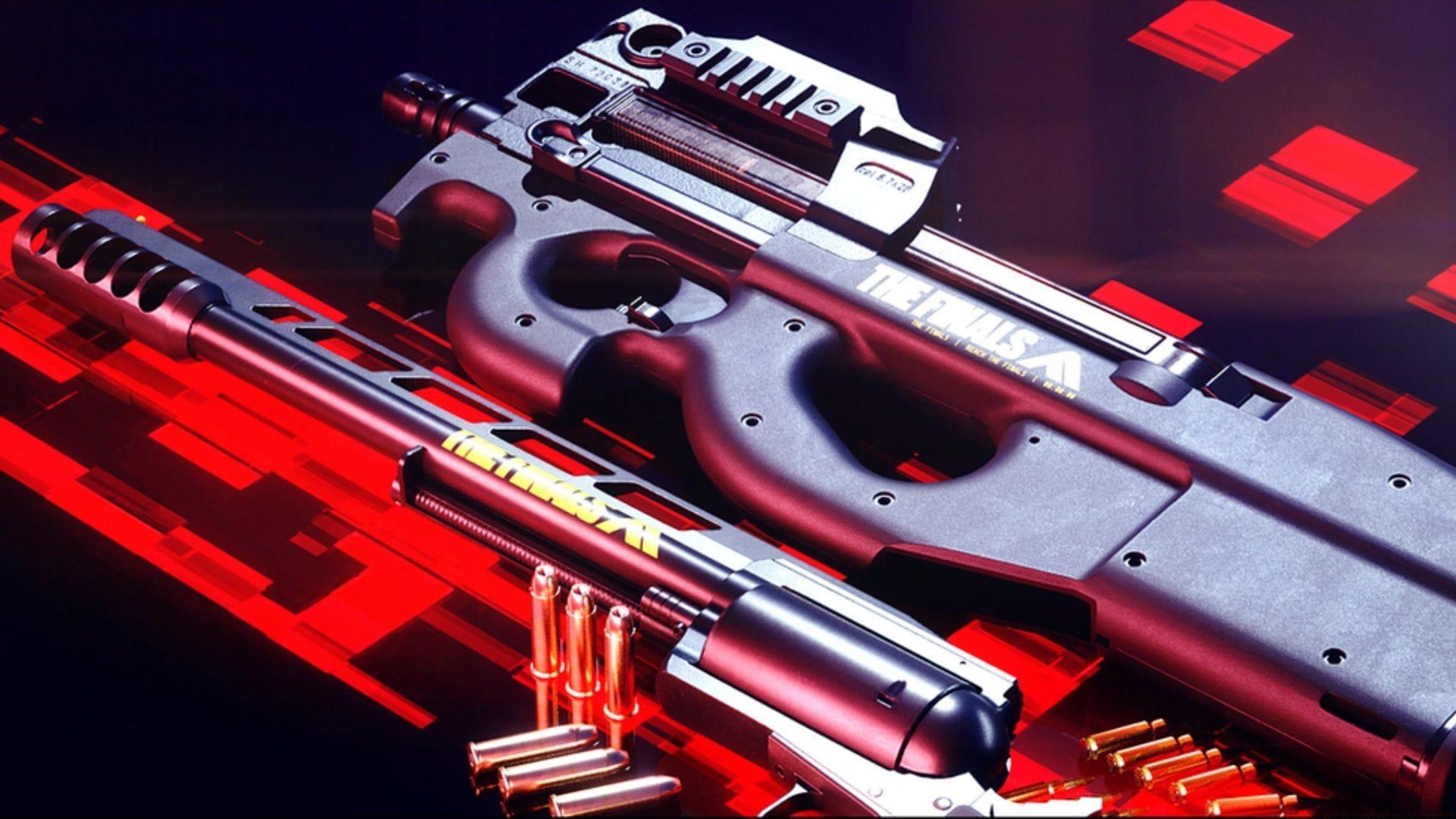
The Finals Season 8 introduces an exciting Discord quest that provides players with a straightforward method to obtain exclusive in-game rewards. This limited-time collaboration represents one of several significant enhancements included in the latest seasonal update, which also introduces fresh weaponry, cosmetic items, and gameplay replay functionality.
Season 8’s Discord integration enables participants to earn the distinctive Skill Issue 2.0 outfit simply by engaging with both applications simultaneously. This promotional event creates an accessible pathway for players to expand their cosmetic collection without requiring extensive gameplay investment or complex achievement hunting.
The promotional timeframe for this quest spans from September 10, 2025, through September 17, 2025, providing exactly one week for completion across all server regions. Players should prioritize this activity early to ensure they don’t miss the limited availability window for this exclusive cosmetic reward.
Step-by-Step Quest Completion Guide
Successfully completing the Discord quest requires following a specific sequence of actions to ensure proper tracking and reward distribution. Begin by launching the Discord application on your computer system and authenticating with your account credentials. New users will need to establish an account before proceeding with the quest activation process.
Once logged into Discord, join any available voice channel—this can be done individually or with fellow players. While you may minimize the Discord interface, it’s crucial that the application continues running actively in the background throughout your gaming session. Closing Discord entirely will interrupt quest progress tracking and prevent successful completion.
Next, initiate The Finals game client and select any available playlist mode. The quest specifically requires 15 consecutive minutes of active gameplay while Discord operates in the background. Match duration doesn’t affect progression—the system accumulates total playtime across sessions until reaching the 15-minute threshold.
Related content: Understanding Clubs functionality within The Finals ecosystem
Advanced Tips and Common Pitfalls
Optimizing your quest completion strategy involves several pro-level considerations. Ensure Discord maintains microphone permissions and doesn’t enter sleep mode during gameplay. Advanced players recommend joining a dedicated voice channel rather than relying on Discord simply running—this provides clearer activity verification for the tracking system.
Avoid these common mistakes: neglecting to grant background app permissions, attempting completion on mobile platforms (quest requires desktop execution), or interrupting the 15-minute cumulative timer by fully closing either application. Connection stability represents another critical factor—network interruptions can reset progress counters unexpectedly.
For maximum efficiency, complete the quest during standard gameplay sessions rather than idling, as some reports suggest active match participation provides more reliable tracking. The Skill Issue 2.0 outfit automatically appears in your inventory upon successful completion, typically within minutes of fulfilling requirements, though occasional server delays may extend this to several hours during peak periods.
Additional reading: Resolving common TFLA0002 error codes in The Finals
This comprehensive guide covers all essential aspects of The Finals Discord quest. For continued coverage of gaming updates and strategic guides, follow Sportskeeda’s dedicated esports coverage section.
No reproduction without permission:GameCDjnh » The Finals Discord quest: How to complete and all rewards Complete guide to unlocking The Finals Discord quest rewards with practical strategies and optimization tips