
Master Battlefield 6 pinging mechanics while downed to enhance team coordination and strategic advantage
Understanding Battlefield 6 Ping Mechanics
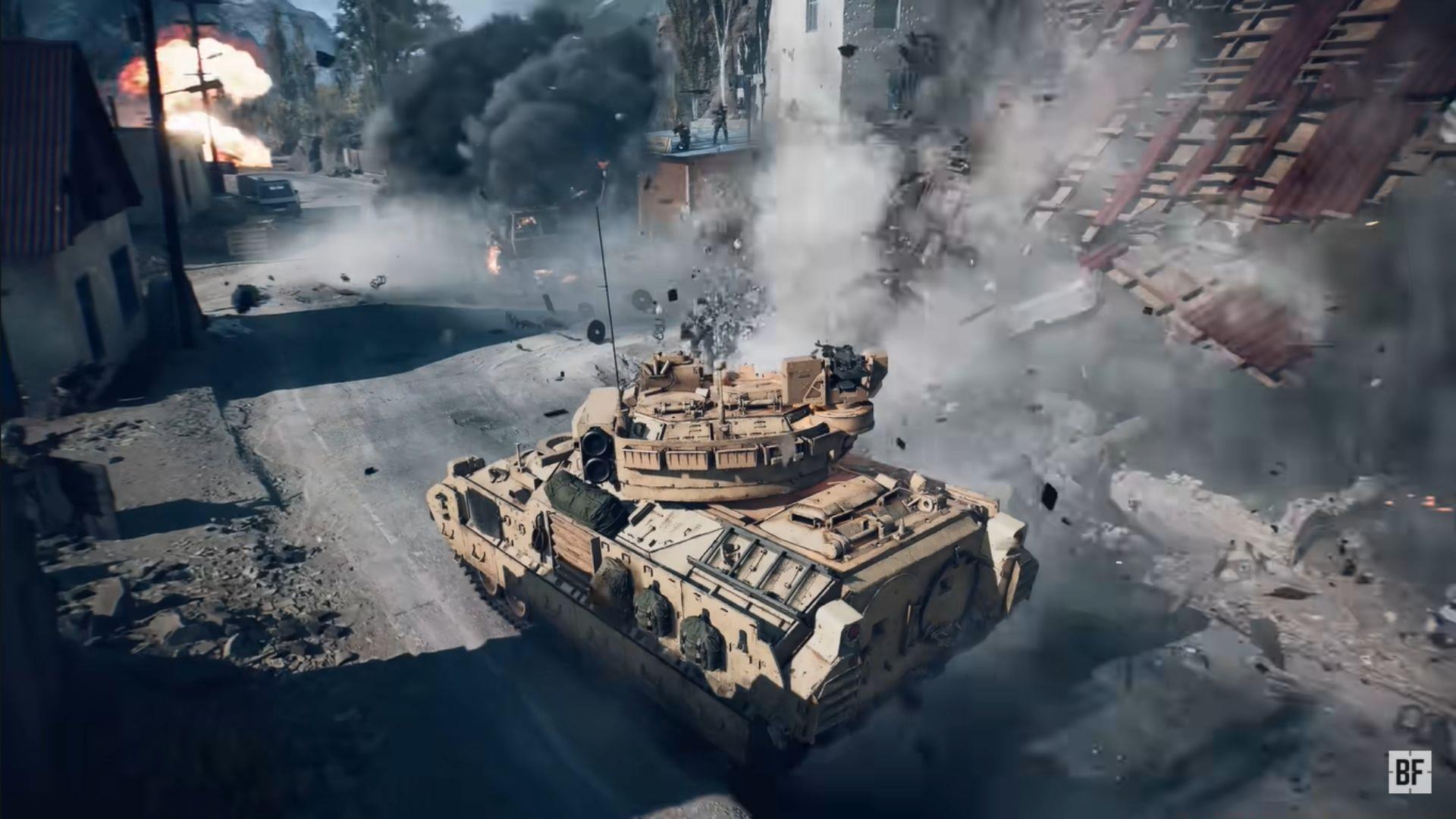
Battlefield 6’s ping system serves as an essential communication framework that enables precise tactical coordination between squad members. Unlike basic voice chat, ping markers deliver exact positional data that teammates can instantly interpret and act upon. This visual targeting mechanism becomes particularly crucial during high-intensity firefights where verbal descriptions often fall short.
The revolutionary aspect of BF6’s implementation lies in maintaining full ping functionality even when you’re incapacitated. While many competitive shooters restrict player actions during downed states, Battlefield 6 recognizes the strategic value of allowing fallen soldiers to continue contributing intelligence. This design philosophy transforms temporary defeat into continued tactical participation.
Default Controls and Keybind Customization
By default, the Middle Mouse Button (MMB) serves as your primary ping activator for both enemy marking and location designation in Battlefield 6 Open Beta. This input remains consistently functional regardless of your combat status, ensuring seamless transition between active combat and downed intelligence gathering phases.
You maintain identical ping capabilities while incapacitated without requiring additional configuration adjustments. The system intelligently preserves your communication tools precisely when they become most valuable – during those critical moments after enemy contact when positional intelligence matters most.
For players seeking optimized control schemes, navigate to the Options menu and access Infantry Keybinds. Within the General tab, locate the Ping function and assign your preferred input. Consider ergonomic placement that allows quick access during intense moments – many competitive players prefer side mouse buttons or easily reachable keyboard keys that don’t interfere with movement controls.
Pro Configuration Tip: Advanced players often bind ping to multiple inputs for different scenarios. Some utilize mouse thumb buttons for rapid enemy marking while reserving keyboard keys for strategic position pinging. Experiment with combinations that suit your playstyle and hardware setup.
Strategic Advantages of Downed Pinging
Pinging while incapacitated transforms your temporary defeat into a strategic opportunity for your squad. The intelligence you provide during your final moments can determine the outcome of entire engagements by revealing enemy positions, flanking routes, and defensive setups that would otherwise remain concealed.
This continuous information flow enables your teammates to make informed decisions about revival attempts. They can assess threat levels, identify safe approach paths, and coordinate counter-attacks based on your real-time battlefield intelligence. Even if revival proves impossible, your pings create lasting value by directing squad attention to critical threat areas.
The tactical advantage extends beyond immediate encounters. Consistent downed pinging builds comprehensive combat intelligence throughout matches, revealing enemy movement patterns, preferred engagement distances, and common ambush locations that inform broader match strategy.
Advanced Pinging Techniques and Best Practices
Master-level pinging involves more than simply marking visible enemies. Develop the habit of predictive spotting – anticipating enemy movement and pinging likely flanking routes or cover positions before they’re occupied. This proactive approach gives teammates precious seconds to prepare countermeasures.
Implement directional pinging by combining multiple quick pings to indicate enemy movement paths. Three rapid pings in a line can signal a rushing opponent, while scattered pings might indicate multiple hostiles taking different positions.
Avoid These Common Mistakes: Don’t spam pings excessively as this creates visual clutter and may cause teammates to ignore critical markers. Refrain from pinging through solid objects where markers provide no clear line-of-sight information. Never stop pinging while downed unless you have zero visual contact with enemies.
Coordinate with your squad to establish ping communication protocols. Some teams use specific ping patterns for different threat levels or enemy types. This specialized communication can dramatically improve response times and tactical coordination.
Remember that your pinging effectiveness increases with battlefield awareness. Practice scanning your environment continuously, noting potential enemy positions even before taking fire. This habit ensures you maintain valuable intelligence ready to communicate if incapacitated.
No reproduction without permission:GameCDjnh » How to ping enemies while you are down in Battlefield 6 Open Beta Master Battlefield 6 pinging mechanics while downed to enhance team coordination and strategic advantage