
Complete guide to claiming and using the Battlefield 6 Discord Avatar decoration with troubleshooting tips and strategies
Introduction to Battlefield 6 Discord Avatar Decoration
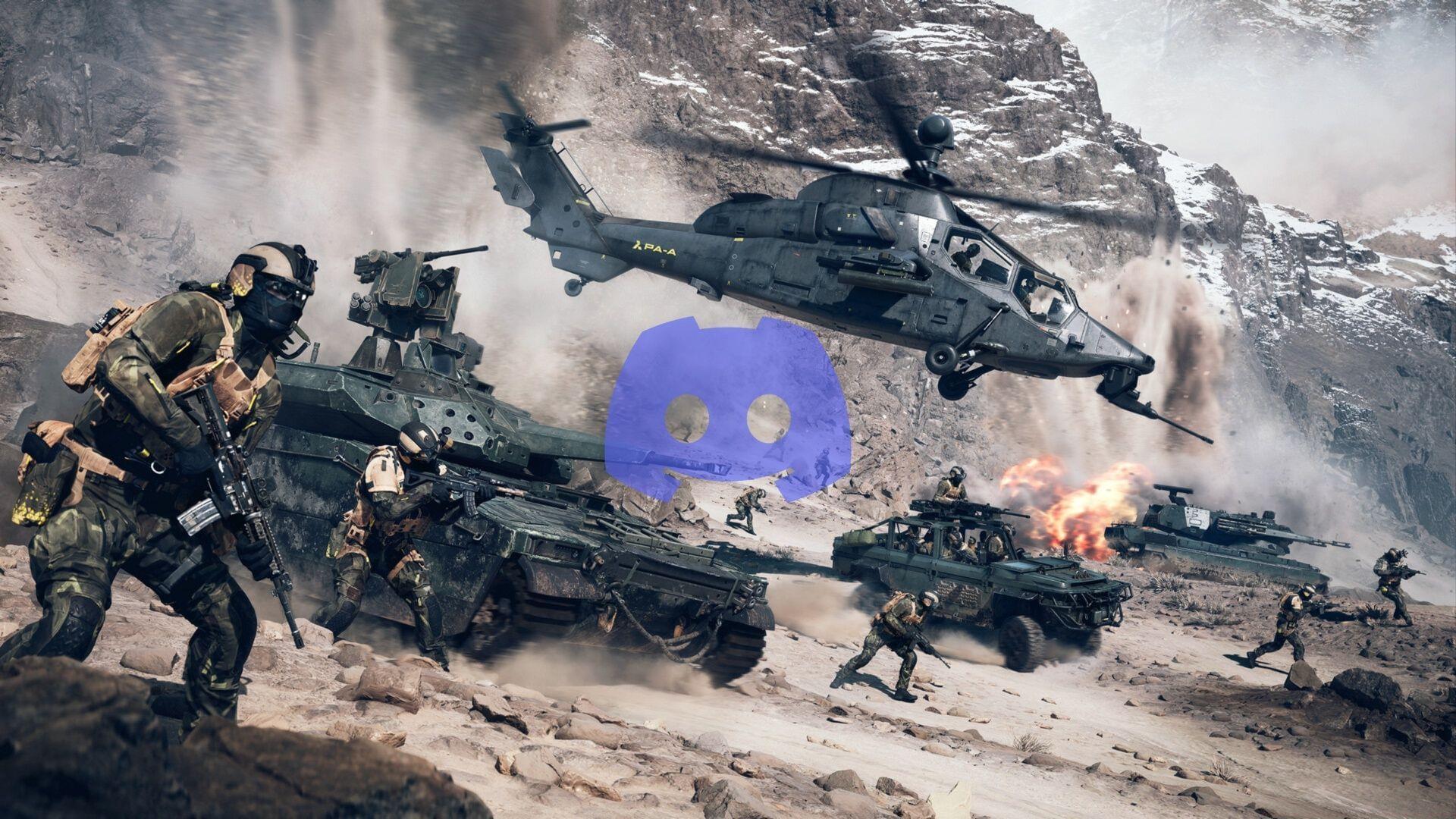
Electronic Arts has introduced an exclusive Battlefield 6 Discord Avatar decoration that players can obtain during the Open Beta period starting August 9, 2025. This special cosmetic item serves as a commemorative piece celebrating both Early Access and Open Beta releases for the newest installment in the acclaimed Battlefield series. The decoration represents more than just visual flair—it’s a badge of honor for early adopters and beta testers who helped shape the final game experience.
Step-by-Step Claiming Process
To secure your exclusive Battlefield 6 Discord decoration, follow this comprehensive claiming process carefully. Each step is crucial to ensure successful acquisition of this limited-time cosmetic item.
- Launch your Discord application and navigate directly to User Settings in the bottom-left corner near your profile picture.
- Scroll downward to find Gift Inventory, typically positioned within the Payment Settings section of the menu.
- Select the View Quests option to display all currently available promotional quests and challenges.
- Browse through the quest list to locate the specific Battlefield 6 Discord Avatar promotion, then click Accept Quest to begin.
- Choose between Quest on Desktop or Quest on Console based on your preferred gaming platform configuration.
- The quest requires you to engage with Battlefield 6 for a minimum of 15 consecutive minutes while maintaining an active Discord client session. Upon completion, the avatar decoration will automatically appear in your inventory.
Pro Tip: Ensure Discord remains running in the background throughout your gameplay session—closing the application prematurely will interrupt quest progress tracking.
Equipping Your New Avatar Decoration
After successfully obtaining the brand new Avatar decoration, Discord users should proceed to the Profiles tab within User Settings. Click on Change Decoration to trigger a pop-up menu displaying your complete decoration collection. This interface provides a visual gallery of all available cosmetic enhancements for your profile.
Once you’ve accessed this menu, community members can finally activate the Battlefield 6 Discord Avatar and proudly display it across all servers and direct messages. The game has already attracted approximately 250,000 players in queue positions, with thousands more actively testing diverse weapon configurations and attachment combinations during the beta phase.
Display Strategy: Consider using your new decoration during community events or when joining Battlefield-focused servers to maximize visibility and engagement with fellow enthusiasts.
Important Considerations and Troubleshooting
Critical awareness: Xbox users are currently experiencing technical difficulties with this quest functionality. The Battlefield development team has acknowledged these platform-specific issues and is actively developing resolution patches for immediate deployment. Console players should monitor official Battlefield social channels for status updates regarding fix implementation.
Additionally, this exclusive cosmetic item maintains a temporary presence in standard user inventories, remaining accessible for precisely two months following acquisition. However, Discord Nitro subscribers receive permanent ownership rights, allowing indefinite retention of the decoration regardless of subscription status changes.
Community Insight: The massive player queue indicates strong anticipation for Battlefield 6, suggesting this decoration may become a rare collector’s item representing early community participation.
Pro Tips and Optimization Strategies
Quest Completion Efficiency: Schedule your 15-minute gameplay session during off-peak hours to avoid server congestion issues. Pre-load the game before starting Discord to ensure seamless transition between applications. Consider completing tutorial sections if available, as these often provide stable gameplay environments ideal for quest fulfillment.
Common Mistakes to Avoid: Don’t alt-tab excessively during your gameplay session, as some tracking systems may interpret this as interrupted playtime. Avoid starting the quest during known server maintenance windows. Never attempt to run multiple decoration quests simultaneously, as this can cause tracking conflicts.
Advanced Usage Techniques: Coordinate with friends to create matching decoration sets for your gaming squad. Use the decoration as conversation starter when recruiting for clan activities. Take advantage of the two-month window to experiment with different decoration combinations before potentially losing access.
For comprehensive Battlefield 6 coverage and additional gaming insights, follow Sportskeeda’s dedicated gaming section:
- Best SMG loadout to use in Battlefield 6
- Best LMG loadout to use in Battlefield 6
- Best Assault Rifle loadout to use in Battlefield 6
- Best Carbine loadout to use in Battlefield 6
No reproduction without permission:GameCDjnh » How to get Battlefield 6 Discord quest reward Complete guide to claiming and using the Battlefield 6 Discord Avatar decoration with troubleshooting tips and strategies