
Master crossplay settings in ARC Raiders with expert tips for optimal matchmaking and performance
Understanding Crossplay in ARC Raiders
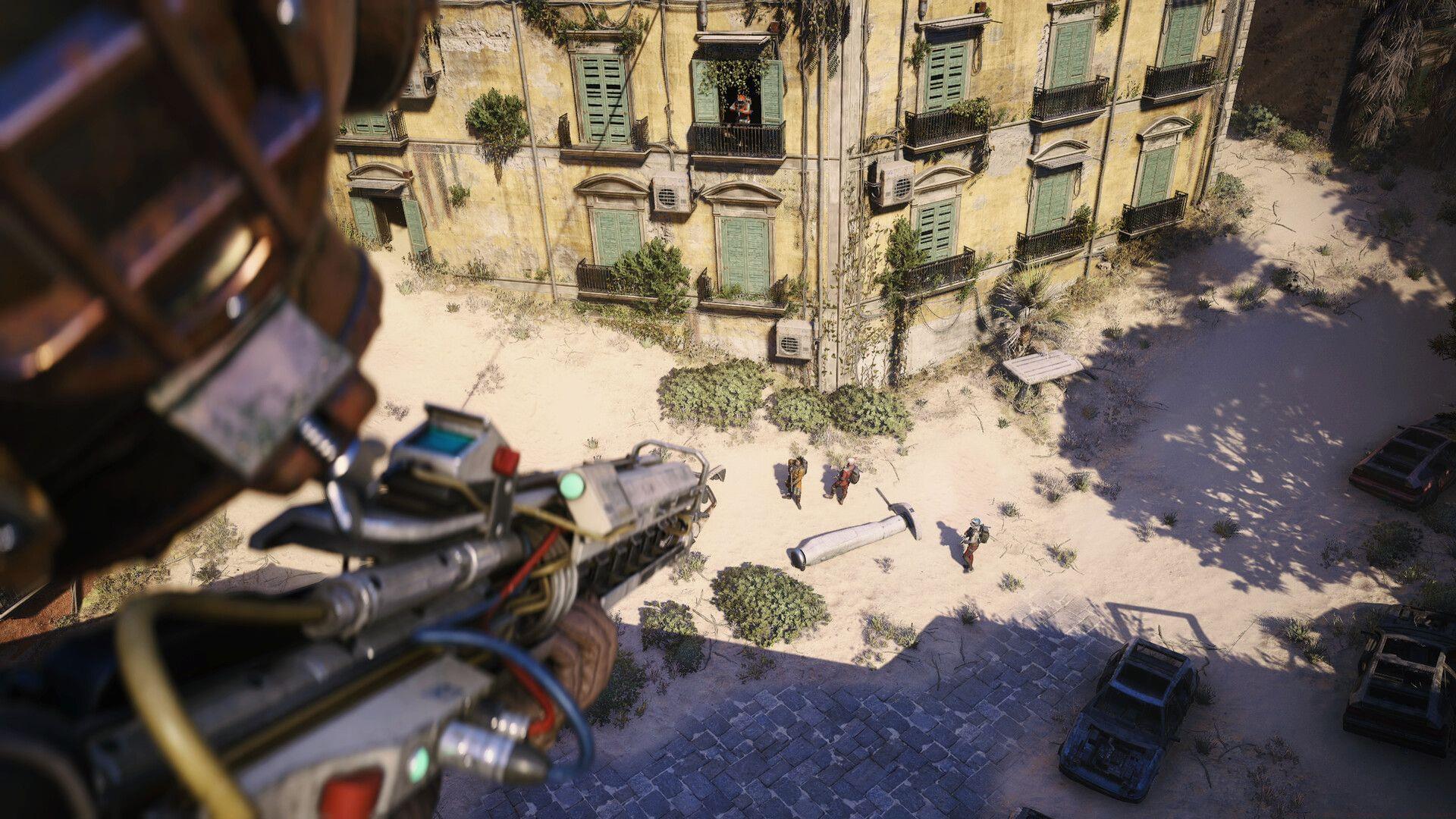
Crossplay in ARC Raiders operates as an automatically activated feature that bridges the gaming experience across different hardware platforms. Embark Studios’ innovative extraction shooter has rapidly gained traction as one of 2025’s standout releases, attracting substantial player bases from both console and PC ecosystems. While this interconnected approach expands the available player pool for quicker matchmaking, competitive considerations or platform performance preferences might lead players to seek platform-exclusive matchmaking sessions.
Many gamers prefer platform-specific matchmaking to ensure consistent performance metrics and input responsiveness. Console players often seek to avoid potential hardware advantage disparities, while PC users might prefer the precision of mouse and keyboard competitors. Fortunately, ARC Raiders provides comprehensive accessibility options that allow players to customize their multiplayer experience according to personal preferences.
Step-by-Step Crossplay Disabling Process
Executing the crossplay modification requires precise navigation through the game’s interface. Follow this detailed procedure to adjust your matchmaking preferences:
- Initiate ARC Raiders on your preferred gaming platform, whether console or computer system.
- From the primary interface, proceed to the ‘Settings’ section, accessible through selection of the configuration gear icon.
- Advance to the ‘Gameplay’ category section. Within this menu, scroll downward to locate the ‘Crossplay’ configuration setting. Since this feature activates automatically upon installation, simply toggle the switch to deactivate the functionality.
Successfully completing these instructions will terminate cross-platform matchmaking capabilities within ARC Raiders.
To confirm the modification’s implementation, examine the crossplay status indicator positioned adjacent to the ‘Play’ selection button. The display should clearly indicate ‘Crossplay: Off’. When this status confirmation appears, your matchmaking will be confined exclusively to players utilizing identical gaming platforms.
Advanced Crossplay Management Strategies
Beyond basic toggle functionality, experienced players should consider several optimization strategies when managing crossplay settings. Platform-specific matchmaking typically reduces latency variances since all participants utilize similar hardware architectures and network infrastructures. This consistency can significantly improve hit registration accuracy and movement responsiveness during intense combat scenarios.
Console players disabling crossplay often experience more predictable matchmaking times during peak hours, as the system doesn’t need to synchronize across different platform architectures. Additionally, input method consistency (controller vs. keyboard/mouse) creates a more level competitive environment. For players prioritizing ranking progression or tournament preparation, platform-restricted matchmaking provides standardized conditions for skill development.
Strategic toggling represents another advanced technique—maintaining crossplay enabled during off-peak hours to ensure reasonable queue times, then disabling when population levels permit platform-exclusive matches. This balanced approach maximizes both matchmaking efficiency and gameplay quality.
Troubleshooting Common Issues
Occasionally, players encounter technical challenges when modifying crossplay settings. If the status indicator fails to update after configuration changes, attempt a complete game restart to refresh matchmaking parameters. Persistent issues might require verification of game file integrity through your platform’s respective validation tools.
Extended matchmaking queues after disabling crossplay indicate natural platform population variations rather than technical malfunctions. During low-traffic periods, consider re-enabling crossplay temporarily to maintain reasonable wait times. The setting can be adjusted dynamically based on current player activity levels.
Remember that crossplay settings affect only standard matchmaking modes. Special event playlists or ranked competitions might enforce different crossplay policies independently of user preferences. Always check mode-specific rules before assuming configuration errors.
No reproduction without permission:GameCDjnh » How to disable crossplay in ARC Raiders? Master crossplay settings in ARC Raiders with expert tips for optimal matchmaking and performance