
TL;DR
- Default dance activation uses Ctrl+3, but can be customized in hotkey settings
- Each champion features unique dance animations that vary by skin selection
- Strategic dancing can tilt opponents but carries positioning risks during combat
- Custom keybinds enable faster emote access during intense gameplay moments
- Mastering emote timing separates casual from competitive psychological warfare
Executing dance moves within League of Legends represents one of gaming’s most refined methods for psychological engagement with opponents. Unlike more aggressive taunting behaviors found in other competitive titles, these animations serve as a sophisticated form of non-verbal communication between players. Originally implemented before the introduction of the modern emote system, champion dances carried different contextual meanings—from celebratory displays to character personality expressions.
Every League champion possesses a distinctive dance repertoire, with certain legendary and ultimate skins introducing completely unique choreography. These animations aren’t merely cosmetic fluff; they reflect each character’s lore and personality through movement. For instance, some champions perform traditional cultural dances, while others showcase humorous or reference-heavy routines that dedicated fans particularly appreciate.
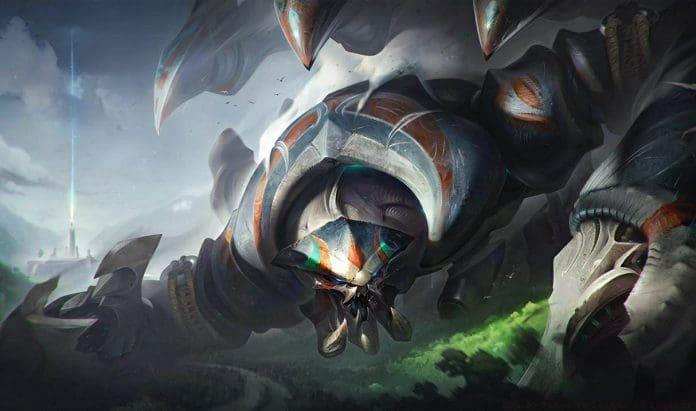
Strategic deployment of dance moves extends beyond simple celebration. Professional players occasionally utilize well-timed dances to bait opponents into making positional errors or to demonstrate lane dominance after successful trades. This psychological dimension adds an extra layer of mind games to high-level competitive play, though it requires careful timing and situational awareness to avoid costly missteps.
The standard method for triggering your champion’s dance animation involves a simple keyboard combination: simultaneously press the Control key and the number 3 key (Ctrl+3). This default configuration works across all champions and skins, providing immediate access to one of League’s most recognizable social features. Many players maintain this default setting due to its intuitive placement and muscle memory development.
Alternative activation methods exist for players seeking quicker emote access. The function keys (F1-F4) can be reconfigured to trigger specific emotes, while some gaming peripherals with macro capabilities allow single-button dance activation. Advanced players often experiment with these alternatives to reduce finger movement during critical gameplay moments, especially when attempting rapid emotional impact following outplays.
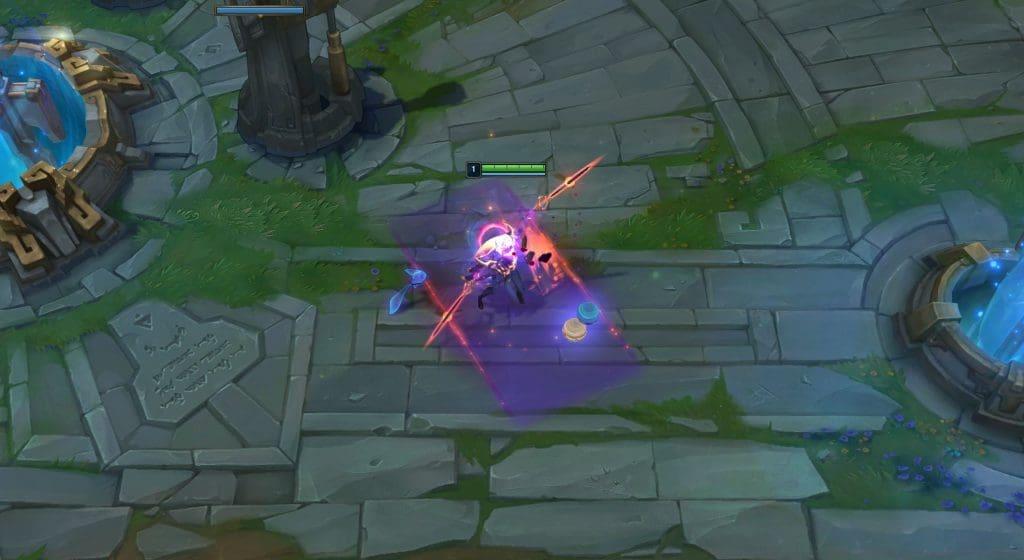
Quick activation techniques include binding dance to easily accessible mouse buttons or utilizing modifier key combinations that feel natural during laning phase. The ideal configuration varies by player preference and champion selection—assassin mains might prefer different placements than support players due to their distinct in-game responsibilities and available attention bandwidth.
Personalizing your emote keybinds begins with accessing the in-game options menu during any match. Navigate to the hotkeys tab positioned on the interface’s left sidebar, then scroll downward until you locate the expressions category. This section contains all customizable bindings for emotes, including dances, taunts, jokes, and laughter animations that you can reassign according to personal preference.
- Access the options menu after entering any game session
- Select the hotkeys tab from the left-hand navigation panel
- Scroll down to identify the expressions category
- Modify the keybind assigned to the Dance function
Advanced binding strategies involve creating emote-specific profiles for different champion types. For example, you might assign dance to a more prominent key when playing champions known for their entertaining animations, while placing it on secondary bindings for serious ranked matches. Some competitive players completely remove dance keybinds during tournament play to eliminate accidental activation risks during high-pressure situations.
Consider creating multiple hotkey profiles for different playstyles—one for casual normal games where emoting features prominently, and another optimized for competitive ranked matches where functionality takes priority. This approach allows you to maintain both social expression and competitive integrity without compromising either experience.
Mastering the art of strategic dancing requires understanding both optimal timing and situational appropriateness. Effective dance deployment typically occurs during dead time—when recalling to base, after securing objectives, or during opponent respawn timers. These moments allow for psychological pressure application without compromising gameplay effectiveness or positional safety during active combat scenarios.
Common beginner mistakes include dancing during skirmishes, while defending objectives, or when vulnerable to ganks. These misapplications often result in preventable deaths and lost advantages, turning what should be a morale boost into a costly error. The most skilled players use dances specifically to tilt opponents while maintaining full combat readiness, never sacrificing strategic positioning for emotional expression.
Professional player insights reveal that dance timing often correlates with wave management and jungle tracking. Top-level competitors will only emote when they have full vision of enemy threats or during moments where no strategic disadvantage can occur. This disciplined approach separates effective psychological warfare from mere showboating that higher-ranked players typically punish mercilessly.
Stay informed about evolving gaming strategies and esports developments by subscribing to early access platforms like TalkEsport’s Mobile App. Follow industry leaders on Twitter and Google News to ensure you never miss crucial updates that could enhance your gameplay experience and technical knowledge.
Action Checklist
- Practice default Ctrl+3 dance activation in Practice Tool
- Customize dance keybind in hotkey settings for quicker access
- Learn 3 safe situations for strategic dancing without positional risk
- Create separate hotkey profiles for casual vs competitive play
No reproduction without permission:GameCDjnh » How to Dance in League of Legends? Master League of Legends dance mechanics, keybinds, and strategic taunting techniques for maximum impact