
TL;DR
- Use Ctrl+Click for instant item transfers between inventory and stash to eliminate tedious dragging
- Level unused gems in secondary weapon slots to passively accumulate experience for future builds
- Free up hotbar space by removing auras after activation since they remain active regardless
- Copy item tooltips with Ctrl+C for easy sharing without large screenshot files
- Track remaining enemies in instances through specific UI indicators for efficient clearing
Path of Exile represents one of the most complex ARPG ecosystems available today, yet its community actively shares knowledge rather than hoarding secrets. The depth of game understanding you develop directly correlates with your engagement level—there’s no hidden barrier preventing newcomers from accessing vital information. Veteran players consistently contribute to comprehensive guides, build discussions, and mechanic explanations that benefit the entire player base.
Despite this openness, many players overlook fundamental efficiency techniques that could dramatically improve their gameplay experience. This guide addresses that gap by providing actionable strategies that streamline inventory management, character development, and general gameplay flow. Whether you’re a casual adventurer or aspiring endgame specialist, implementing these methods will save countless hours over your PoE career.
Revolutionize Your Item Transfers
Eliminate the tedious drag-and-drop methodology that consumes precious gameplay minutes. Instead, master the Ctrl+Click technique that instantly moves items between your inventory and stash tabs. This same efficient approach works seamlessly when interacting with vendors for both selling loot and buying poe items essential to your build progression.
Advanced players often combine this with specialized stash tab organization—placing frequently accessed items in easily reachable positions and utilizing premium tabs for rapid trading. Common mistakes include forgetting this functionality extends to currency items and maps, leading to unnecessary manual handling that compounds time waste across play sessions.
Passive Gem Development System
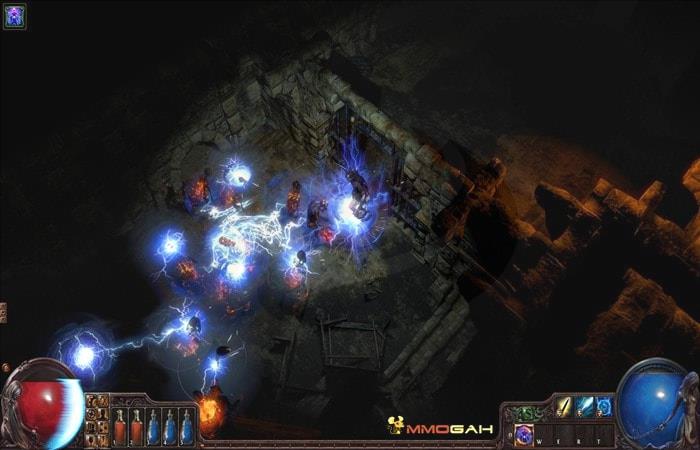
Maximize your character’s potential by utilizing the secondary weapon set as a dedicated gems training facility. Any skill or support gem socketed in your alternate weapon slots will accumulate experience simultaneously with your actively used abilities, effectively allowing you to level up multiple gems without sacrificing primary build functionality.
This technique proves particularly valuable when preparing alternative setups for different content types or leveling valuable gems for future sale. High-level players often maintain specialized leveling setups containing Empower, Enlighten, and Enhance supports that gain experience while they map with their main skills. The economic advantage becomes substantial when considering that level 21/20 gems can sell for multiple exalted orbs in trade leagues.
Advanced Aura Management Techniques
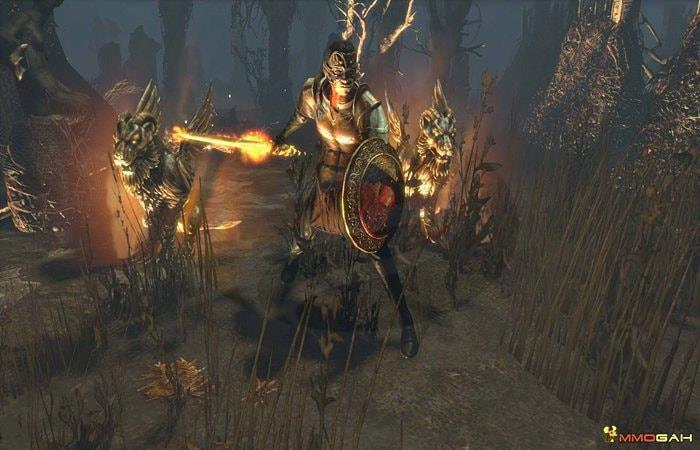
Once activated, auras and heralds persist regardless of their placement on your skill bar. This crucial understanding allows you to reclaim valuable hotbar real estate for situational skills that require manual activation. The limited number of easily accessible skill slots makes this optimization essential for complex builds.
Strategic players rotate utility skills like movement abilities, guard skills, and curses through these freed slots based on encounter requirements. This dynamic approach significantly enhances combat versatility compared to static skill bar configurations. Many newcomers mistakenly believe auras must remain slotted to maintain their effects, unnecessarily occupying precious skill positions.
Efficient Item Information Sharing
The Ctrl+C functionality when hovering over items provides text-based tooltip copying that revolutionizes community interaction. Unlike screenshots that consume significant storage space and require image hosting, this method generates easily shareable text that can be pasted directly into Discord, forums, or trading websites using standard Ctrl+V pasting.
Instance Clearance Tracking
Advanced players monitor remaining enemy counts through specific UI indicators that appear during map and delve encounters. This awareness prevents unnecessary backtracking and ensures complete clearance for maximum loot and experience gains. The interface typically displays this information near the minimap or through progress bars that update as you eliminate hostile creatures.
Additional efficiency methods include using the /remaining command in chat for precise enemy counts, setting up loot filters to reduce decision fatigue, and utilizing macros for repetitive vendor recipes. Each of these approaches contributes to a more streamlined gameplay experience that focuses on meaningful progression rather than administrative tasks.
Action Checklist
- Practice Ctrl+Click transfers between inventory and all stash tab types
- Socket leveling gems in secondary weapon set before starting gameplay sessions
- Remove auras from hotbar after activation and replace with utility skills
- Test item tooltip copying with Ctrl+C and paste into notepad for practice
- Monitor instance enemy counters during mapping sessions to optimize clearing patterns
- Implement advanced techniques like /remaining command and loot filter customization
No reproduction without permission:GameCDjnh » How Many Tips and Tricks Do You Know in Path of Exile Master essential Path of Exile efficiency techniques to optimize gameplay and save valuable time