
Comprehensive troubleshooting guide to fix Borderlands 4 shader compilation errors and optimize game performance
Understanding the Shader Compilation Problem
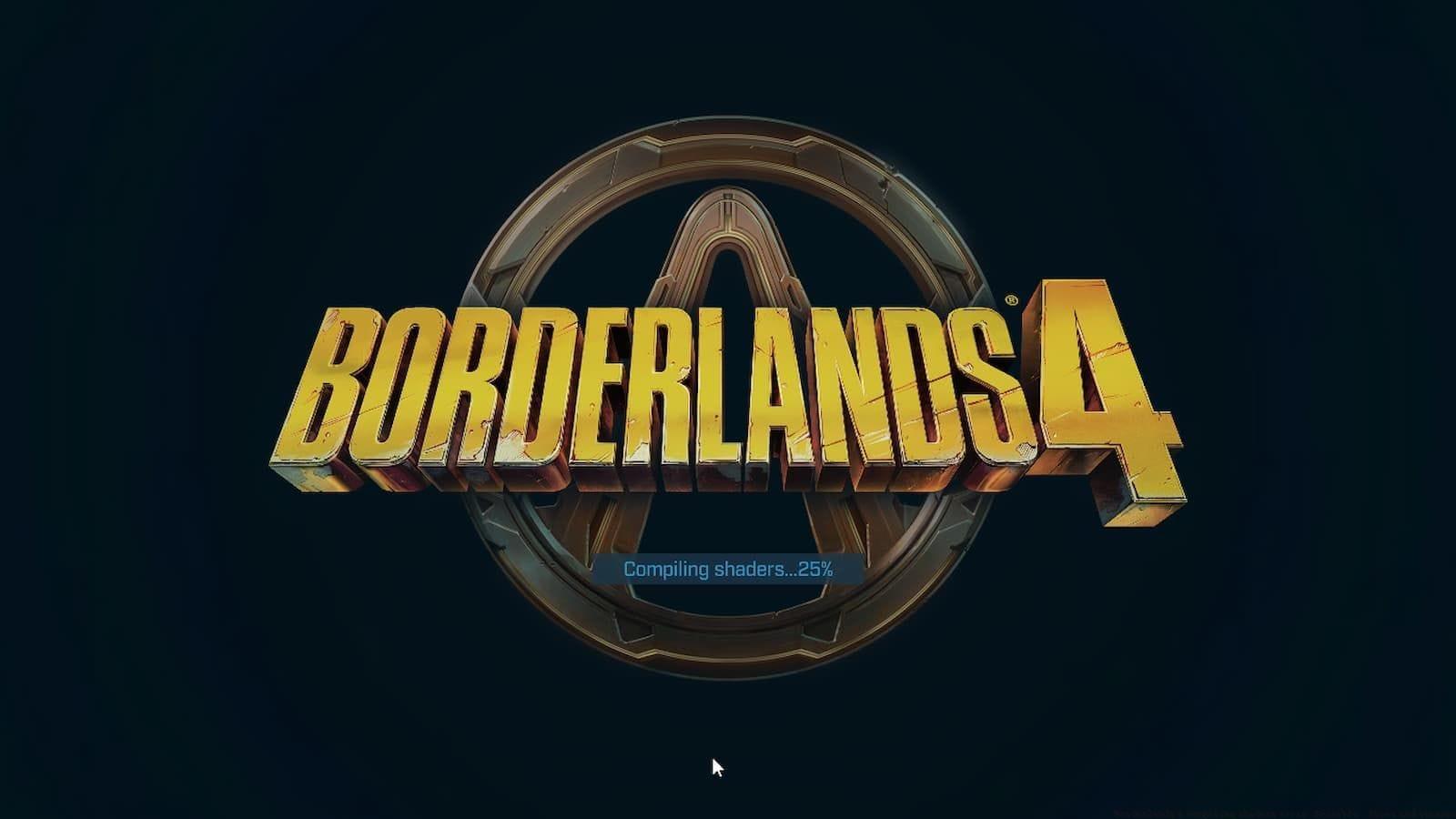
The Borderlands 4 shader compilation error represents a significant technical hurdle affecting gaming enthusiasts globally. Gearbox Software indicates the process should complete within approximately 10 minutes under normal conditions. When compilation extends beyond this timeframe or results in complete system freezing, players encounter temporary game inaccessibility.
Shader compilation constitutes a critical pre-game process where the system translates high-level shading instructions into machine-readable code optimized for your specific graphics hardware. This technical foundation explains why compilation issues can render Borderlands 4 unplayable until resolved.
System Requirements Verification
Before delving into complex solutions, establish whether your hardware configuration aligns with Borderlands 4’s technical demands. Insufficient system resources represent the most fundamental cause of persistent shader compilation failures.
Practical verification methods include:
Common oversight: Many players overlook VRAM requirements, which prove particularly crucial for shader compilation. Borderlands 4 demands substantial video memory for optimal shader processing, especially at higher resolutions.
If your configuration meets or exceeds recommended specifications, shift troubleshooting focus to graphics driver status and optimization.
Graphics Driver Solutions
Outdated or corrupted graphics drivers frequently trigger the Borderlands 4 shader compilation malfunction. Graphics processing units require current driver software to properly interpret and compile modern shader languages utilized by Unreal Engine 5.
Manufacturer-specific update procedures:
Pro tip: After updating drivers, perform a complete system restart before launching Borderlands 4 to ensure driver changes take full effect. Additionally, consider using DDU (Display Driver Uninstaller) for complete driver removal before fresh installation if problems persist.
Shader Cache Management
Gearbox Software officially recommends clearing graphics cache to resolve persistent shader compilation difficulties. This process removes potentially corrupted cached shaders, forcing the system to regenerate them correctly during the next game launch.
Manufacturer-specific cache clearance methods:
Important consideration: Cache clearance affects all games utilizing your graphics card, not exclusively Borderlands 4. Subsequent game launches will require shader recompilation, potentially increasing initial load times across your game library temporarily.
Also read: Borderlands 4: How to get and use Enhancements
For optimal results, combine cache clearance with updated graphics drivers and system restart for a comprehensive shader troubleshooting approach.
Advanced Unreal Engine 5 Solutions
Borderlands 4 utilizes Unreal Engine 5, which employs sophisticated shader compilation techniques that can overwhelm systems with limited storage allocation for compiled shaders. This manifests particularly with NVIDIA graphics cards experiencing stuttering or infinite compilation loops.
Shader cache size optimization through NVIDIA Control Panel:
This configuration adjustment not only resolves extended compilation durations but significantly reduces in-game stuttering by ensuring sufficient cache storage capacity. Unreal Engine 5 games systematically compile and store shaders during gameplay, making adequate cache space essential for smooth performance.
Advanced optimization: SSD users should ensure at least 50GB free space beyond game installation requirements specifically for shader cache operations. Mechanical hard drive users may experience longer compilation times regardless of cache settings.
Additional Troubleshooting Methods
When primary solutions prove insufficient, these supplementary approaches frequently resolve persistent Borderlands 4 shader compilation challenges.
System and network restart: Completely shutdown Borderlands 4 and perform a full system power cycle. This clears temporary memory and resets system resources. Additionally, restart your internet router to eliminate potential network-related authentication issues that might indirectly affect game performance.
Also read: All Main story missions in Borderlands 4
File integrity verification through Steam:
Storage and VRAM considerations: Ensure your system maintains adequate storage capacity (minimum 50GB free space recommended) and sufficient VRAM for Borderlands 4’s demanding graphical environment. Insufficient resources in either category can manifest as shader compilation failures despite other optimizations.
These comprehensive solutions address the majority of Borderlands 4 shader compilation error instances, restoring optimal gameplay performance when implemented systematically.
No reproduction without permission:GameCDjnh » Borderlands 4 compiling shaders error: Possible fixes and reasons Comprehensive troubleshooting guide to fix Borderlands 4 shader compilation errors and optimize game performance