
Optimize your RX 9070 series performance with these tailored Oblivion Remastered settings for maximum visual quality and smooth gameplay
Understanding RX 9070 Series Capabilities
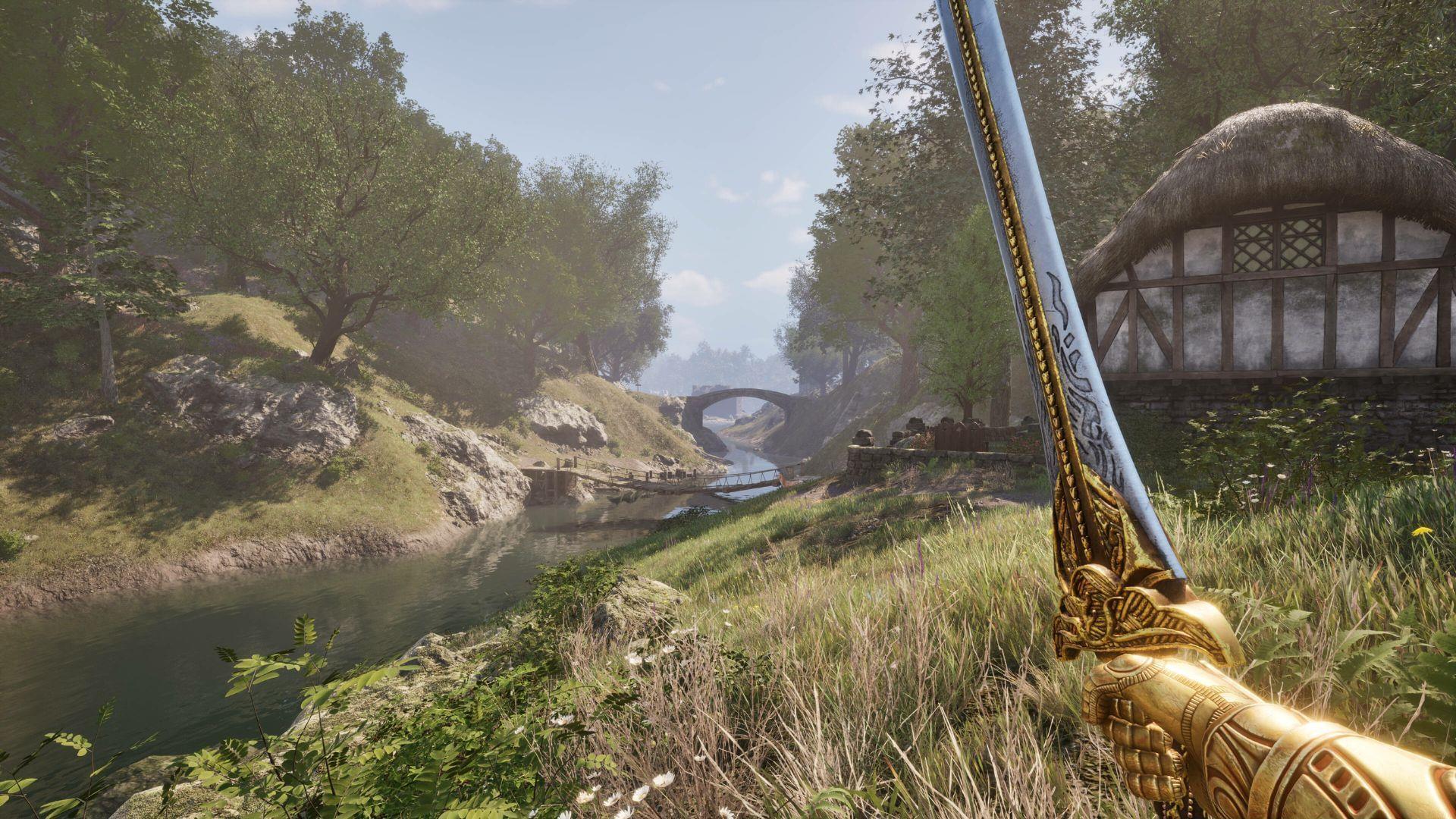
Navigating the extensive graphics options in Oblivion Remastered requires careful consideration to extract maximum performance from your AMD Radeon RX 9070 series GPU. These high-end graphics processors deliver exceptional rendering power, but improper configuration can lead to suboptimal frame rates or visual artifacts. The AMD Radeon RX 9070 and its more powerful sibling, the 9070 XT, both benefit significantly from optimized settings that balance visual fidelity with smooth gameplay.
Many players overlook critical settings that impact performance stability. For instance, disabling V-Sync often introduces screen tearing and micro-stutters, regardless of your achieved frame rate. Understanding how each graphical parameter affects both performance and visual quality is essential for creating the ideal gaming experience in Cyrodiil’s remastered landscapes.
RX 9070 Settings Configuration
Here’s our comprehensive Oblivion Remastered configuration for the RX 9070 GPU, designed to maintain consistent performance above 60 FPS while maximizing visual quality at 1440p resolution:
- Window Mode: Fullscreen (Windowed if you wish to multitask) – Fullscreen typically provides better performance due to exclusive display control
- Display Resolution: 2560x1440p (2k/1440p) – The sweet spot for high fidelity without excessive performance cost
- Frame Rate Limit: Uncapped – Allows the GPU to render as many frames as possible for responsive gameplay
- Show FPS: Off (On if you wish to monitor performance) – Disable to reduce screen clutter during normal play
- Show VRAM: Off (On if you wish to monitor performance) – Essential to enable when troubleshooting performance issues
- Brightness Intensity: 0 (default, change as per preference) – Adjust based on your display capabilities and lighting conditions
- FOV First Person: 75 (default, change as per preference) – Higher values may impact performance in complex scenes
- FOV 3rd Person: 75 (default, change as per preference) – Consistent with first-person setting for uniform experience
- Motion Blur: Off (On by default, change as per preference) – Disabling reduces visual distortion and improves clarity during movement
- Screen Space Reflections: On – Provides realistic surface reflections without heavy performance cost
- View Distance Quality: Ultra – Maximizes draw distance for immersive exploration
- Effects Quality: Ultra – Ensures spell effects and environmental details render at highest quality
- Foliage Quality: Ultra – Critical for dense forest areas and grasslands
- Shadow Quality: Ultra – Delivers crisp, detailed shadows throughout Cyrodiil
- Global Illumination Quality: Ultra – Enhances lighting realism and ambient occlusion
- Texture Quality: Ultra – Utilizes high-resolution textures for superior surface details
- Reflection Quality: Ultra – Complements screen space reflections with accurate material properties
- Post-Processing Quality: Ultra – Applies advanced filters and color grading for cinematic appearance
- Lumen Hardware RT: Off – Hardware ray tracing disabled to maintain performance targets
- Lumen Software RT Quality: Low – Software-based ray tracing minimized to prevent frame rate drops
- Upscaling Technique: FSR – AMD’s superior upscaling technology for Radeon GPUs
- Frame Generation: Off – Not recommended as it can introduce input latency
- Upscaling Mode: Quality – Balances performance with image sharpness
Also read — Is Oblivion Remastered on Xbox Game Pass?
RX 9070 XT Enhanced Settings
The additional computational power of the RX 9070 XT enables more aggressive upscaling settings while maintaining excellent performance. This GPU variant can handle Native AA upscaling at 1440p resolution, providing superior image quality compared to the standard RX 9070’s Quality setting. Here’s our optimized configuration for the enhanced model:
- Window Mode: Fullscreen (Windowed if you wish to multitask) – Maintain fullscreen for optimal GPU utilization
- Display Resolution: 2560x1440p (2k/1440p) – Same resolution but with improved image reconstruction
- Frame Rate Limit: Uncapped – Leverage the XT’s additional headroom for higher frame rates
- Show FPS: Off (On if you wish to monitor performance) – Optional based on user preference
- Show VRAM: Off (On if you wish to monitor performance) – Useful for verifying VRAM allocation
- Brightness Intensity: 0 (default, change as per preference) – Standard calibration point
- FOV First Person: 75 (default, change as per preference) – Comfortable field of view for most players
- FOV 3rd Person: 75 (default, change as per preference) – Matches first-person perspective
- Motion Blur: Off (On by default, change as per preference) – Consistently disabled for competitive play
- Screen Space Reflections: On – Maintains reflective surface quality
- View Distance Quality: Ultra – No compromise on draw distance
- Effects Quality: Ultra – Full visual effects enabled
- Foliage Quality: Ultra – Dense vegetation rendering
- Shadow Quality: Ultra – High-quality shadow mapping
- Global Illumination Quality: Ultra – Advanced lighting simulations
- Texture Quality: Ultra – Maximum texture resolution
- Reflection Quality: Ultra – Enhanced reflection details
- Post-Processing Quality: Ultra – Comprehensive post-processing effects
- Lumen Hardware RT: Off – Still disabled for consistent performance
- Lumen Software RT Quality: Low – Minimal software ray tracing impact
- Upscaling Technique: FSR – AMD’s optimized upscaling solution
- Frame Generation: Off – Avoids potential input lag
- Upscaling Mode: Native AA – Superior anti-aliasing with minimal performance cost on XT variant
Also read — 5 things The Elder Scrolls IV: Oblivion does better than Skyrim
Advanced Optimization Tips
Beyond the basic settings, several advanced techniques can further enhance your Oblivion Remastered experience with RX 9070 series graphics cards. These optimizations address common performance issues and provide additional customization options for demanding scenarios.
Avoid These Common Configuration Mistakes: Many players mistakenly enable both Lumen Hardware RT and Software RT simultaneously, which dramatically impacts performance without noticeable visual improvement. Additionally, using Windowed mode instead of Fullscreen can reduce performance by up to 15% due to Windows desktop composition overhead. Frame Generation technology, while promising higher frame rates, often introduces noticeable input latency that negatively affects combat responsiveness.
Performance Monitoring Strategy: Enable the in-game FPS and VRAM displays during your initial configuration testing phase. Monitor performance in different environments—dense cities like the Imperial City will stress your GPU more than open countryside. If you experience stuttering, check your VRAM usage; exceeding available video memory forces system RAM usage, which significantly impacts performance.
Driver-Level Optimizations: Ensure you’re using the latest AMD Adrenalin drivers with optimized profiles for Unreal Engine 5 titles. Consider enabling Radeon Anti-Lag for reduced input latency and Radeon Image Sharpening to enhance visual clarity when using FSR upscaling. For advanced users, custom fan curves can maintain optimal GPU temperatures during extended gaming sessions.
These comprehensive Oblivion Remastered configurations will deliver smooth gameplay above 60 FPS on both Radeon RX 9070 and 9070 XT graphics cards. The optimized settings ensure you can explore every corner of Cyrodiil without encountering the lag, stuttering, or performance issues that commonly affect Unreal Engine 5 remasters of classic games.
For more info regarding The Elder Scrolls 4: Oblivion Remastered, check out these posts:
- Oblivion Remastered: Deluxe Edition content, pricing, and is it worth getting?
- Best Birthsigns to take in Oblivion Remastered
- Best Races to pick for Melee, Magic, and Ranged classes in Oblivion Remastered
No reproduction without permission:GameCDjnh » Best Oblivion Remastered settings for Radeon RX 9070 and 9070 XT Optimize your RX 9070 series performance with these tailored Oblivion Remastered settings for maximum visual quality and smooth gameplay