
Optimize your Battlefield 6 experience with expert gameplay settings, advanced strategies, and performance enhancement techniques
Essential Gameplay Foundation Settings
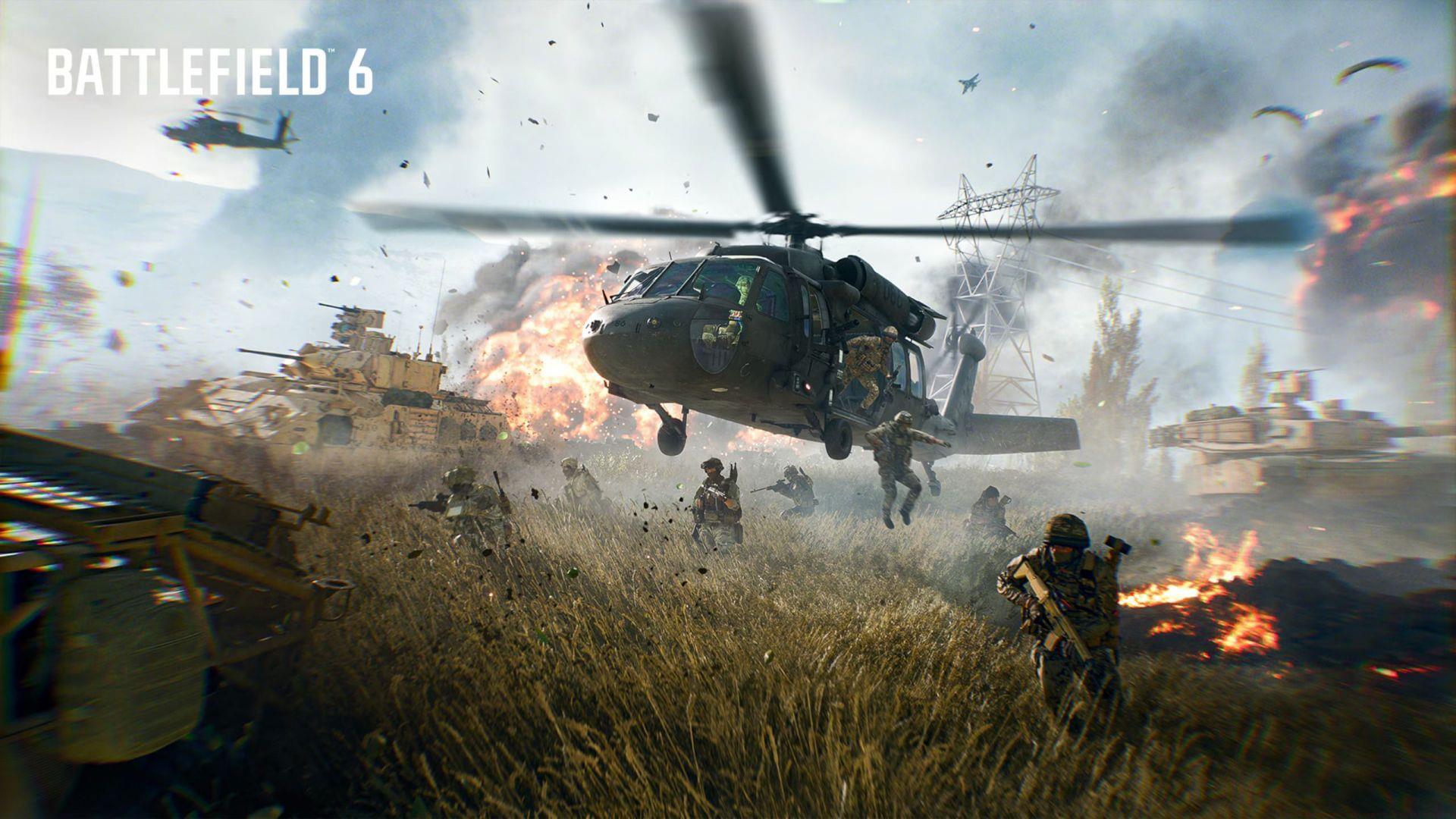
Mastering Battlefield 6 gameplay configuration begins with establishing a solid control foundation that enhances your situational awareness and movement fluidity. Released on October 10, 2025, this military FPS leverages the advanced Frostbite engine to deliver breathtaking visuals while maintaining competitive performance standards. The right settings can dramatically improve your reaction times and overall battlefield effectiveness.
Below you’ll find the essential control preferences organized by functional categories for systematic implementation:
- Invert All vertical look: Custom (Activate ‘Invert Vertical Flight – Aircraft’ for veteran pilots, or disable for standard FPS conventions)
- Hold/Toggle: Adjust according to muscle memory preferences and playstyle requirements
- Capture Area Outline: On (Critical for objective awareness and tactical positioning)
- Infantry Aim Sensitivity: 30 (Balanced setting for precision and quick target acquisition)
- Double Tap Forward to Sprint: Off (Prevents accidental sprint activation during intense firefights)
- Crouch Toggle Sprint: Crouch (Maintains movement flexibility while preserving stance control)
- Double Tap Crouch For Sprint Slide: Off (Eliminates unintended slides that break aiming rhythm)
- Parachute Autodeploy: Skydive/Insertion (Ensures safe deployment during aerial insertions and emergency escapes)
- Roll Camera in Landing Roll: On (Provides visual feedback for successful landing maneuvers)
- Mount Type: Side And Up (Maximizes cover utilization and peeking opportunities)
- Mount Breakout: Instant (Enables rapid disengagement from mounted positions)
- Peek Type: Side And Up (Optimizes corner peeking without excessive exposure)
- Interact & Reload: Prioritize Interact (Prevents accidental reloading when near objectives or vehicles)
- Invert Demolition Charge: Off (Maintains consistent explosive placement mechanics)
Advanced Aiming and Sensitivity Configuration
Precision targeting separates average players from elite competitors in Battlefield 6’s intense combat scenarios. The sophisticated aim assist system, when properly configured, provides substantial targeting advantages without compromising skill development. Understanding the relationship between sensitivity curves and assist functionality is crucial for mastering both infantry and vehicle combat.
Vehicle Control Settings:
- Vehicle Aim Sensitivity: 40 (Balances turret rotation speed with targeting precision)
- Vehicle Mouse Aim Sensitivity: 30 (Maintains consistency between infantry and vehicle aiming)
- Aircraft Control Sensitivity: 100 (Maximizes maneuverability for evasive aerial combat)
- Helicopter Control Sensitivity: 100 (Essential for aggressive helicopter piloting and quick directional changes)
- Helicopter Control Assist: On (Provides stability during complex flight maneuvers)
- Vehicle Aim-Relative Controls: Off (Maintains world-relative vehicle movement for consistent navigation)
- Decouple Tank Turret Aiming from Turning: Off (Preserves traditional tank control scheme for veteran players)
Aim Assist Optimization:
- Infantry Aim Assist Curve: BF4 (Classic curve preferred by competitive players for predictable response)
- Vehicle Aim Assist Zoom Snap: 100 (Instant target acquisition when zooming in vehicles)
- Infantry Aim Assist: 100 (Maximum assistance for target tracking and acquisition)
- Infantry Aim Assist Slowdown: 100 (Significant reduction in sensitivity when over targets)
- Infantry Zoom Aim Input Curve: Standard (Linear response curve for scoped aiming)
- Infantry Aim Assist Zoom Snap: 100 (Immediate target snap when aiming down sights)
- Vehicle Aim Input Curve: BF4 (Consistent vehicle aiming experience with previous series entries)
- Vehicle Aim Assist: 100 (Full assistance for moving vehicle targets)
- Vehicle Zoom Aim Input Curve: BF4 (Maintains parity between infantry and vehicle zoom behavior)
- Vehicle Aim Assist Slowdown: 100 (Maximum slowdown for precise vehicle weapon accuracy)
Also read: Best keyboard and mouse settings for Battlefield 6
Performance Optimization Strategies
Beyond basic configuration, understanding common pitfalls and advanced optimization techniques can dramatically improve your Battlefield 6 performance. Many players undermine their effectiveness through incorrect settings that feel comfortable initially but limit long-term skill development and situational awareness.
Common Configuration Mistakes to Avoid:
- Overly High Sensitivity: While 30 infantry sensitivity works well for most, exceeding 40 often sacrifices precision for turning speed, resulting in missed shots during critical engagements
- Improper Aim Assist Settings: Reducing aim assist below 80% significantly increases the skill ceiling requirement without providing competitive advantages for most players
- Decoupled Vehicle Controls: Enabling decoupled tank turret aiming disrupts muscle memory and spatial awareness for series veterans
- Interact/Reload Conflicts: Failing to prioritize interact over reload causes missed objective opportunities and vehicle entries during combat
Advanced Player Optimization Tips:
- Situational Awareness Enhancement: Keep Capture Area Outline enabled at all times – this visual indicator provides crucial intelligence about objective status and enemy positioning
- Movement Optimization: Combine Instant Mount Breakout with Side And Up peeking to create fluid combat transitions between cover and engagement positions
- Vehicle Specialization: Consider creating separate sensitivity profiles for different vehicle types if you frequently switch between aircraft, tanks, and transport vehicles
- Performance Monitoring: Regularly review your accuracy statistics in the Battlefield 6 companion app to identify settings that need adjustment based on your evolving playstyle
This comprehensive guide covers the essential and advanced gameplay configurations for maximizing your Battlefield 6 performance. Follow Sportskeeda for continuous updates on meta changes and advanced tactical guides.
Also, check out the following articles:
- Battlefield 6 players are getting multiplayer not owned error after launch
- Battlefield 6 not launching on Steam: Possible fixes and reasons
- All challenges and rewards in Battlefield 6 campaign
- Battlefield 6 Trophy list: All achievements and how to unlock
- All difficulties in Battlefield 6 Campaign and which one should you choose?
No reproduction without permission:GameCDjnh » Best gameplay settings for Battlefield 6 Optimize your Battlefield 6 experience with expert gameplay settings, advanced strategies, and performance enhancement techniques