
Complete guide to unlocking Apex Legends Twitch Drops with practical earning strategies and common pitfalls
Introduction to Season 25 Split 2 Twitch Drops
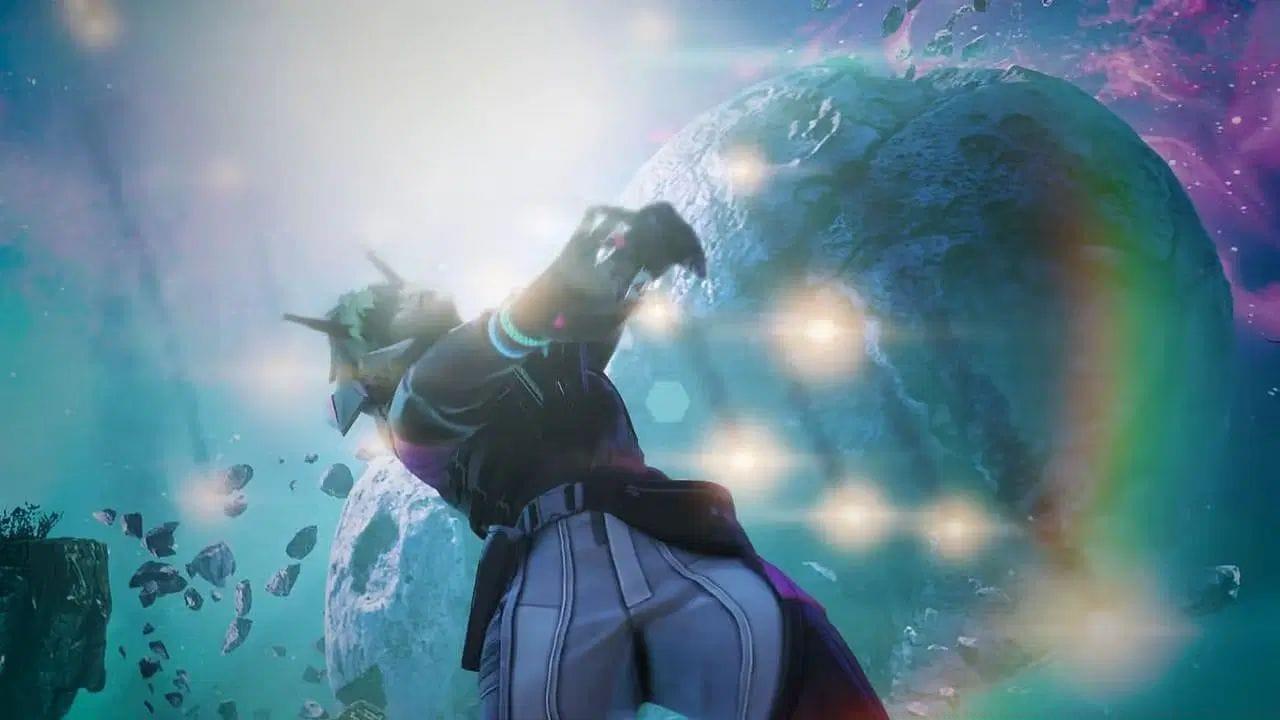
Apex Legends Season 25 Split 2 has launched with an exciting new batch of Twitch Drops, providing players with fresh cosmetic items to enhance their gaming experience. These promotional rewards coincide with the mid-season update that brings significant gameplay adjustments, including Legend meta shifts and weapon balancing changes designed to refresh competitive dynamics.
Twitch Drops represent a collaborative promotion between Respawn Entertainment and the streaming platform, allowing dedicated fans to earn exclusive in-game content simply by engaging with their favorite Apex Legends content creators. This system benefits both players seeking cosmetic items and streamers looking to grow their communities through incentivized viewership.
Available Rewards Breakdown
The current Twitch Drops campaign features six distinct cosmetic items spanning multiple categories. Weapon charms represent the majority of available rewards, providing subtle visual flair to your firearms during matches. These small accessories dangle from your weapon models and showcase your dedication to collecting limited-time promotional content.
- High Life weapon charm: A sophisticated accessory featuring elegant design elements
- Bullseye Bocek skin: An exclusive weapon skin for the Bocek compound bow
- Aged to Perfection holospray: A decorative spray with vintage aesthetic appeal
- Undisputed sticker: A bold emblem for personalizing your inventory
- Catnapped weapon charm: A playful feline-themed charm for weapon customization
- Classy Quiver weapon charm: An archery-inspired accessory with refined detailing
Each item serves both cosmetic and bragging rights purposes, allowing you to showcase your participation in this limited-time promotional event. Collectors should prioritize acquiring these time-sensitive rewards before they become unavailable.
Acquisition Requirements Explained
Earning these Twitch Drops falls into two primary categories with distinct requirement structures. Understanding these different pathways is crucial for efficiently obtaining your desired rewards without unnecessary time or financial investment.
Subscription-Based Rewards (Financial Requirements):
- High Life weapon charm: Purchase 3 new recurring or gift subscriptions to any Apex Legends streamer
- Bullseye Bocek skin: Purchase 3 new recurring or gift subscriptions to participating creators
- Aged to Perfection holospray: Purchase 3 new recurring or gift subscriptions to supported channels
- Undisputed sticker: Purchase 3 new recurring or gift subscriptions to eligible streamers
Watch Time Rewards (Time Investment):
- Catnapped weapon charm: Watch any Drops-Enabled Apex Legends stream for 30 cumulative minutes
- Classy Quiver weapon charm: Watch qualified Apex Legends content for 30 total minutes
Critical Eligibility Note: Progression toward these rewards ONLY tracks when you’re watching specifically marked ‘Drops-Enabled’ Apex Legends streams. Regular streams without the Drops-Enabled tag will not contribute to your watch time or subscription counting, regardless of content quality or streamer popularity.
Pro Tips and Optimization Strategies
Maximizing your Twitch Drops acquisition requires strategic planning to avoid common pitfalls that frustrate many players. These professional strategies will help you efficiently earn all available rewards while minimizing unnecessary time or financial expenditure.
Stream Selection Strategy: Always verify a stream has the ‘Drops-Enabled’ tag before committing viewing time. This tag appears prominently in the stream title or description. Popular streamers often run Drops-Enabled campaigns during specific hours – check their social media for scheduled drop sessions rather than guessing availability.
Time Management Approach: You can earn both watch time rewards simultaneously by watching a single Drops-Enabled stream for 30 minutes. The system tracks progress for multiple rewards concurrently, so there’s no need to watch separate streams for different items. Consider leaving a stream running in the background while completing other tasks if you’re short on time.
Common Mistakes to Avoid:
- Watching non-Drops-Enabled streams expecting progress
- Not linking your Twitch and EA accounts properly before starting
- Assuming all subscriptions count – only new recurring or gift subscriptions qualify
- Closing the stream immediately after hitting time thresholds instead of letting progress register
- Using ad-blockers that might interfere with tracking systems
Advanced Optimization: For subscription-based rewards, consider coordinating with friends to exchange gift subscriptions, effectively reducing individual costs while still meeting requirements. Additionally, some streamers offer subscription discounts during special events that can make acquiring these rewards more affordable.
Verification and Troubleshooting
Ensuring your reward progress tracks correctly requires proper account setup and awareness of common technical issues that can disrupt the acquisition process.
Account Linking Verification: Before attempting to earn any Twitch Drops, confirm your Twitch account is properly linked to your EA account through the connections section of your Twitch settings. This crucial step is often overlooked but is mandatory for reward delivery to your game account.
Progress Tracking: Monitor your drop progress through the Twitch Drops inventory page, which shows completion percentages for each active campaign. This dashboard updates in near-real-time and provides the most accurate progress representation outside of the game itself.
Common Issues and Solutions:
- Progress not updating: Refresh the stream or try a different Drops-Enabled channel
- Rewards not appearing in-game: Allow up to 24 hours for delivery and restart your game client
- Subscription not counting: Ensure you’re purchasing new recurring subscriptions, not using existing Prime subscriptions
- Watch time stuck: Confirm stream volume is audible as some systems require active audio detection
For detailed patch information: All Legend buffs and nerfs in Apex Legends Season 25 Split 2
Additional gameplay guidance: All weapon buffs and nerfs in Apex Legends Season 25 Split 2
No reproduction without permission:GameCDjnh » Apex Legends Twitch Drops (Season 25 Split 2): All rewards and how to unlock Complete guide to unlocking Apex Legends Twitch Drops with practical earning strategies and common pitfalls